General System Information
Upon entering the System menu, you will land on the General tab by default. This tab accommodates all settings related to general functions:
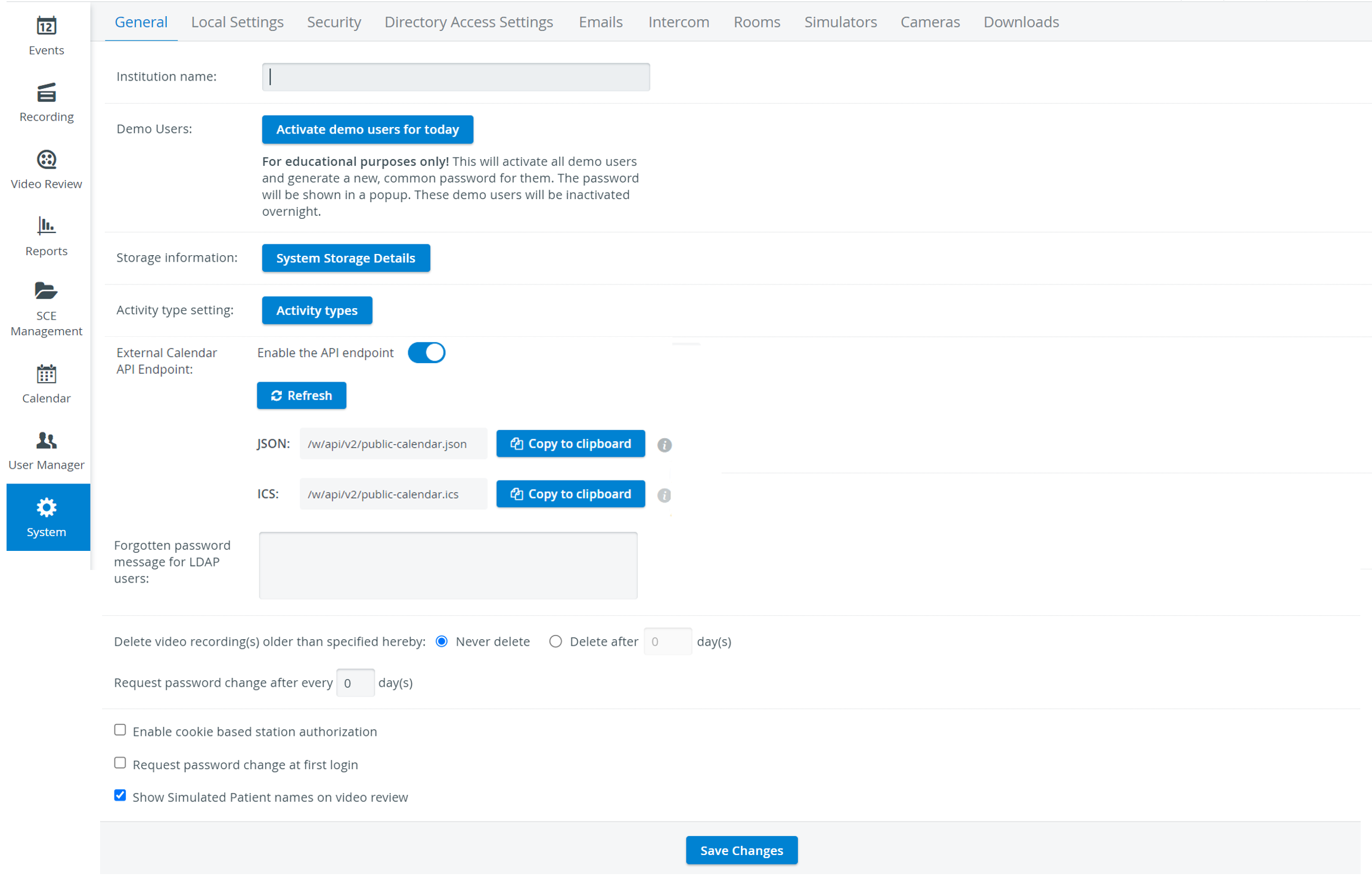
Institution name: This field provides the possibility to customize the login page for the institution using it
External Calendar API Endpoint: By activating this toggle, users can process events using their software integration components and work with the event information however they wish, such as forwarding them to external calendar applications. An input field allows users to customize the time interval it exposes, ranging from 1 to 180 days.
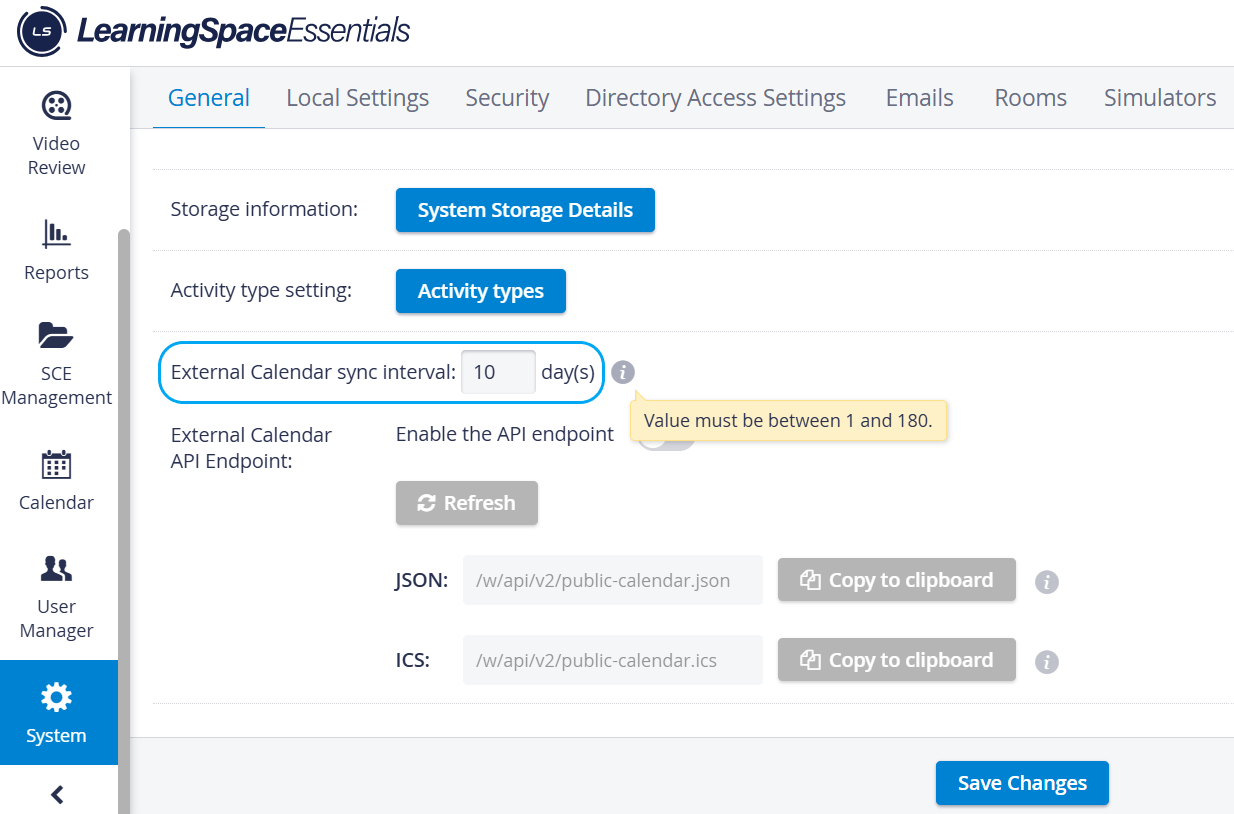
Learn more on the How to utilize External Calendar API Endpoint page.
Forgotten password message for LDAP users: If users with LDAP authentication enabled click the “Forgot your password?” link, they will see the message specified here.
Password change request - for determining the time interval after which users will be instructed to change their passwords
NOTE: By default, this parameter is set to 0, that is, the system will not request a password change.
Enable cookie-based station authorization, allowing computers off the institution's network to be used for simulation log uploads.
If checked, the station will be remembered and authenticated based on browser cookies, so you don’t have to use static IP addresses on the stations. These stations are only used to upload third-party simulator logs into LearningSpace Essentials.
This setting is browser-specific.
Request password change at first login - for enforcing newly created users to change their passwords upon first login
Show Simulated Patient names on video review - determining whether the names of participating SPs would be displayed under Video Review
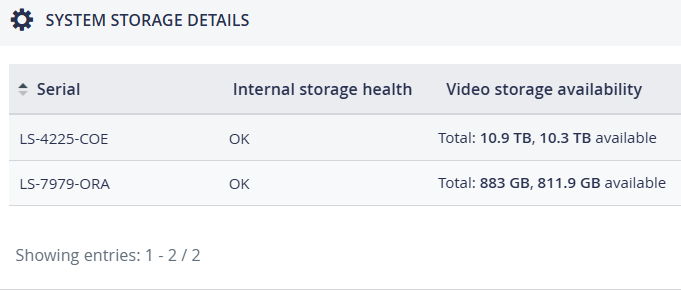
Show simulator names on video review—This option allows the names of the simulators used during an event to be displayed in the Video Review menu.
Allow centralised control of Privacy Mode
This new LearningSpace feature allows admins to control Privacy Mode from the Center Overview (CO) if a system-wide setting enables this.
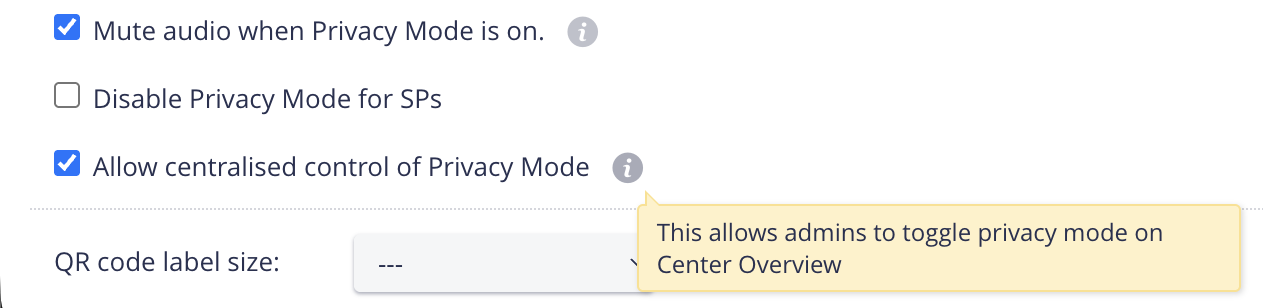
Disable Privacy Mode
Privacy mode for SPs can be centrally disabled by selecting this checkbox.
When the checkbox is not selected, Privacy mode is available for SPs.
Enable Placard Autoscroll
With this feature, if the Placard text (detailed case description) exceeds the available display space, it will autoscroll. (You can still scroll through it manually.)
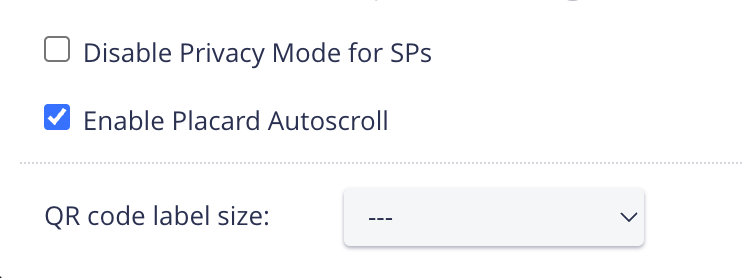
Placard Autoscroll enabled
Scroll down if the checkboxes are not visible.
QR code label size - for determining the size of QR codes printed for your Inventory items.
See more How-to articles on our System - FAQ pages.