2025 January - New Features
🚀 Major Highlights
Elevate Branding Applied Throughout the System
The official release of LearningSpace now includes Elevate branding updates. This is more than just a new logo in the header — it affects our User guides, page titles in the browser, email signatures, and many other places across the system.
☄️ Feature enhancements
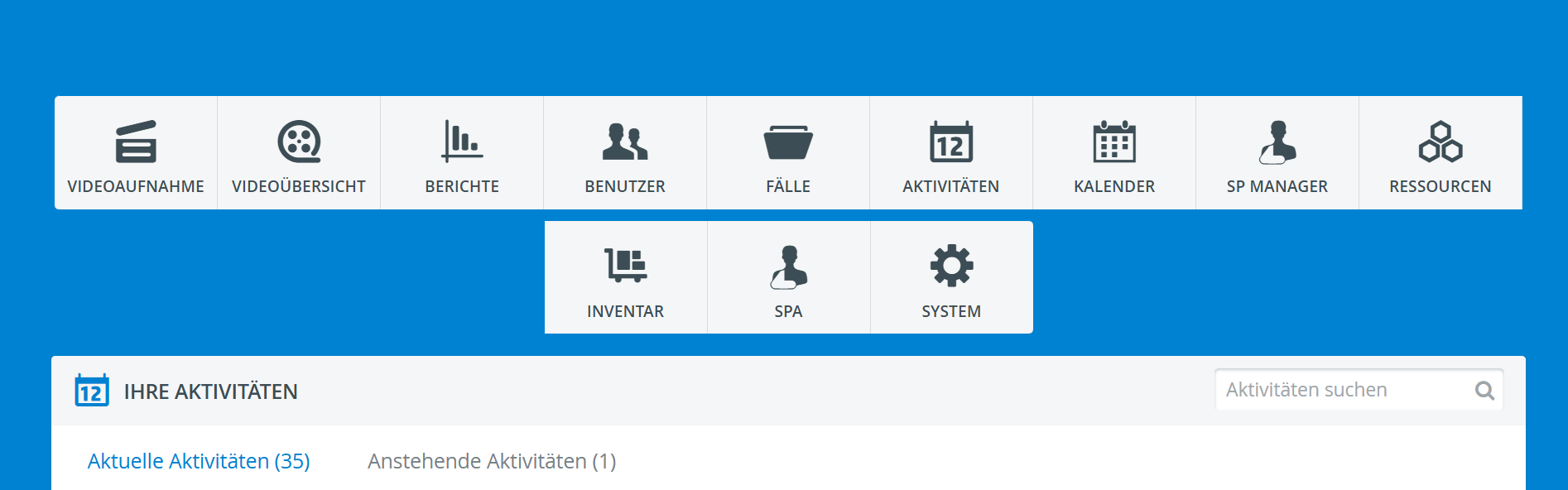
German Translation
The official German version is now available in both LearningSpace Enterprise and Essentials!
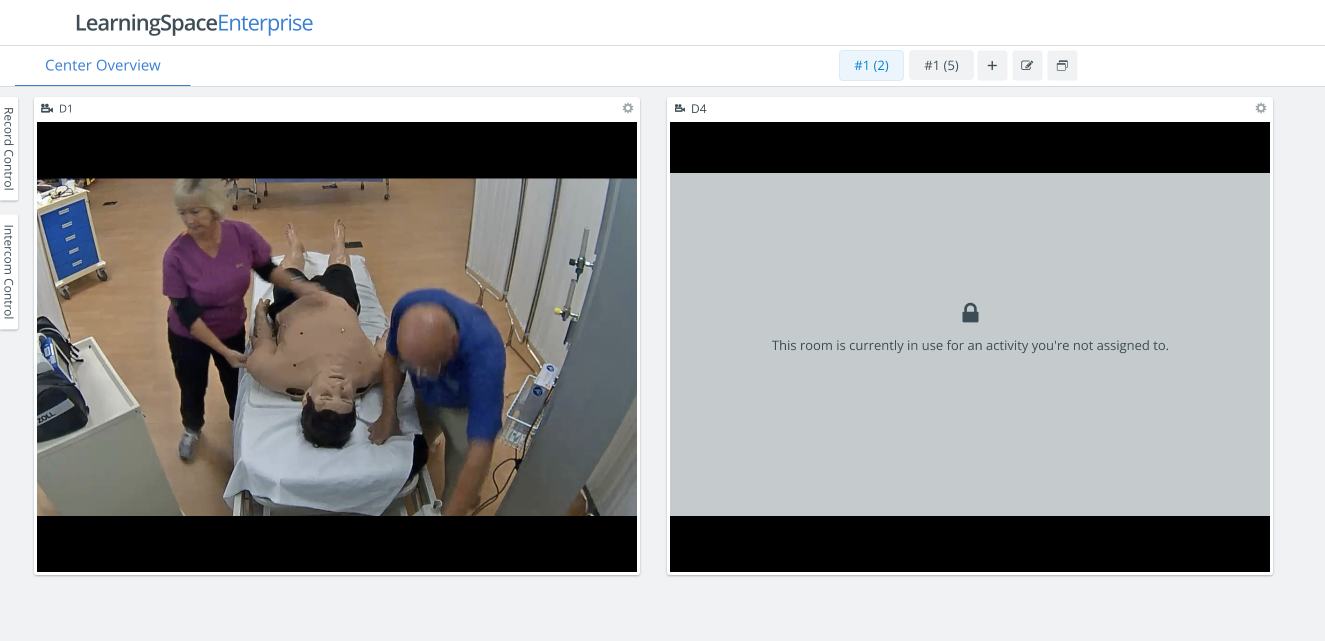
Reverted “Disabled Rooms” Feature on CO
The feature for handling disabled rooms in the Center Overview - CO has been rolled back, particularly for the benefit of LearningSpace users who have many rooms they don't have access to. From now on, disabled rooms will not be displayed with a cover on the CO layout. Rooms that are not available are simply not visible to users without access.
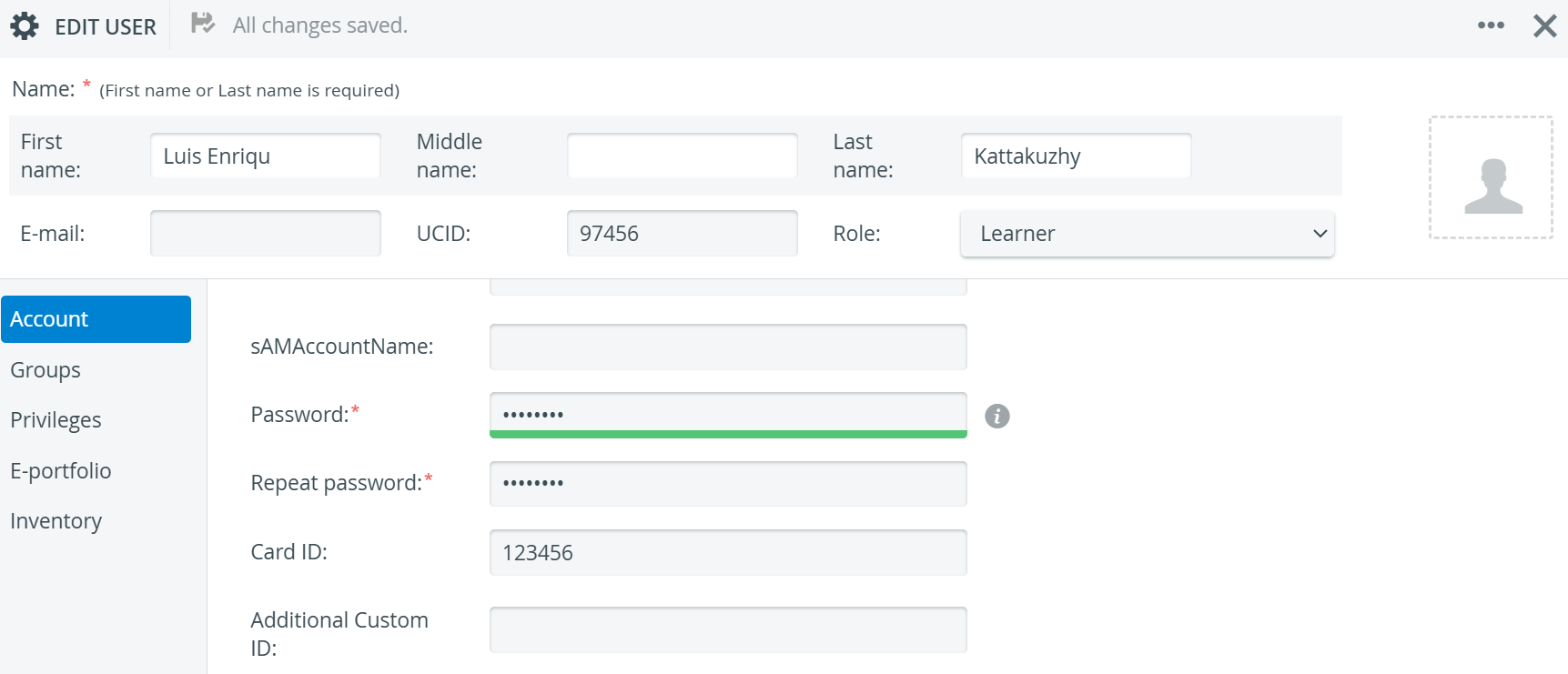
Added UCID and CardID as Manageable Fields via SSO JIT
We’ve extended our SSO JIT solution to include the UCID and CardID fields, enabling LearningSpace users to utilize them during just-in-time provisioning. We are also preparing proper documentation for our SSO JIT solution, which will be available on the help site for our customers.
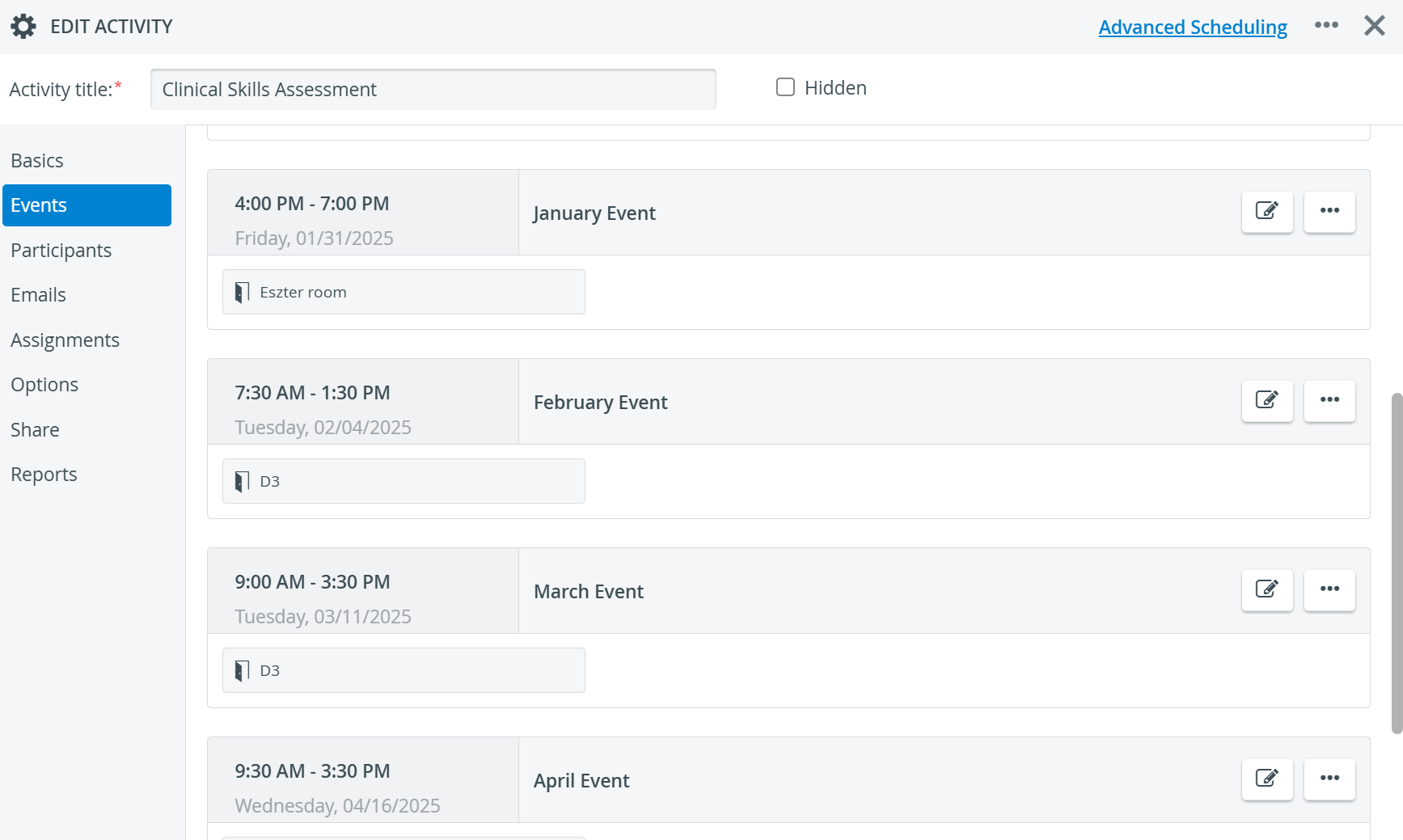
Limit of 10 Events Lifted in the Edit Activity Popup
Due to historical reasons, the Edit Activity popup displayed only 10 events for a given activity, even if the activity had hundreds of events. This limit has now been lifted, and all events are available for users to view.
Learner Assignments Page: Scroll Retention & Jump to Top
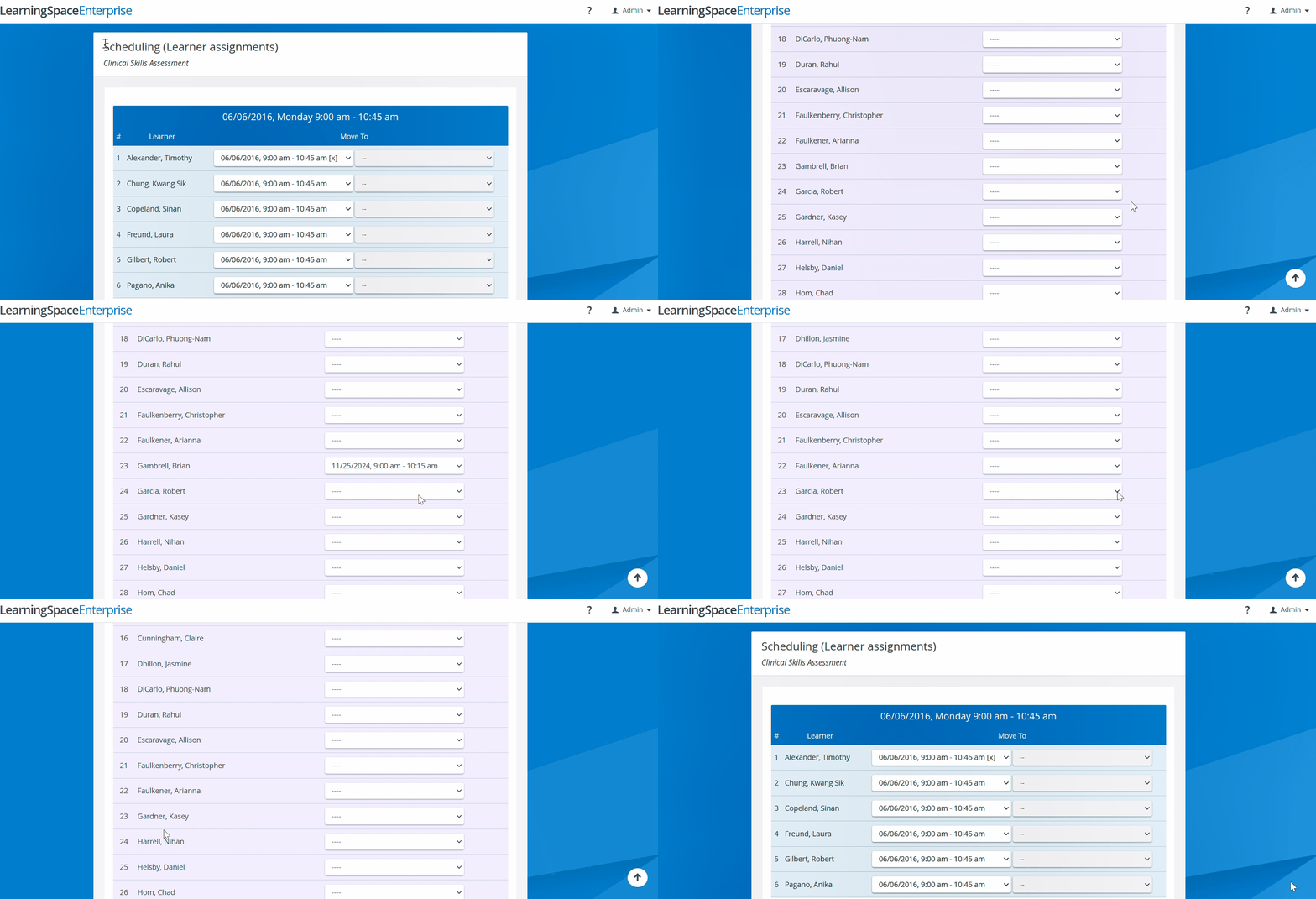
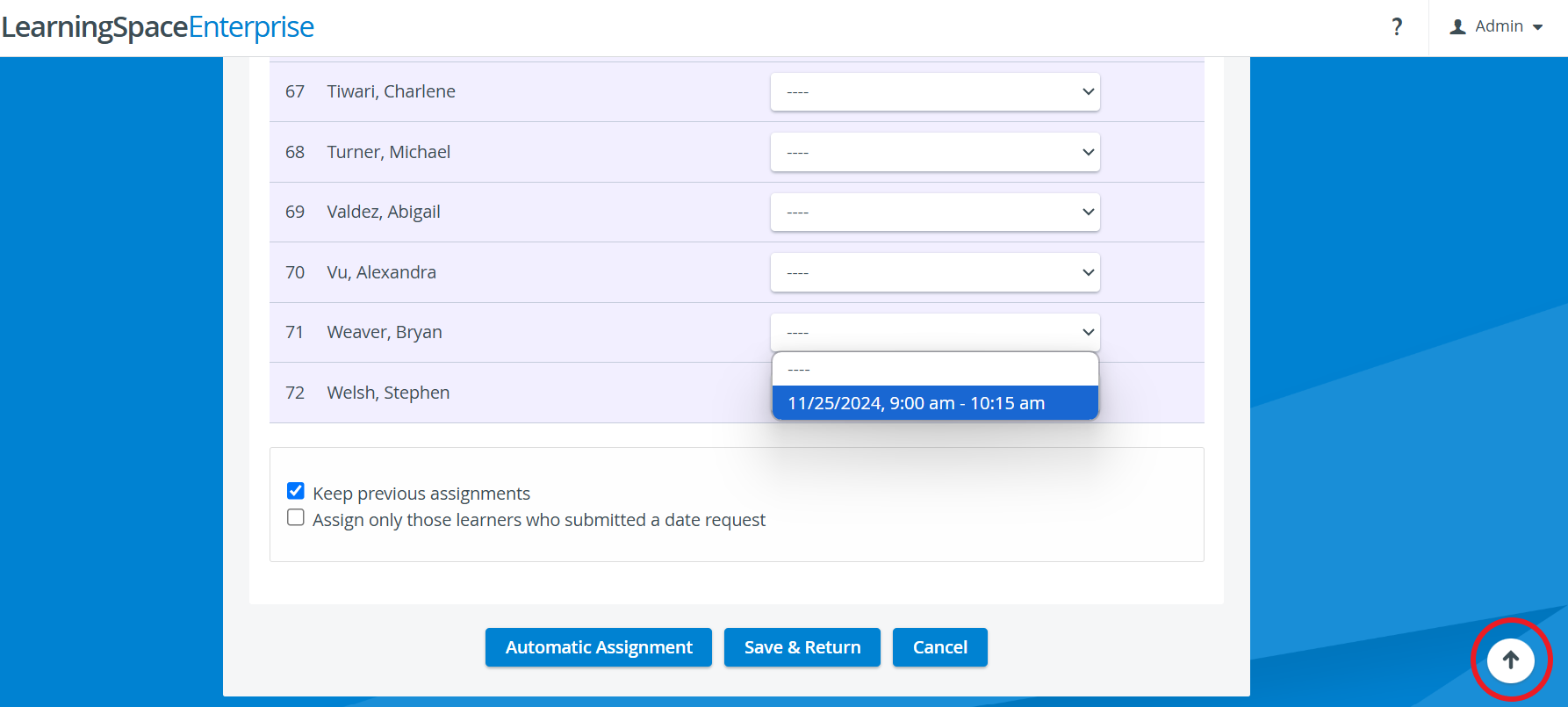
The Learner Assignments page in Advanced Scheduling now offers a smoother, more efficient experience. With this update, the page no longer refreshes and resets to the top after every change, making it easier to manage large student lists. This improvement includes:
Retaining the current scroll position after changes, so users no longer need to hunt for their place.
Adding a Jump to Top button for quick navigation when needed.
The change is that in Advanced Scheduling, on the Learner assignments page, if there are a lot of learners, after selecting from the drop-down, when the page reloads, the page scrolls back to the position where it was last.
(Before the change, it always jumped back to the first Learner drop-down in the list.)
Speeding Up Assignment Group Creation
We previously improved the performance of managing assignment groups. Now, we’ve extended those optimizations to creating new assignment groups, ensuring the entire process is faster and more efficient.
🐞 Bug Fixes
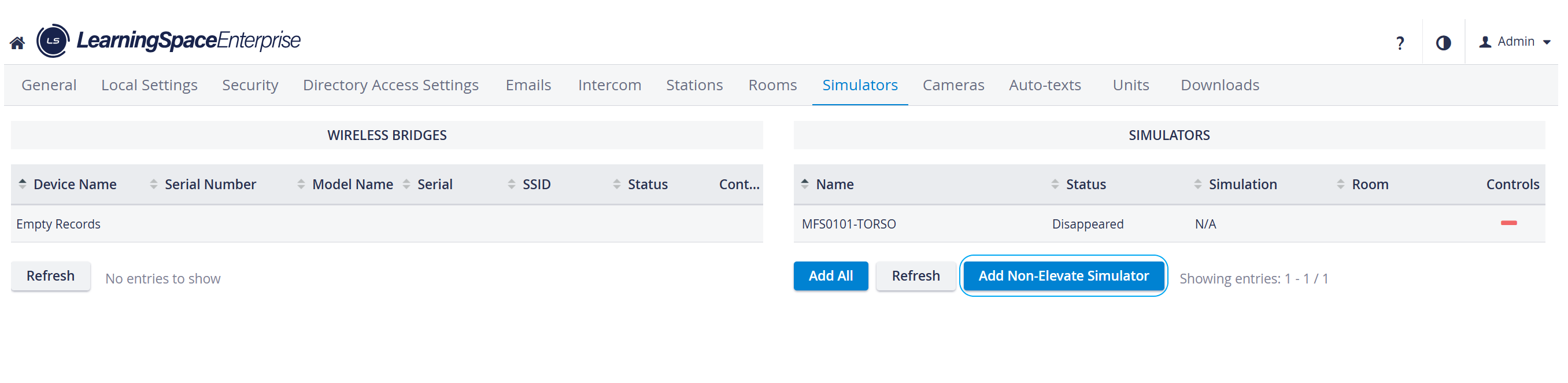
Adding Non-Elevate Simulators
The 'Add non-Elevate simulator' button feature is once again available.