'User Journey' - Learner
Learner Journey for a Simulation Center
Overview
This learner journey follows Sarah, a healthcare student, engaging in a simulation-based learning experience. The LearningSpace system seamlessly supports Sarah’s journey and enhances her simulation experience through automated workflows, real-time video recording, and centralized data management. From planning to feedback, LearningSpace ensures an efficient and immersive learning process.

Before the Simulation
Scheduling and Preparation
• Simulation Schedule and Setup:
Sarah’s instructor schedules the simulation session within LearningSpace. The platform organizes the simulation event, assigning roles, Simulated Patients, rooms, and necessary resources.
• Pre-Session Communication:
Sarah receives an automated email from LearningSpace with her simulation schedule, event title, starting date, etc., and pre-simulation learning materials (SCE / scenario information, checklists, and instructional videos).
• Student Registration and Confirmation:
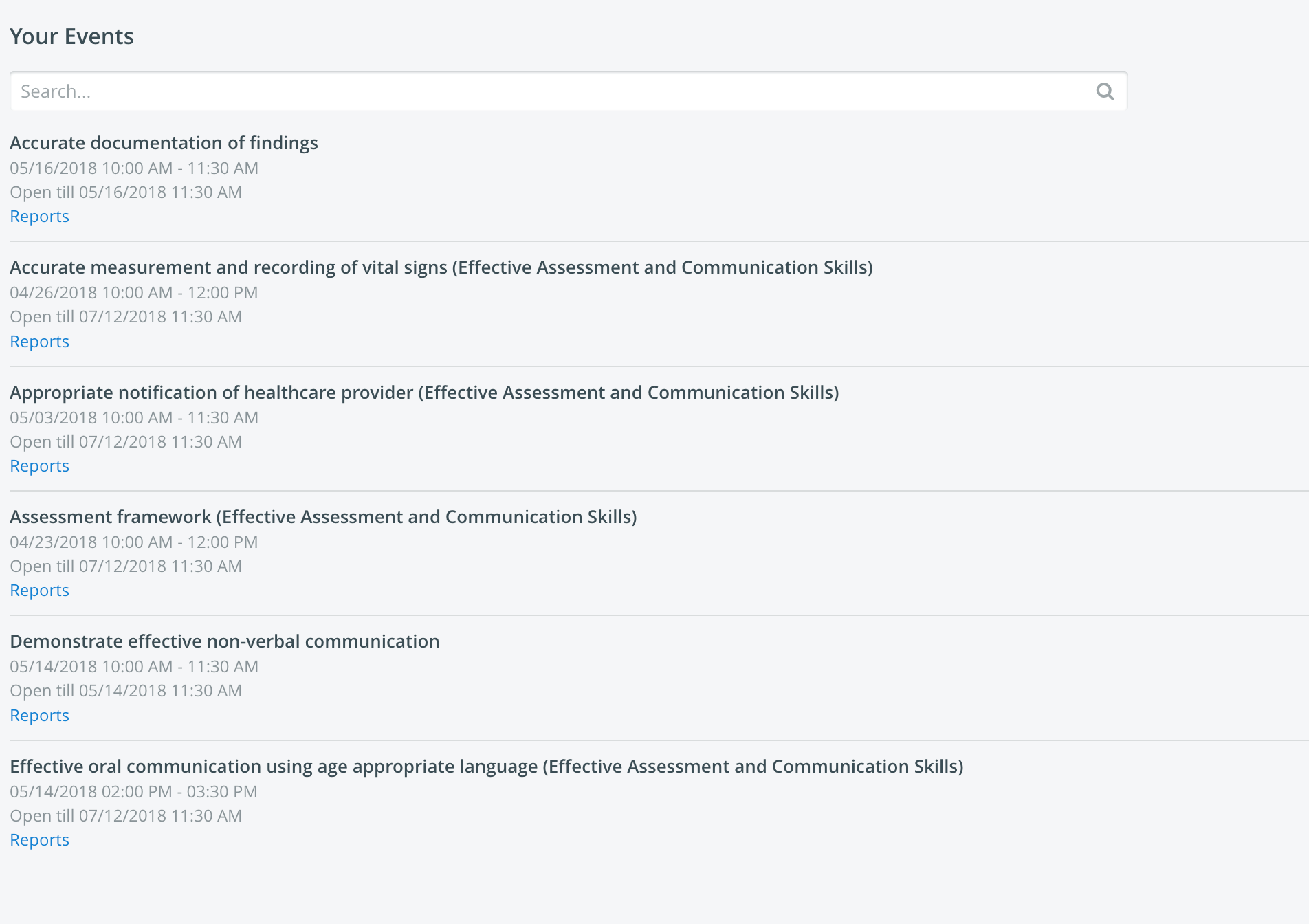
Upon logging into LearningSpace, Sarah confirms her participation, and the system generates a personalized dashboard showing her assigned simulation activities and times.
During the Simulation
Check-In and Orientation
• Arrival and Orientation:
Sarah arrives at the simulation center and checks in at a kiosk or tablet linked to LearningSpace. Her presence is logged in real-time.
• Simulation Introduction:
Sarah reviews an introductory briefing video streamed through LearningSpace, which outlines expectations and objectives.
Simulation Participation
• Engagement in Simulation:
Sarah performs her assigned tasks in a fully prepared simulation room.

> Scenario Execution: The simulation runs seamlessly with video recording, vital signs monitors, all managed through LearningSpace.
> Data Collection: LearningSpace automatically logs Sarah’s actions, and time spent on tasks (based on video recording’s lengths.)
• Real-Time Monitoring:
Instructors monitor the simulation live via LearningSpace. They annotate key events and assess Sarah’s performance using integrated digital checklists.
After the Simulation
Debriefing and Feedback
• Immediate Access to Recordings:
After completing the scenario, Sarah heads to the debriefing room. She and her peers review the simulation recordings directly within LearningSpace, gaining insights into their performance.
• Performance Evaluation:
Instructors provide feedback using the evaluation tools within LearningSpace. Sarah receives her scores, comments, and areas for improvement.
See also: Data Entry as a Learner.
Post-Simulation Reports
• Performance Reports:
LearningSpace generates a detailed report of Sarah’s simulation performance, including instructor comments.
• Sharing and Review:
Sarah accesses her reports and simulation recordings through the LearningSpace portal. She can revisit these materials for further learning and improvement.

See also: Report Access for Learners.
Continuous Learning
• Progress Tracking:
Sarah’s simulation history is stored in LearningSpace, providing a comprehensive record of her growth over time. She uses this data to track her learning milestones.
• Learning Resources:
Sarah accesses simulation-based resources, including best-practice videos and performance guidelines, integrated within LearningSpace to support continuous improvement.
Summary
This learner journey highlights how LearningSpace seamlessly integrates all aspects of a simulation-based learning experience. From planning and participation to debriefing and performance evaluation, LearningSpace ensures Sarah’s journey is efficient, focused, and learner-centric while enabling instructors to provide real-time feedback and track progress effortlessly. (See also Managing Simulated Clinical Experiences (SCE) Process Flow.)