Preliminary Results Report - Skill Report
The Preliminary Results Report - Skill Report displays a learner's performance in different section types or so-called skill areas.
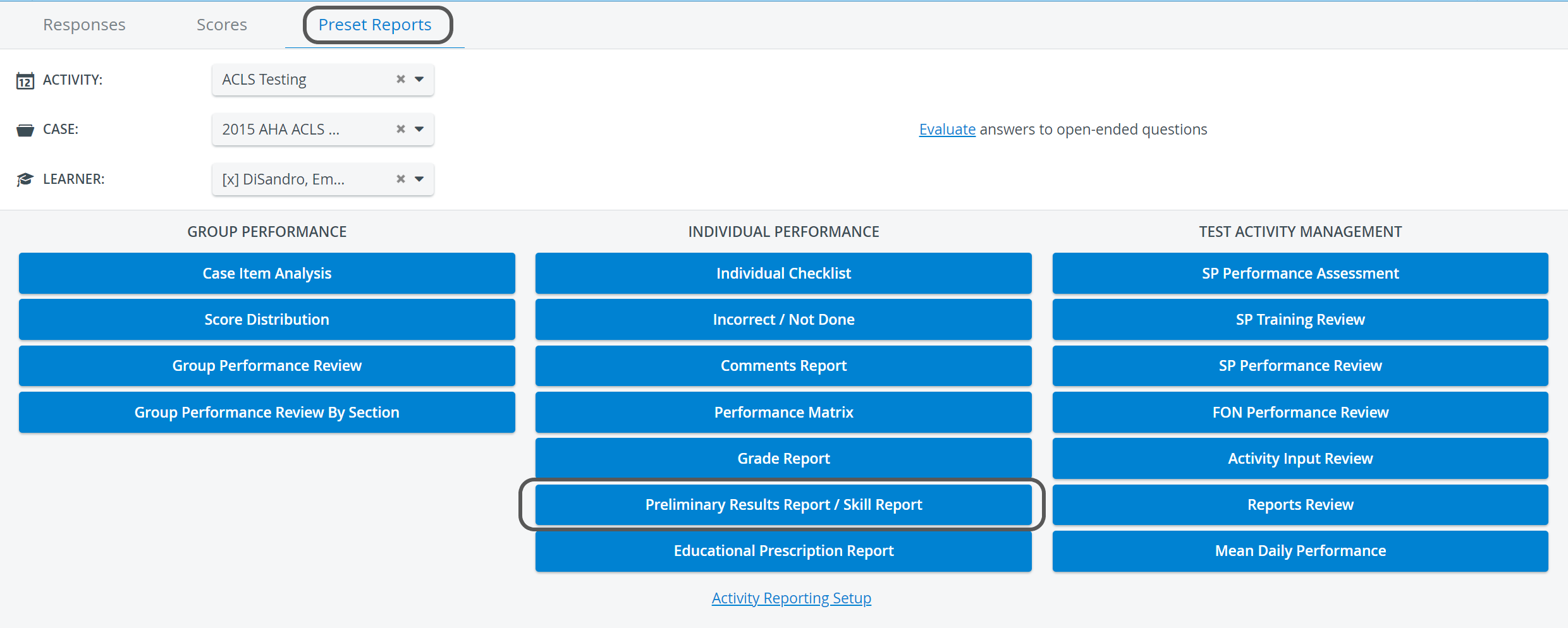
The skill areas are set up according to the section abbreviations applied when creating a checklist in the Case editor.
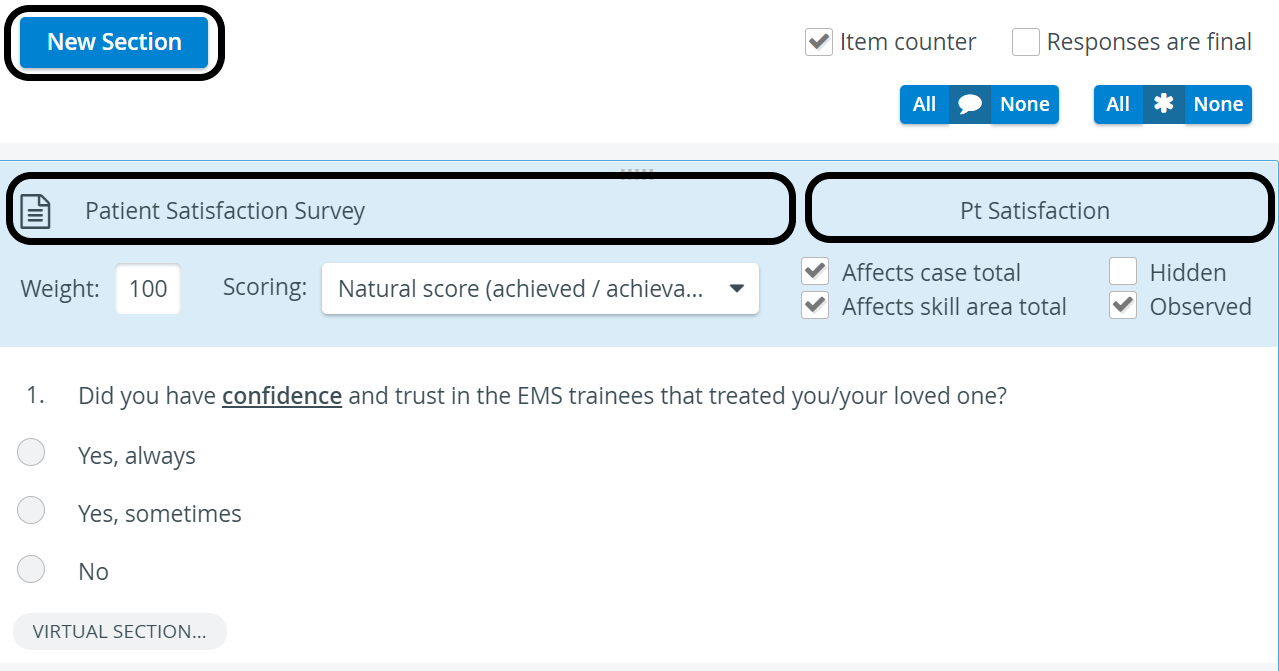
The display of class standard deviation, class average, percentile score, box plots, and Z-score depends on the settings enabled in the Report Formatting panel on the Activity Reporting Setup page.
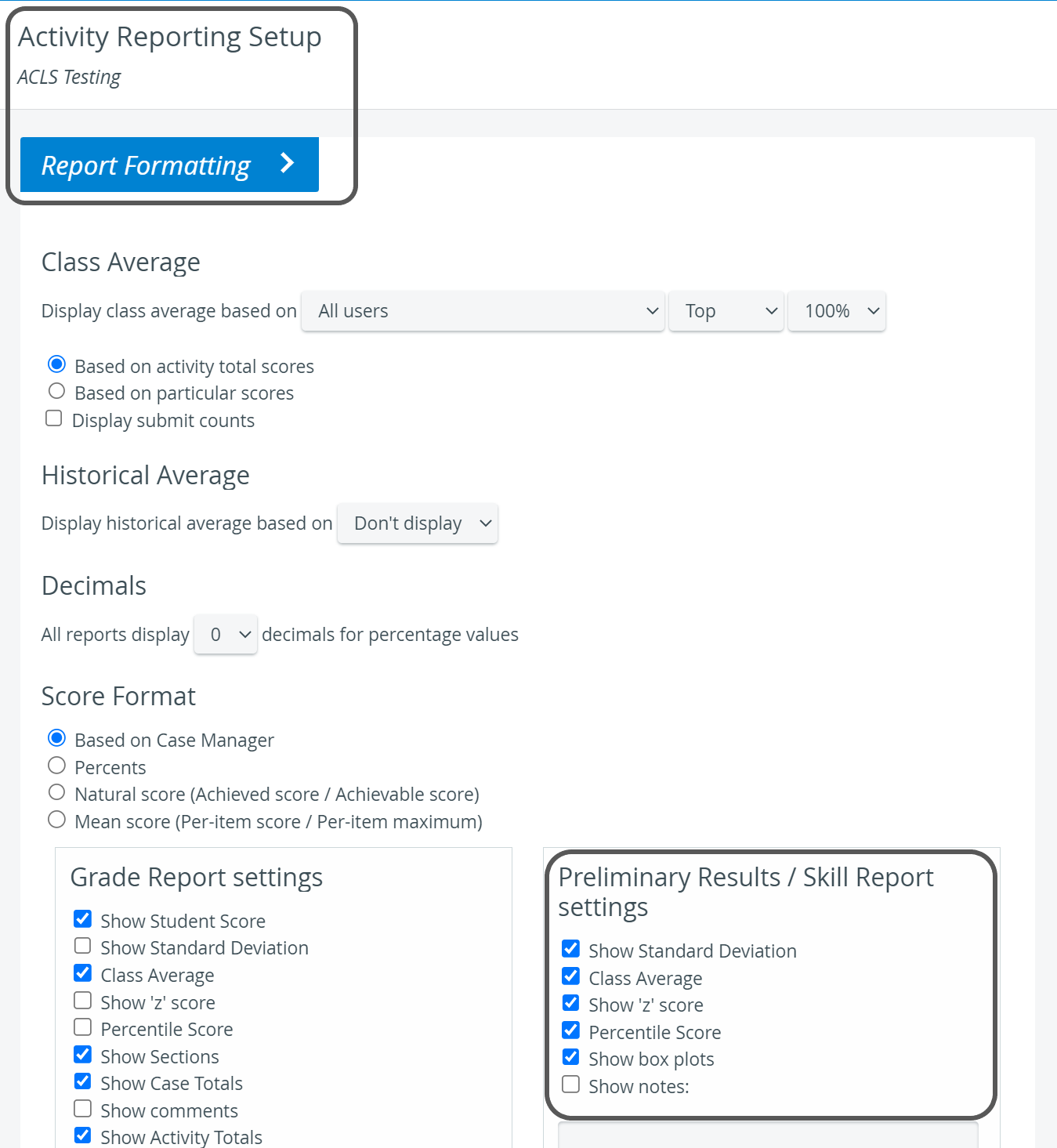
Changes to settings take effect only after clicking the Save button at the bottom of the page.
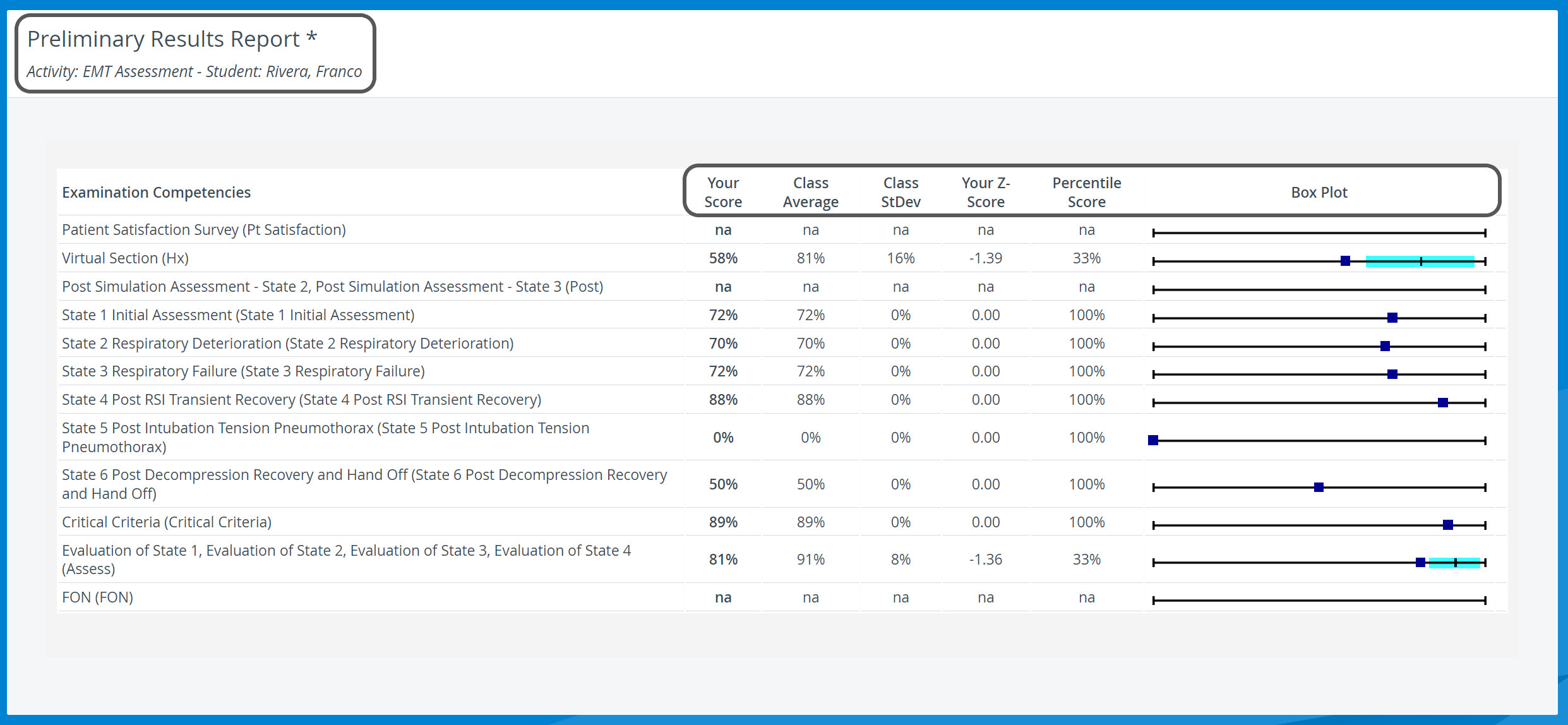
This report also displays Virtual sections (items with specific tags, creating a unit) used within a specific Case/Activity:
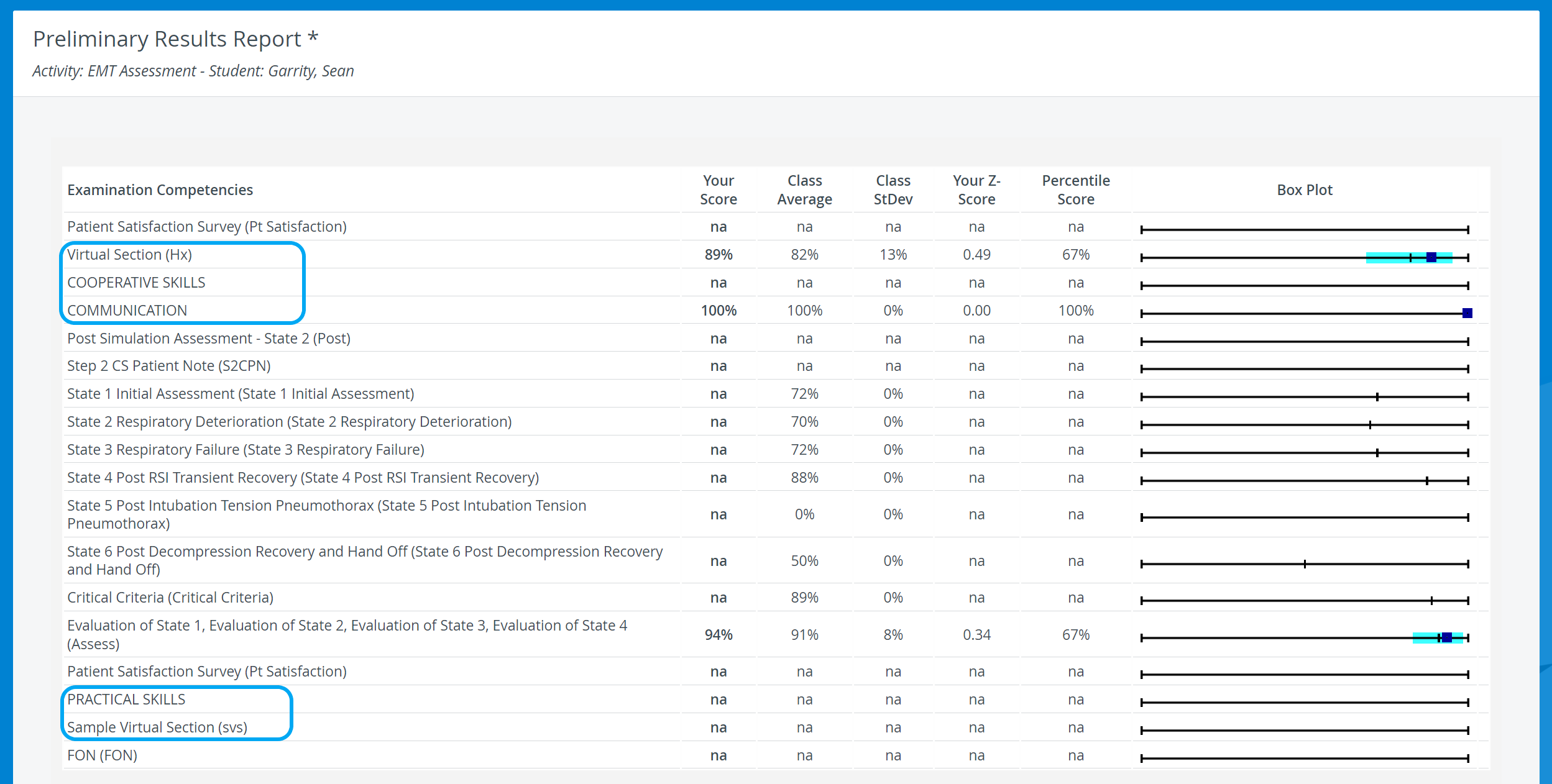
The report is listed by two titles, depending on the status of the relevant Activity:
Preliminary Results Report - before the Activity ends, that is, while it is a running Activity
Skill Report - after the Activity ends.
Printing a Report
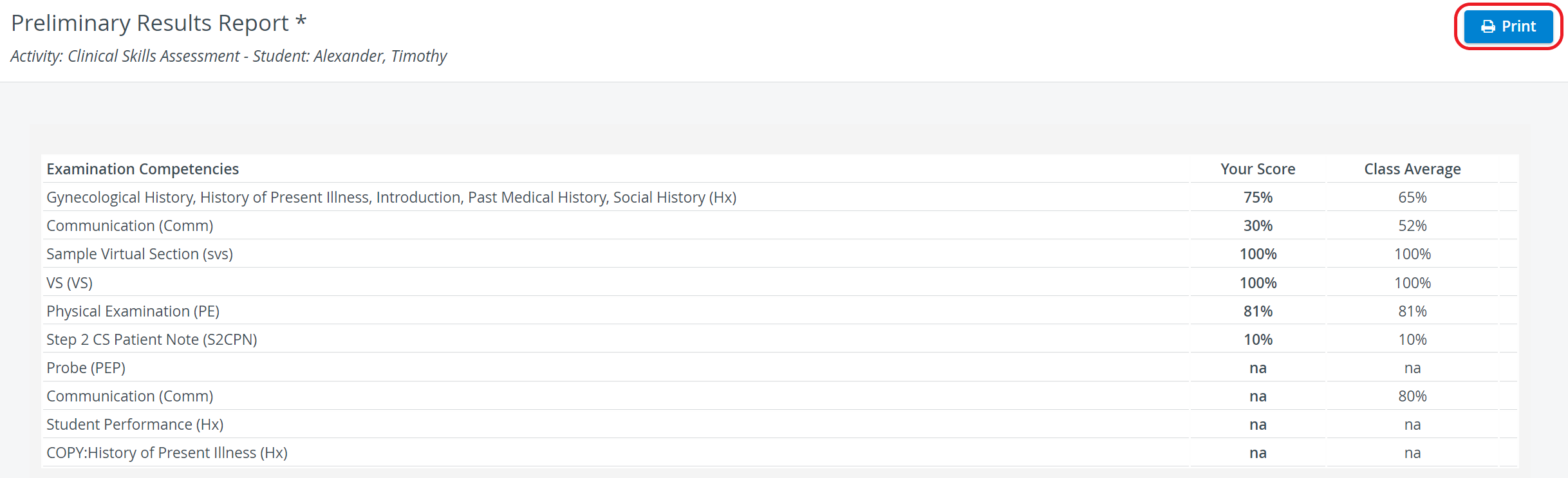
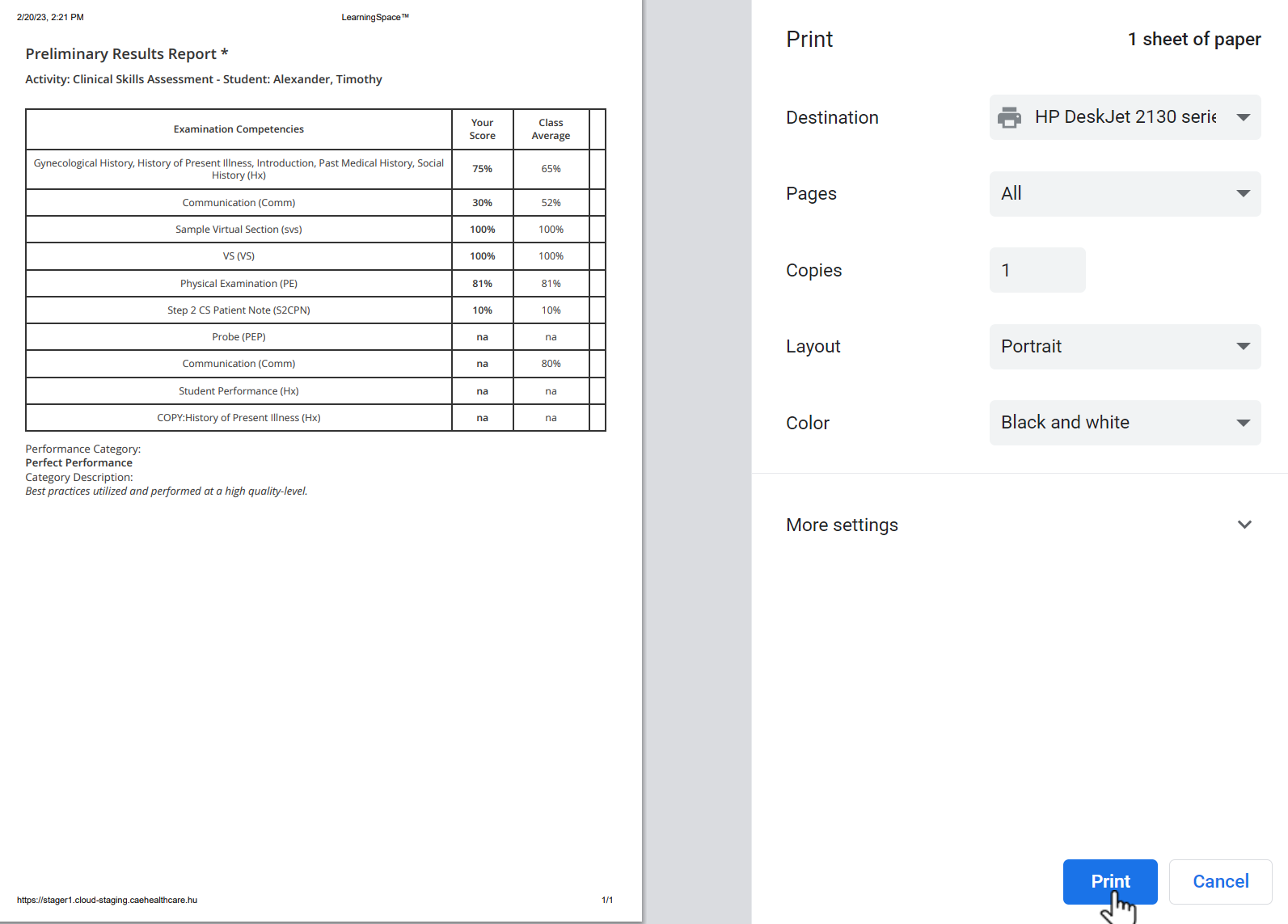
To print a Preliminary Results / Skill Report (on paper or PDF), click the Print button at the top right corner of the screen.
Export to Excel
In the latest versions of LearningSpace, reports can also be exported to an Excel (xls) file for more convenient management and an essentially easier use of the exported data in applications like Microsoft Excel or Google Sheets.

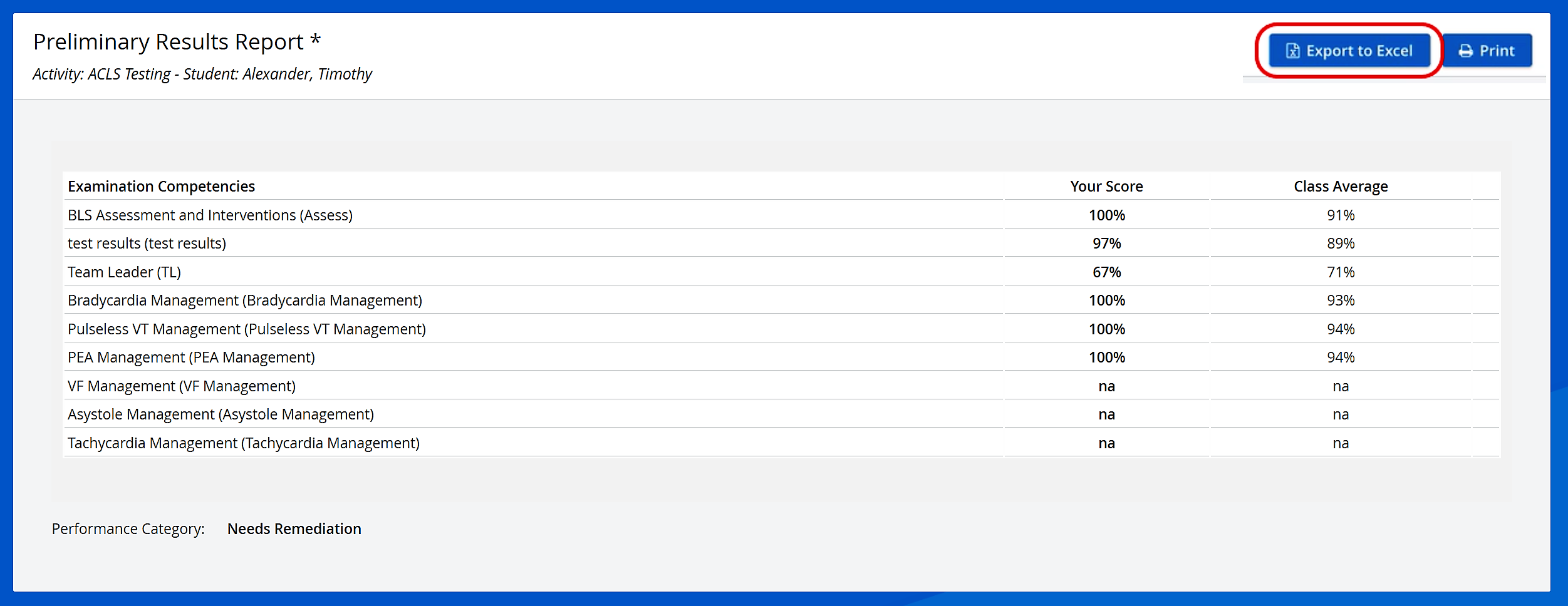
The ‘Print Reports’ and ‘Export to Excel’ options are hidden for Learners by default. The options can be enabled under the "Report Printing" section in the Report settings of a given Activity >> See Learner Access
For more information, go to How to Print a Report.
For further information, see the Reports - How to pages and the Reports Module Training Videos.