Incorrect - Not Done

The Incorrect - Not Done report provides feedback on a specific learner's examination or other kind(s) of technique(s), thus reflecting on what technique(s) the learner needs to improve.
Individual Checklist:

Incorrect / Not Done report:

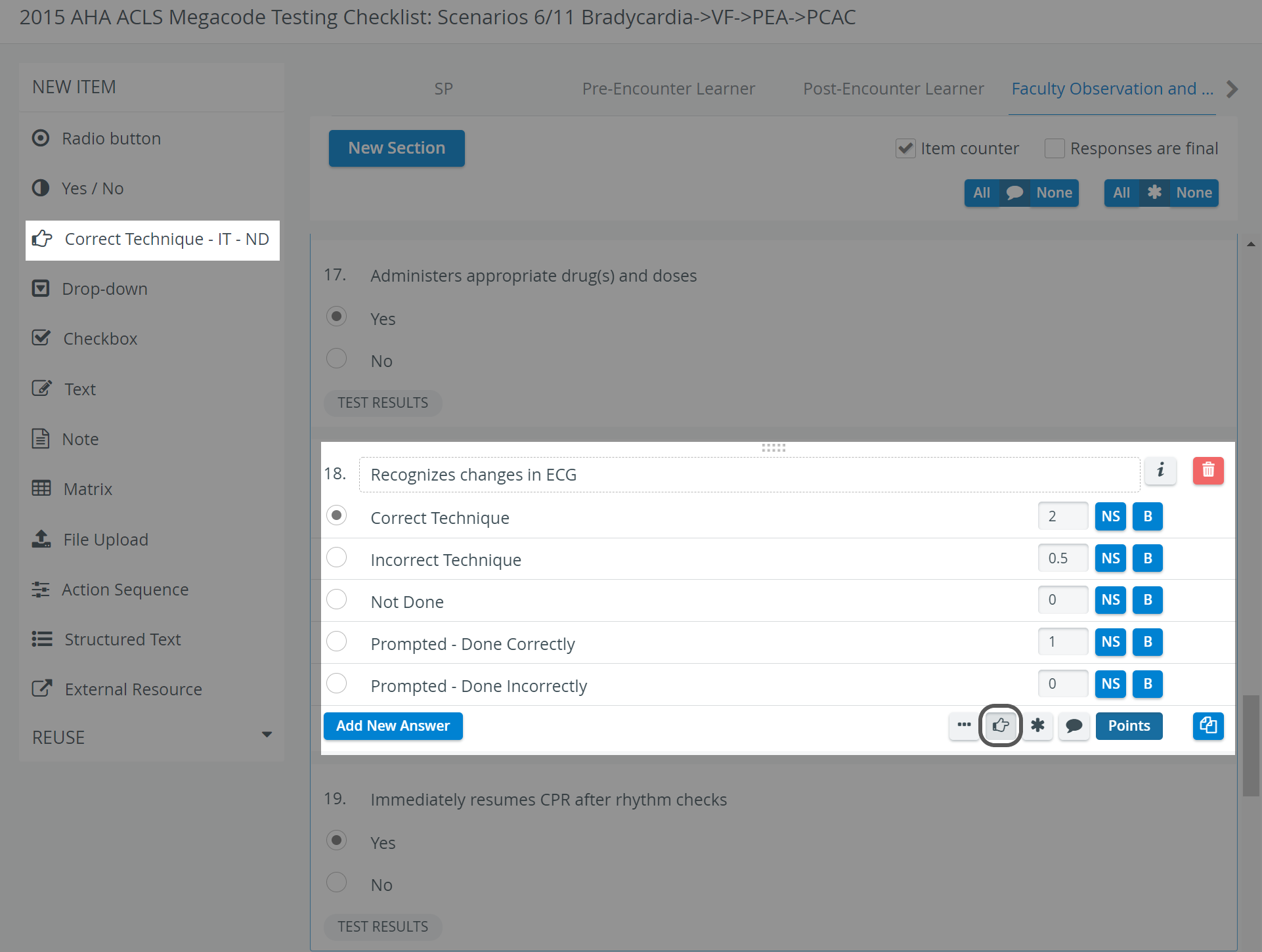
The system lists items in the selected case that are of type Correct Technique—IT—ND, or that have the Reported Correct Item setting activated when creating an item in the Case editor.
Printing a Report
To print an Incorrect/Not Done Report (either to paper or to PDF), use the Print button in the top right corner of the screen.

The ‘Print Reports’ and ‘Export to Excel’ options are hidden for Learners by default. The options can be enabled under the "Report Printing" section in the Report settings of a given Activity >> See Learner Access
For more information, go to How to Print a Report.
For further information about the reports, see the Reports - How to pages and the Reports Module Training Videos.