How to Manage Local Settings
Within the System Manager module, click the Local Settings tab. The previously set local settings appear.
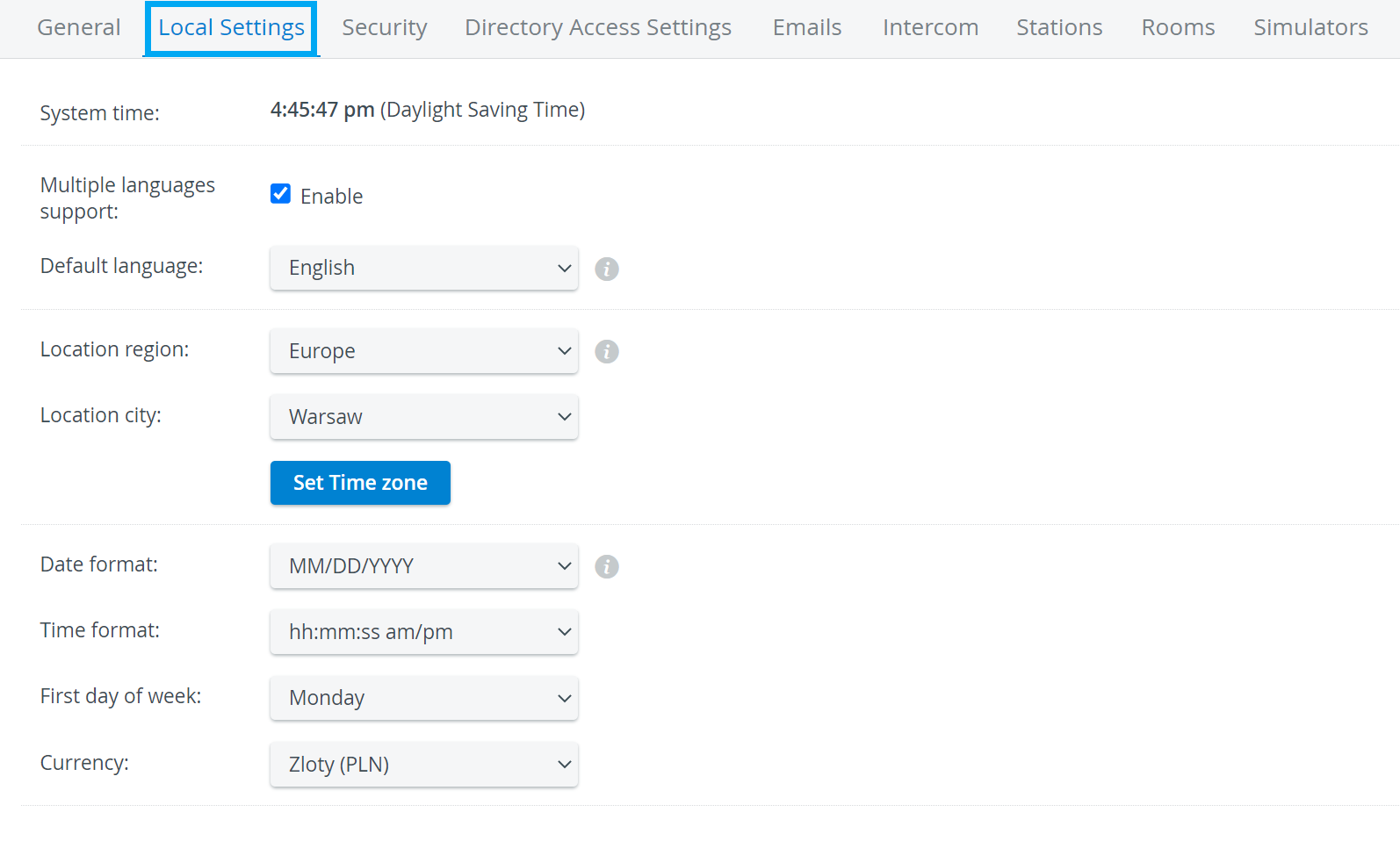
The System time is the LearningSpace server time, not the time of the workstation computer.
2. Tick the Enable checkbox for Multiple languages support to allow users of your institute's LearningSpace system to change the language within their individual accounts.
3. To set the default language for your LearningSpace system, select the language from the Default language drop-down menu.
Default language defines the language for all users in LearningSpace. However, if Multiple languages support is enabled, individual users can change the language for their user profile.
4. Select the region and city from the Location drop-down.
If your location is not listed, select a location in the same time zone that shares the annual time changes.
5. Select the date, time, and week preferences from the respective drop-down menus.
For further information, visit our System Manager pages.