How to Create Sessions
The page explains how to create and edit Sessions inside a Cast sheet in the SPA module.
After creating a Cast sheet, you can add Sessions containing the Cases (patient scenarios) representing simulated patient encounters.
Sessions are important in determining the date and time of these simulated patient encounters.
Select the Cast sheet you want to edit on the left of the Casting tab in the SPA module.
Click + New Session on the right.
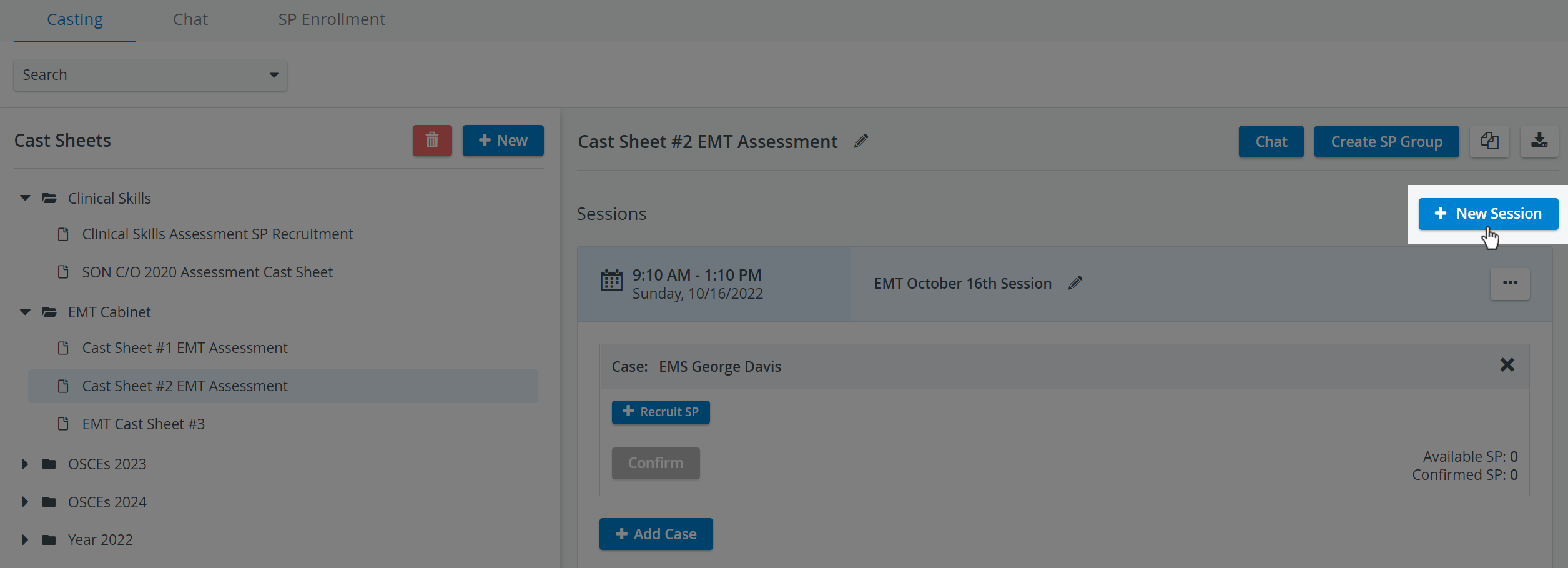
Your new blank Session will be displayed: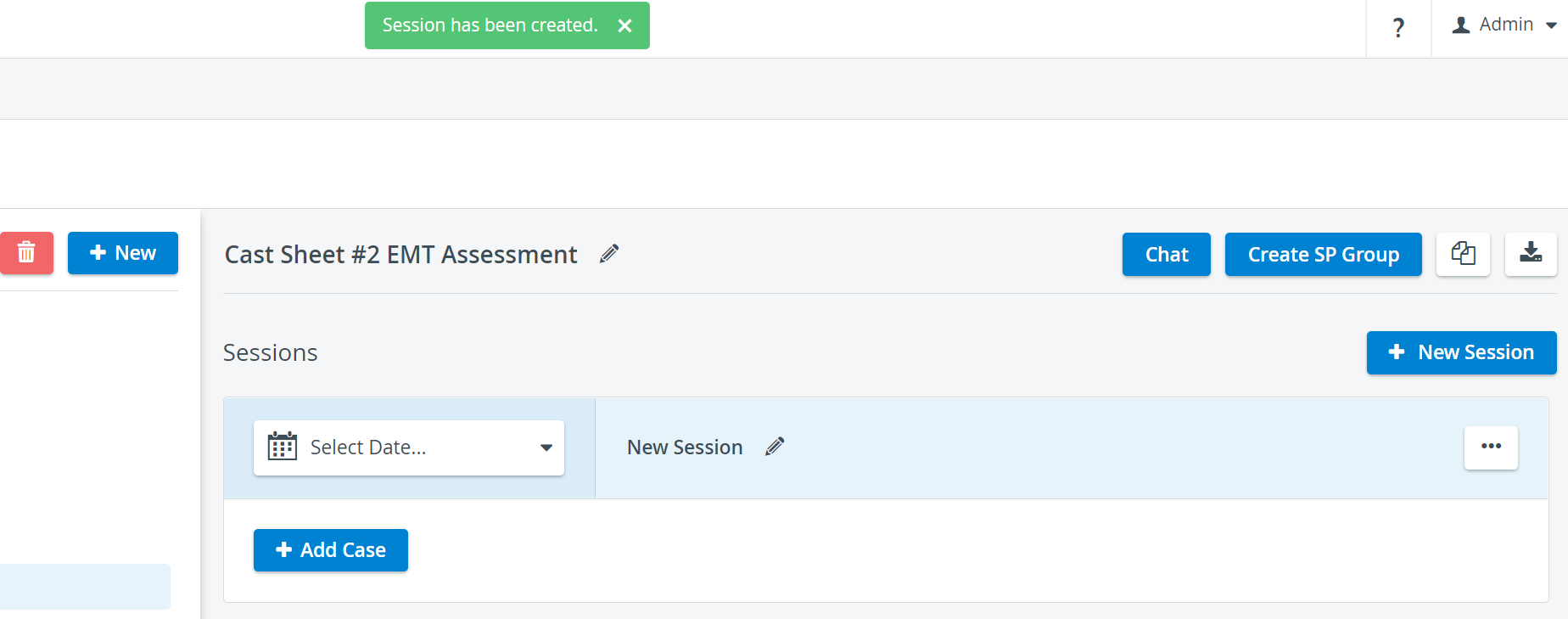
Provide the Session details:

Click the date selector drop-down to specify the time and date of your Session:
A Session must start and end on the same day.

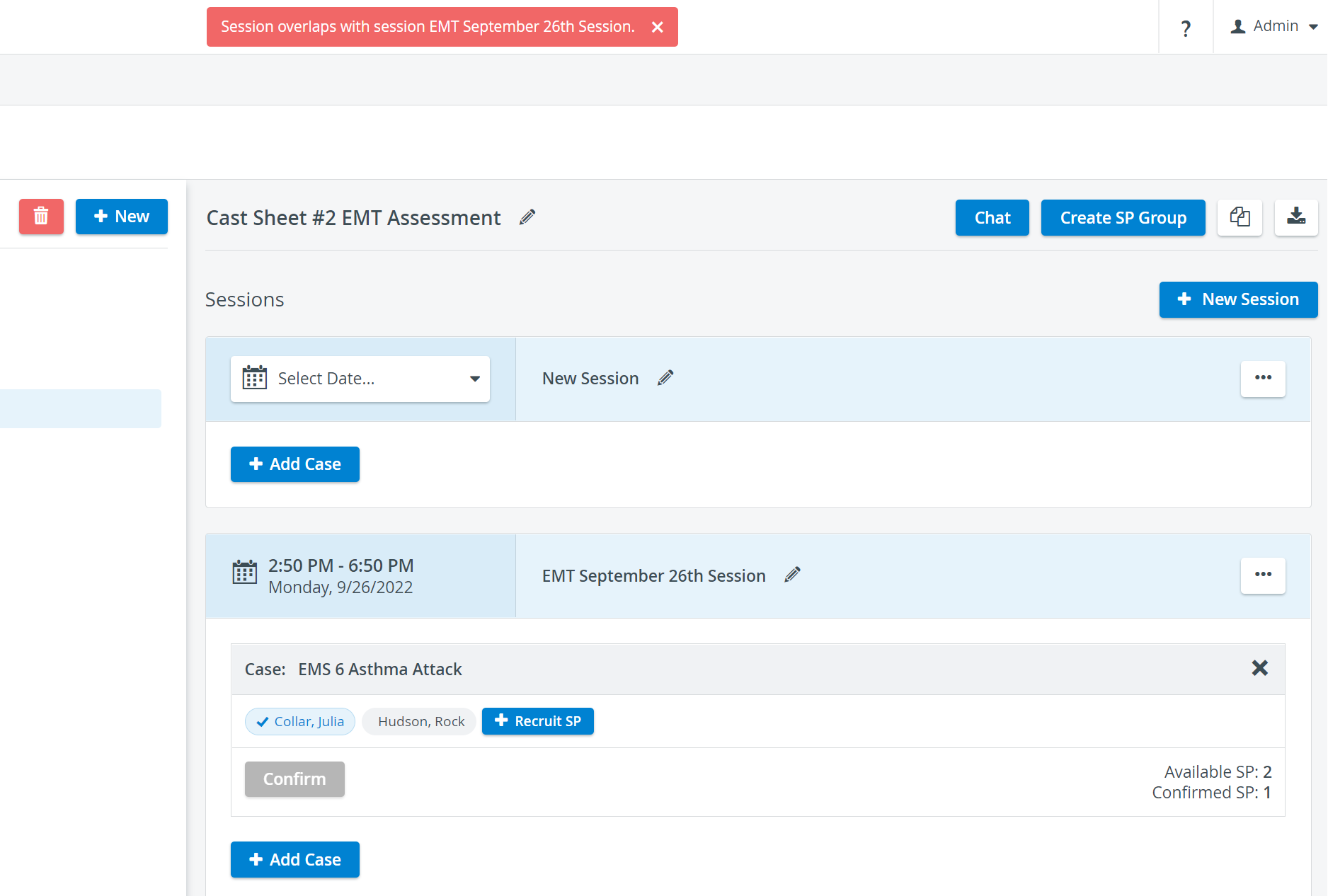
If your new Session overlaps partially or entirely with another existing Session within the same Cast sheet, you will be warned to pick another time and date:Set up a valid Session date because it is a prerequisite for SP Recruitment.
AM-PM Switch
A smooth switching between AM and PM in the date picker helps the “Select date” field’s calendar user experience. The Timepicker add-on is included for setting hours or minutes.
You can switch to a 24-hour format by navigating to the System settings page.
Name your Session for easy identification.

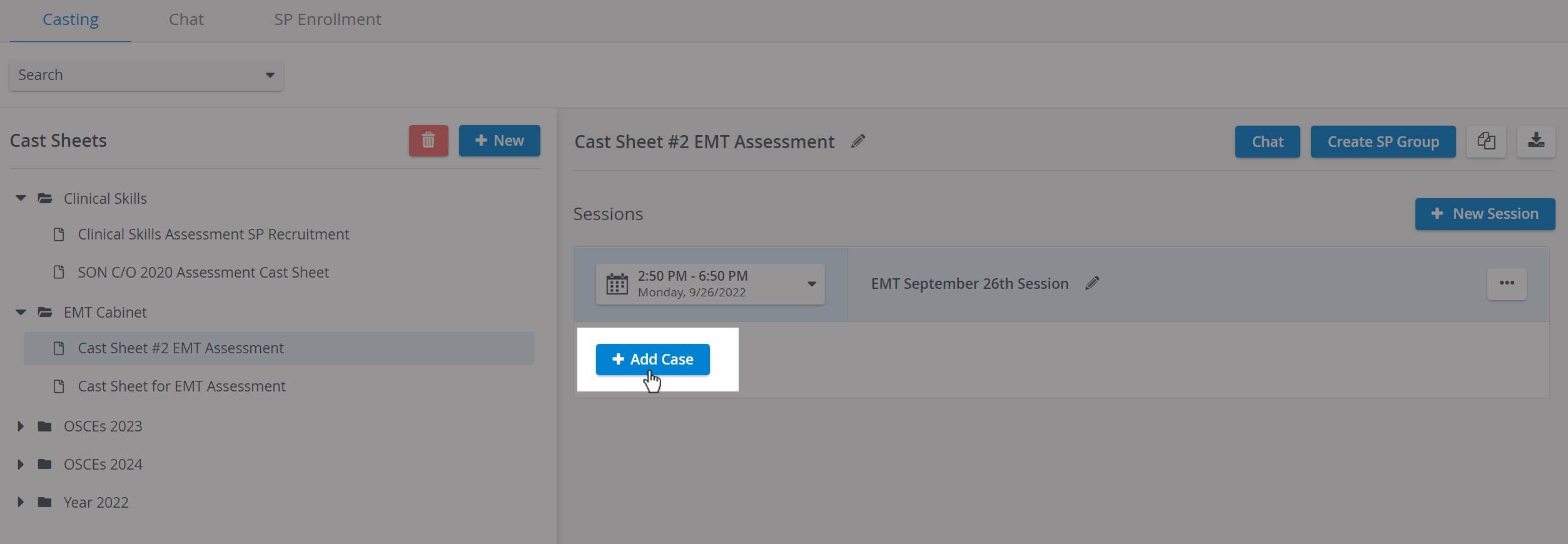
You can continue adding Cases to your Session:
For further information, visit our Standardized Patient Administration and Standardized Patient Administration - How to pages.