System Module
IMPORTANT: The System module is only accessible for users with Admin role.
The System Manager provides tools and resources to manage your LearningSpace system.
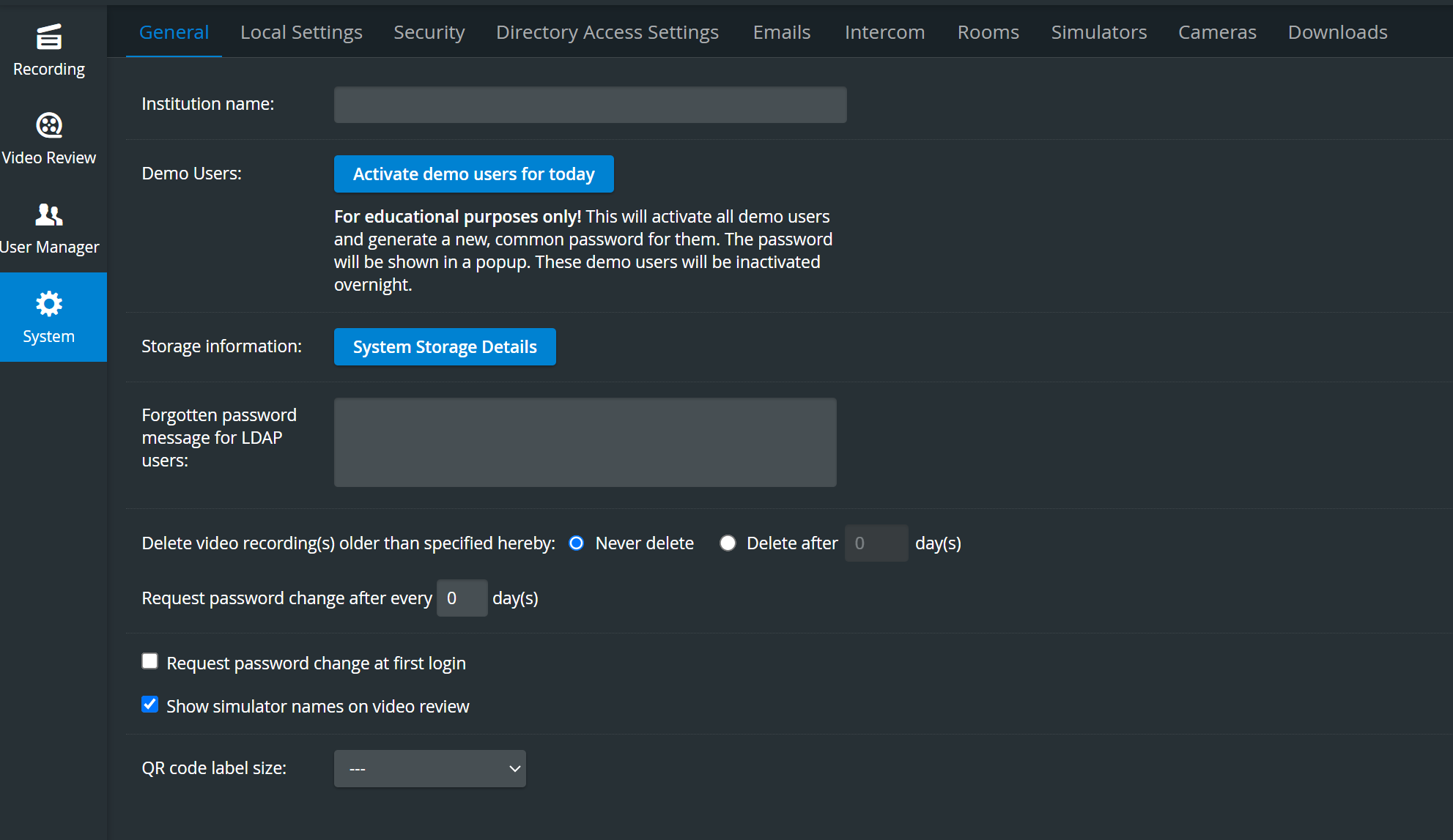
To access the System Manager, click the System tile on the Side menu of the dashboard. From the System Manager screen, the following tabs are available to manage the LearningSpace system:
General for managing general information and demo users
Local Settings for adjusting time and language options
Security for configuring secure access and server settings
Directory Access Settings for LDAP server setup
Emails for setting up email properties and SMTP server data
Intercom for managing pre-recorded or adding new intercom announcements
Rooms for managing rooms, including assignment of cameras, manikin, intercom devices
Simulators for connecting simulators and wireless bridges
Cameras for configuring and managing cameras
Downloads for selecting available downloads
For more information, visit the System - FAQ and watch related Training Videos.