Security
The Security tab accommodates the LearningSpace system password and provides the necessary uploading fields for setting up secure access.
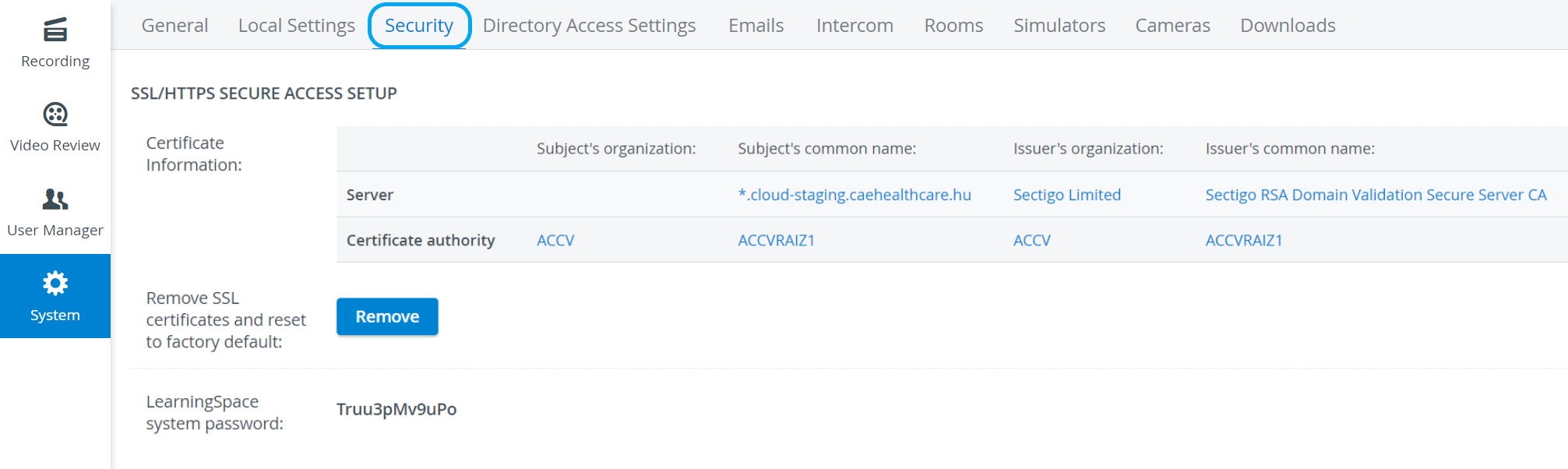
For SSL secure access setup, an SSL certificate has to be acquired from the relevant authorities.
IMPORTANT: The Intercom functionality of LearningSpace requires the web browser to have access to the microphone of the client PC, which in turn requires a secure HTTPS connection to the LearningSpace server.
That is, the client computer's microphone can only be used with a valid SSL certificate. (This restriction stems from the Chrome browser security regulations.)
For the detailed process, see How can an SSL certificate be acquired?
If the HTTPS certificate request/upload tool is enabled on your LearningSpace system, the Request Certificate and the Upload Certificate options will be available on the page, along with the Status Table, containing the certificate information.
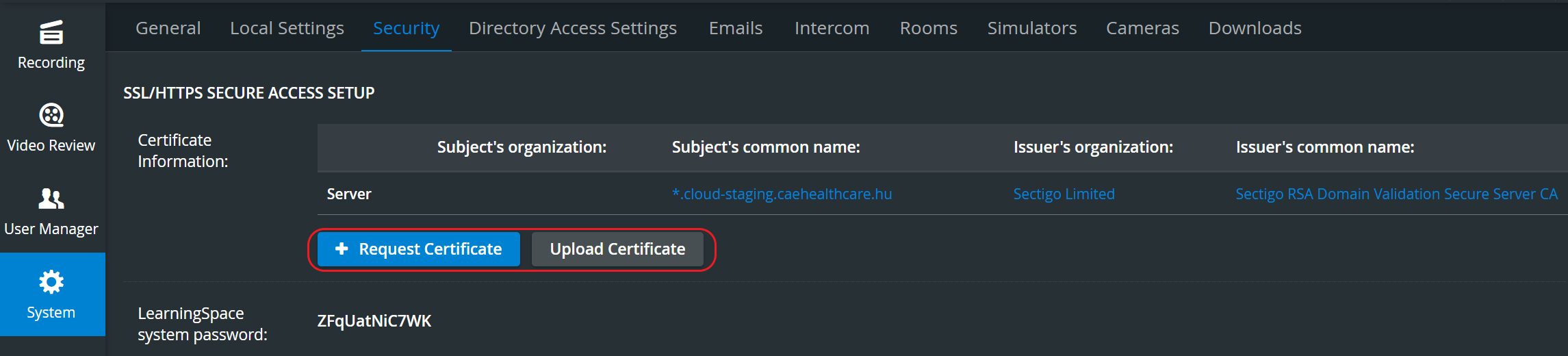
For a step-by-step guide, go to How to use the HTTPS certificate request/upload tool.
The system password is necessary when configuring LearningSpace Ultraportable.
To set up your LearningSpace Ultraportable as a Satellite unit, first, it needs to be licensed, and then the Server address and System password need to be entered for synchronization.
For more information, download the Ultraportable System Setup Guide.