Recording
Recording can easily be started - with or without assigned participants.
User role(s) with access to the Recording module
Admin
Facilitator
Preliminary Setup
System Manager: The desired camera(s) and simulator must be assigned to a specific room.
Process Flow
Entering the desired SRV via the CO:
Click the intended room panel.
Add participants via the Recording setup.
IMPORTANT: No modification is allowed during recording; therefore, after clicking the REC control, participant groups can only be assigned to a completed (saved) video recording in the Video Review module.
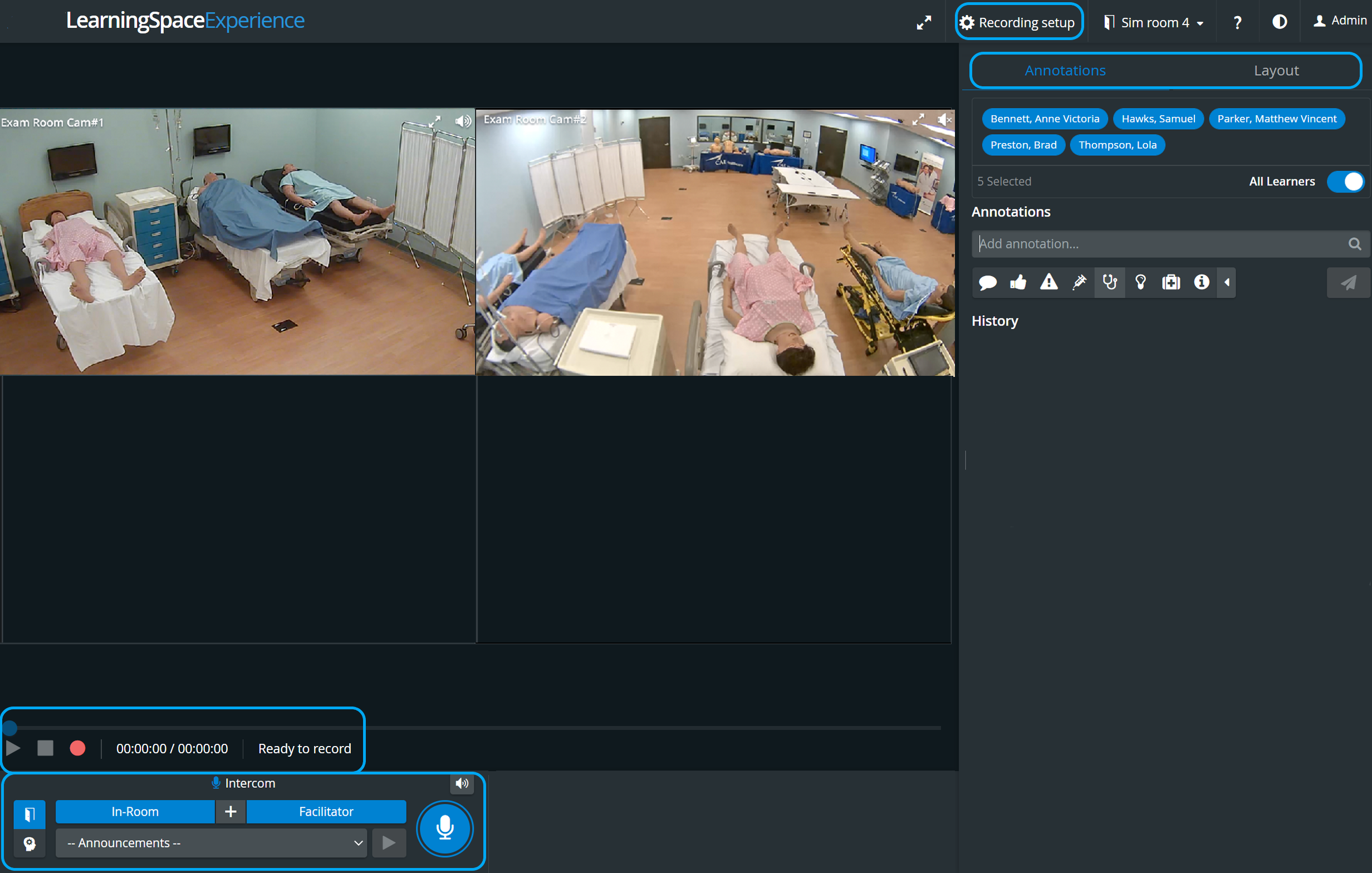
Start the recording by clicking the REC
button.
Adjust the camera feed if necessary. See the relevant description about adjusting a camera.
Add annotations in the corresponding panel.
Send intercom announcements if desired.
Click the Stop button to end the recording.

IMPORTANT
In LearningSpace Experience, an Instructor manages the scenario on the patient simulator via the instructor workstation (tablet, control workstation), and LearningSpace captures the simulator's data. (Therefore, no Sim Control Panel is available in any Recording views.)
For more information, visit the System - FAQ and watch related Training Videos.