Learner
The learner role is assigned to students of a program or anyone who intends to participate in simulated clinical experiences as a practicing party.
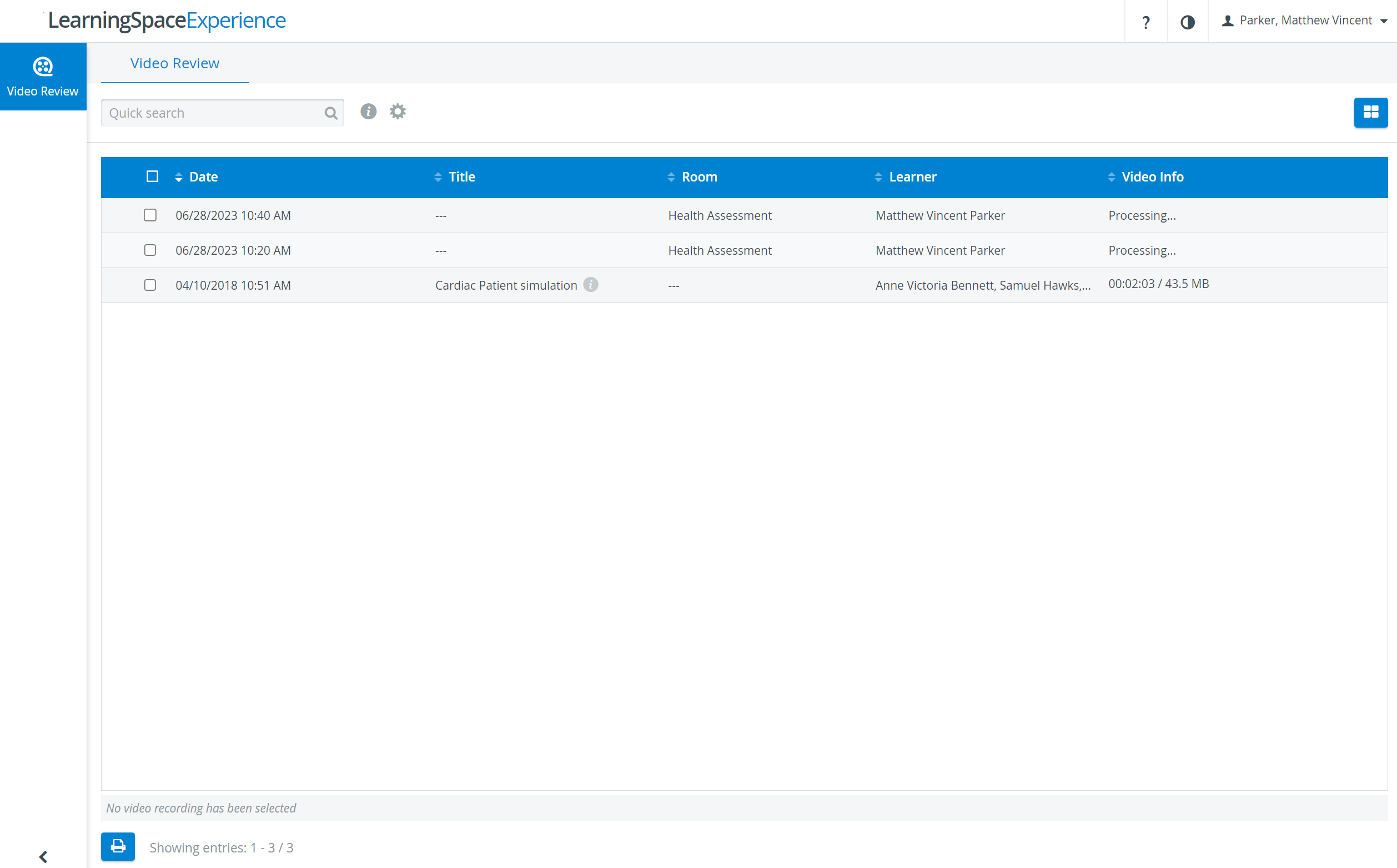
Learner users have access to the Video Review module and video recordings where the user is a member of the assigned Learner group.
Features Learners have access to in Single Room View
reviewing recordings (they have access to) - play, pause, or stop the video
having annotations displayed
IMPORTANT: Learners are shown only those faculty annotations assigned to their names. See the relevant FAQ for further details.
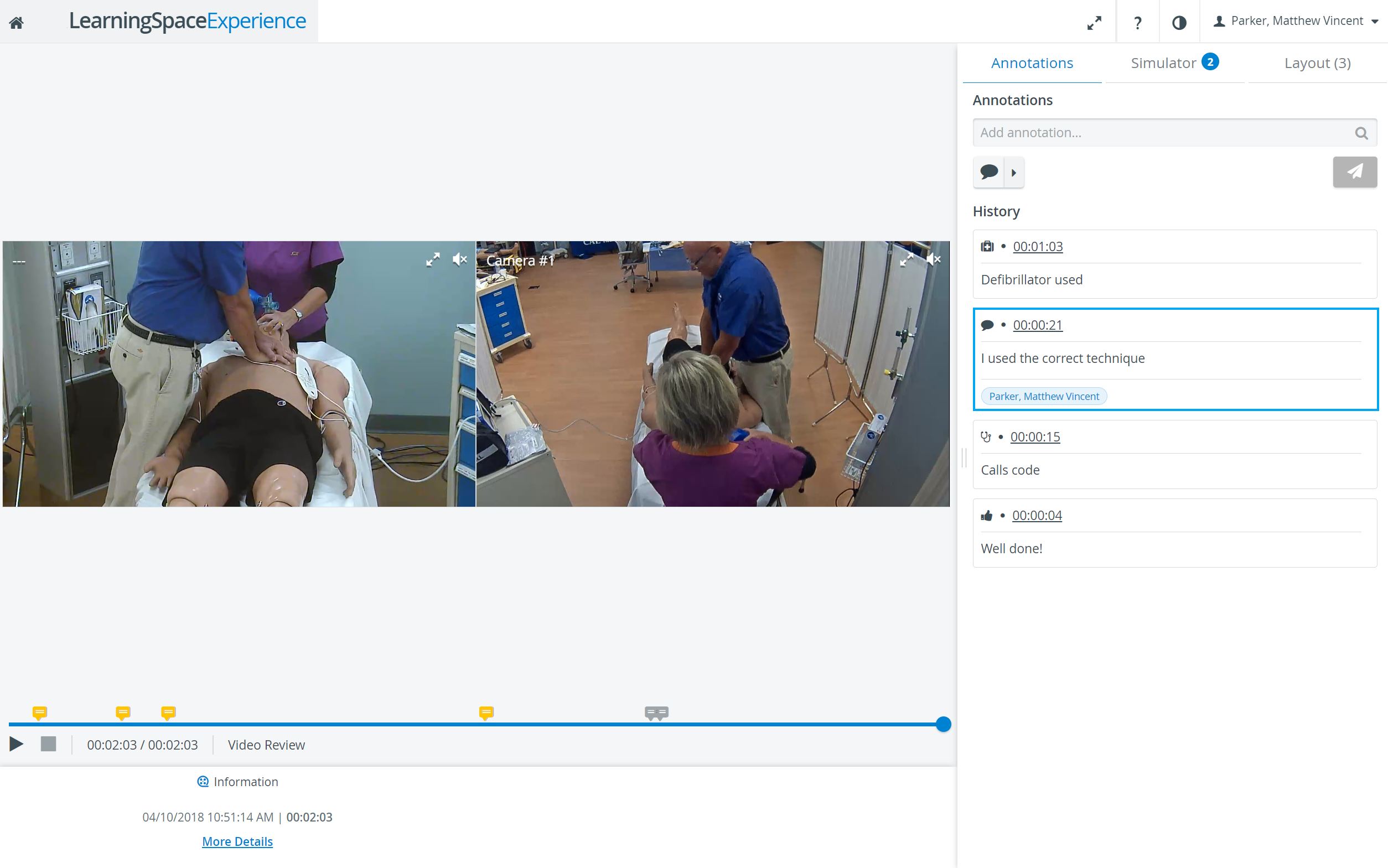
adding annotations
deleting self-created annotations

The Delete (red trash) icon appears when hovering over the annotation to be deleted. Since users with learner role cannot delete or modify faculty-added annotations, the trash icon only appears on those that were added by the learner.
Check the Sim Log (data about the simulator during the recording)
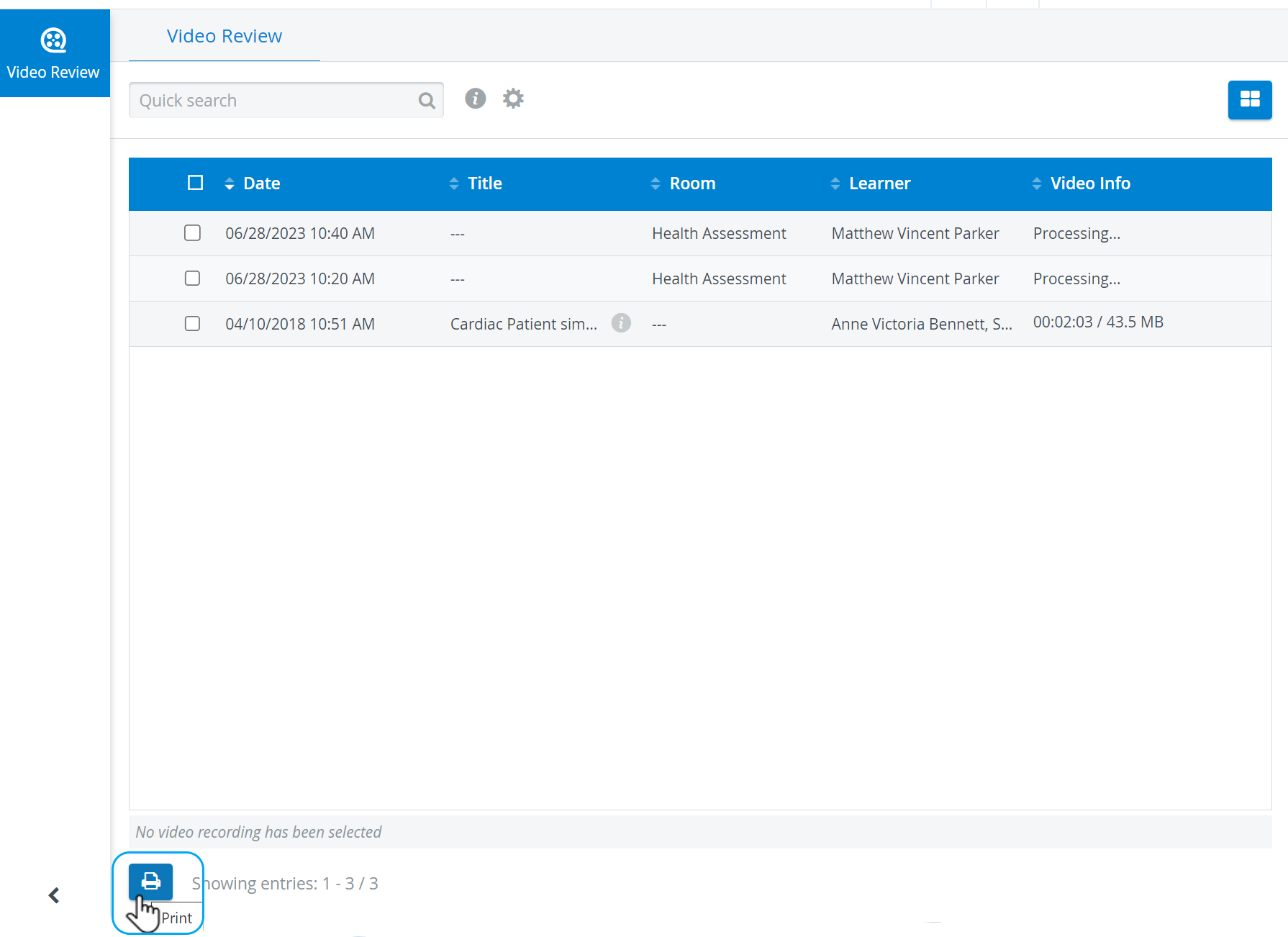
Print feature
In the Video List view, learners can print a Video Report of recordings they can access by ticking the checkbox next to the desired recording and then clicking the Print icon at the bottom. The Video Report includes annotations added with the learner's name and simulator data.