How to Generate a Raw Data API key
To utilize the new API key-based authentication method, users must make the following adjustments to their API queries:
Parameter Name: Replace the old password parameter with client_secret.
Parameter Value: The value should be the newly generated API key.
For example, if the generated API key is API_KEY_123, the API call would be formatted as follows:
http://server.name/w/api/rawdata.cgi?client_secret=API_KEY_123&sid=23
The API Key functionality is available on the Security tab of the System Module for Admin and System manager privilege users.
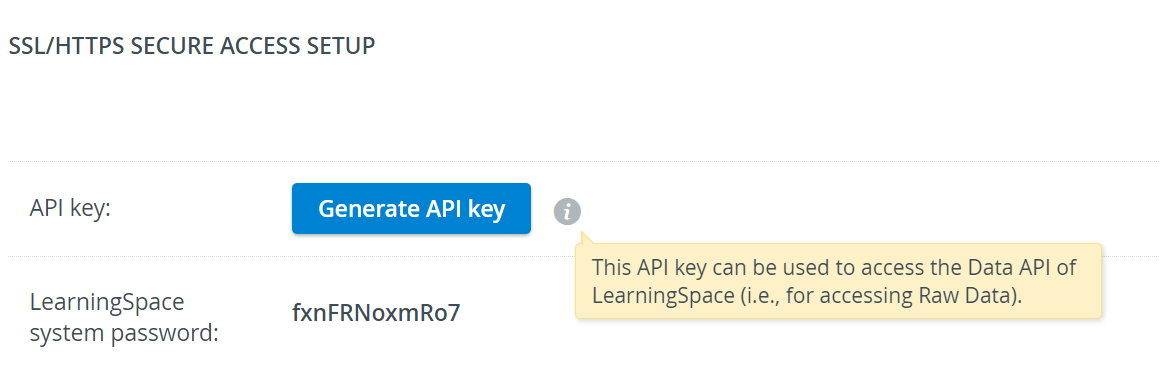
Generating API key
Click the Generate API Key button.

The API Key will be created by the system.


Click the Copy to Clipboard button to copy the API key.
Warning: Make sure you copy the key (token) immediately. The system does not store it, so you won't be able to see it later on.
Only one active API key can exist per system at any given time. Each newly created API Key will eliminate the currently existing one.
Click Close.
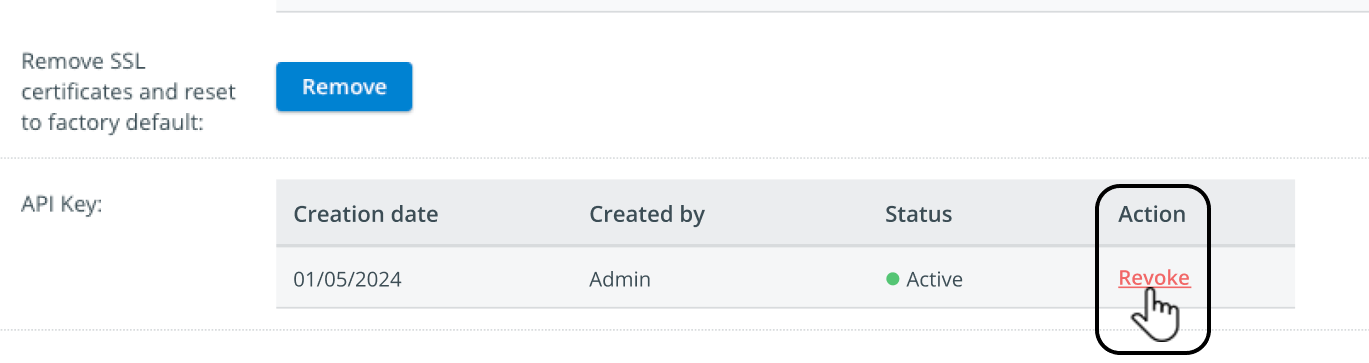
Active status, Creation date, and Created by will be displayed in the Security tab's API Key section.

Use the 'Revoke' option under Action if needed.
Proceed with using the generated API Key secret as described on the How to Use the Raw Data API page.
Revoking the API key
API key does not expire unless manually revoked.
Press Revoke under Action in the API Key section of the Security tab.
A confirmation pop-up will appear—Press Revoke (or Cancel to quit the process).
Warning: By this action, the system-wide API key will be deactivated.


See also: How to Use the Raw Data API.