How can I modify audio settings for a camera or a speaker
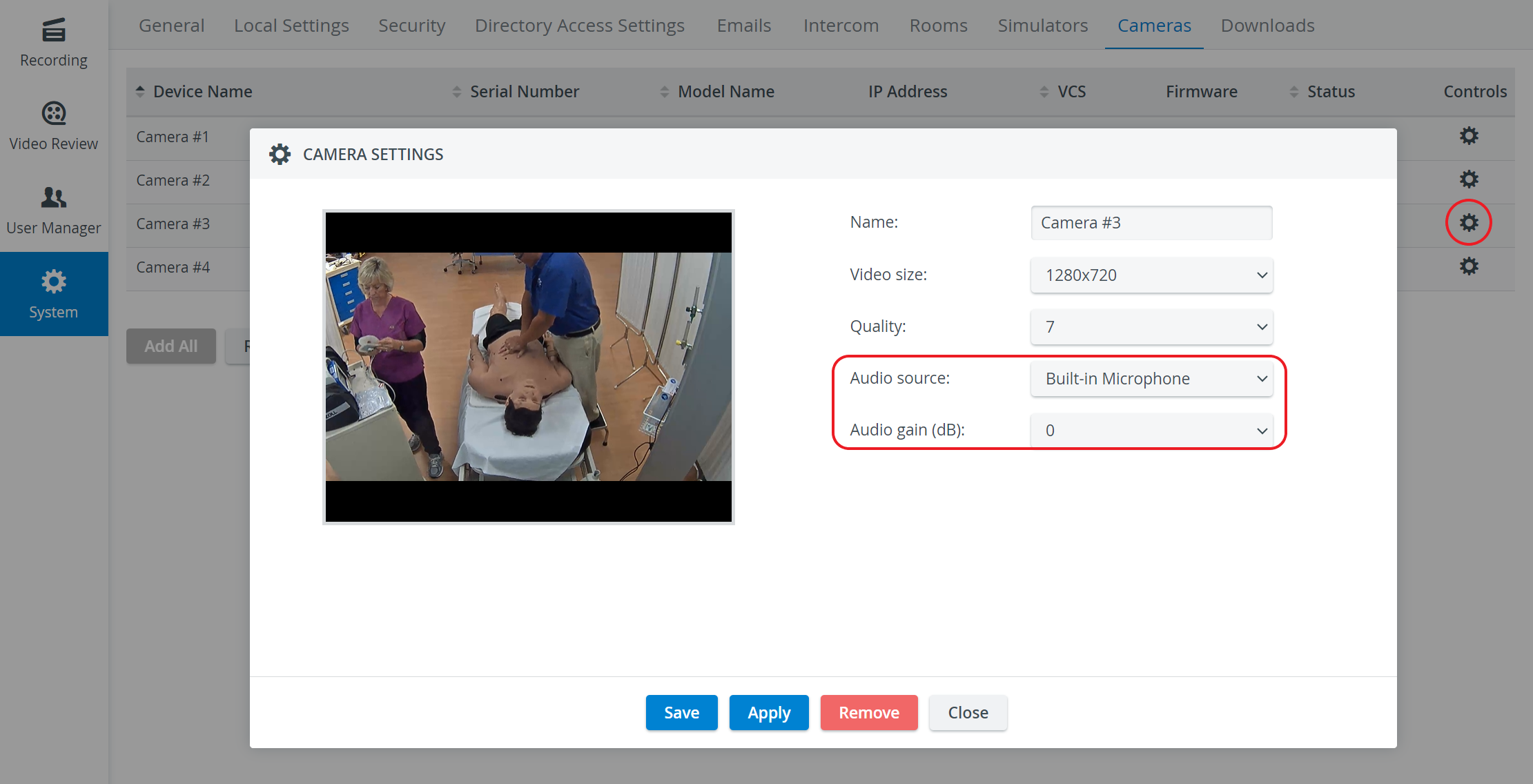
All camera-related settings can be accessed via the Cameras tab of the system manager.
Open the Camera Settings pop-up window for the desired camera by clicking the cogwheel icon in its row.
Use the Audio source and Audio gain (dB) drop-down menus to select the audio source and set the gain, respectively.
NOTE: In recording audio, gain is the first control the microphone signal goes through in a mixer.
Speaker Settings 
The cogwheel in each row of a configured speaker (Digital Audio Kit, DAK) prompts the Camera Settings window to open, where the following settings can be specified:
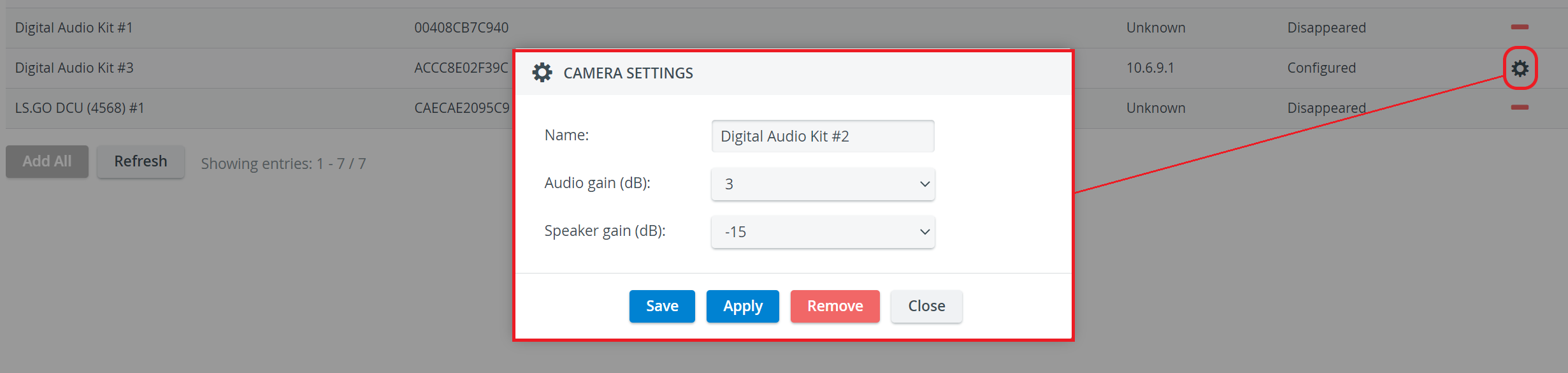
Name - Speaker name for distinction
Audio gain (dB) - controls the sensibility of the integrated microphone of the speaker
Speaker gain (dB) - controls the speaker output volume