How can I delete a recording?
In the Video Review list view, tick the checkbox next to the recording you want to delete, then click the red trash button in the bottom left corner of the screen.
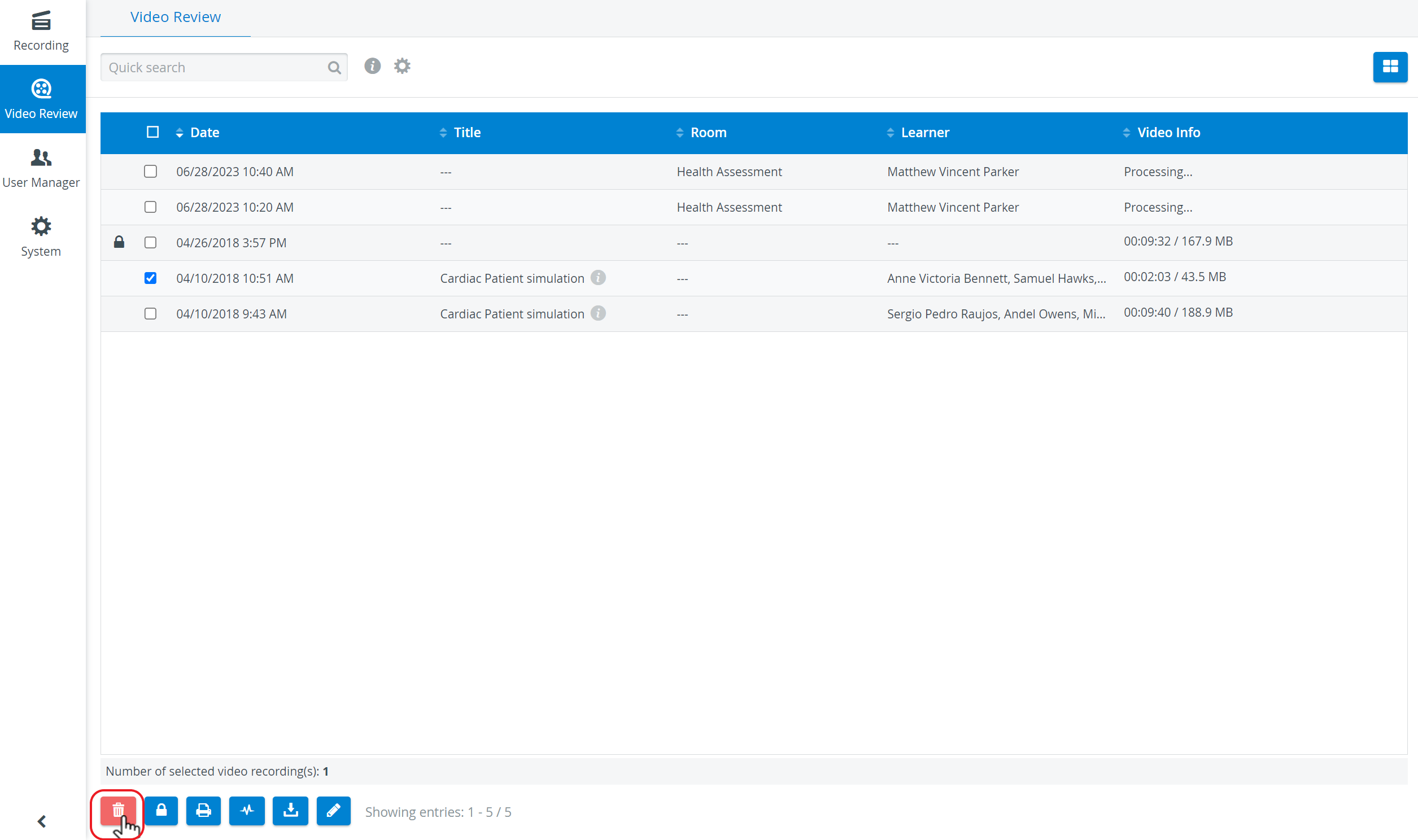
Any number of recordings can be selected for deletion.
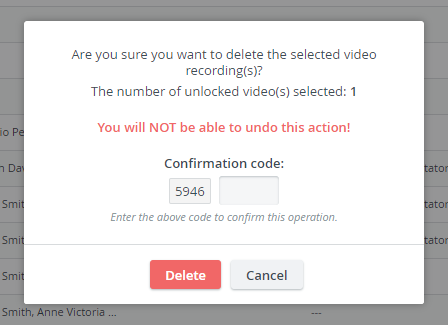
The deletion must always be confirmed in a pop-up by typing in the confirmation code. Locked recordings cannot be deleted.
To prevent recordings from accidental deletion, lock the desired video recordings. See video preservation.
For information about the automatic deletion of recordings, go to the Recording Deletion page.
For further information visit the Video Review pages and watch our Training Videos.