Grid Layout
Grid Layout Option in Video Review
You can choose between two layout options in the Video Review module:
List view:

Grid view:


Choosing the grid or table layout will be saved as each user's preference.
The Grid layout displays recorded and uploaded videos as cards with a default thumbnail and arranges video details such as metadata or custom descriptions underneath:
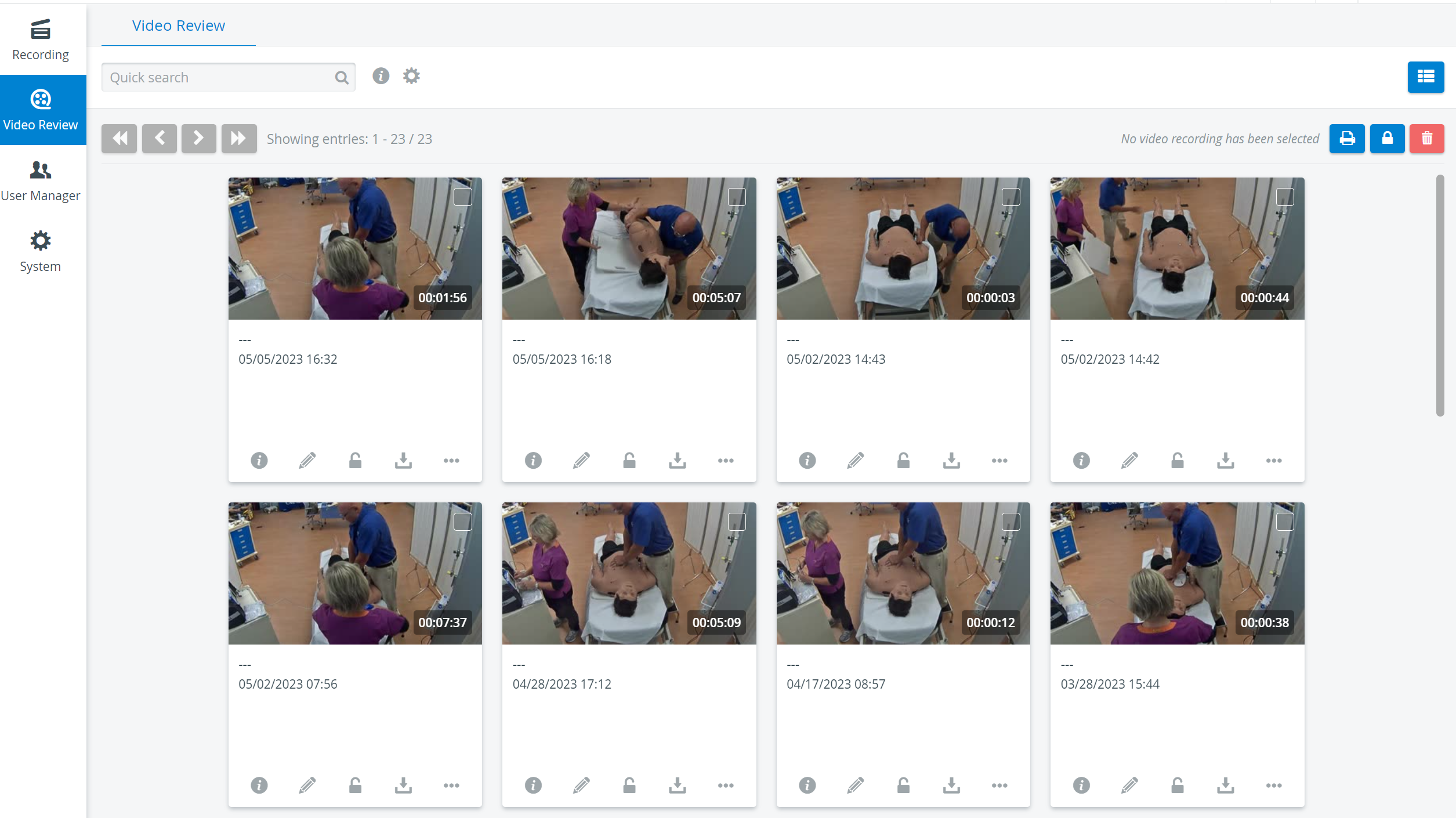
A maximum of 50 cards are shown on one page. Use the arrows in the top left corner to change between pages or to jump to the first or last page.
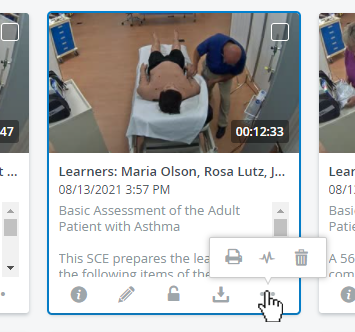
Apply features with a single click that are now added directly to each recording:
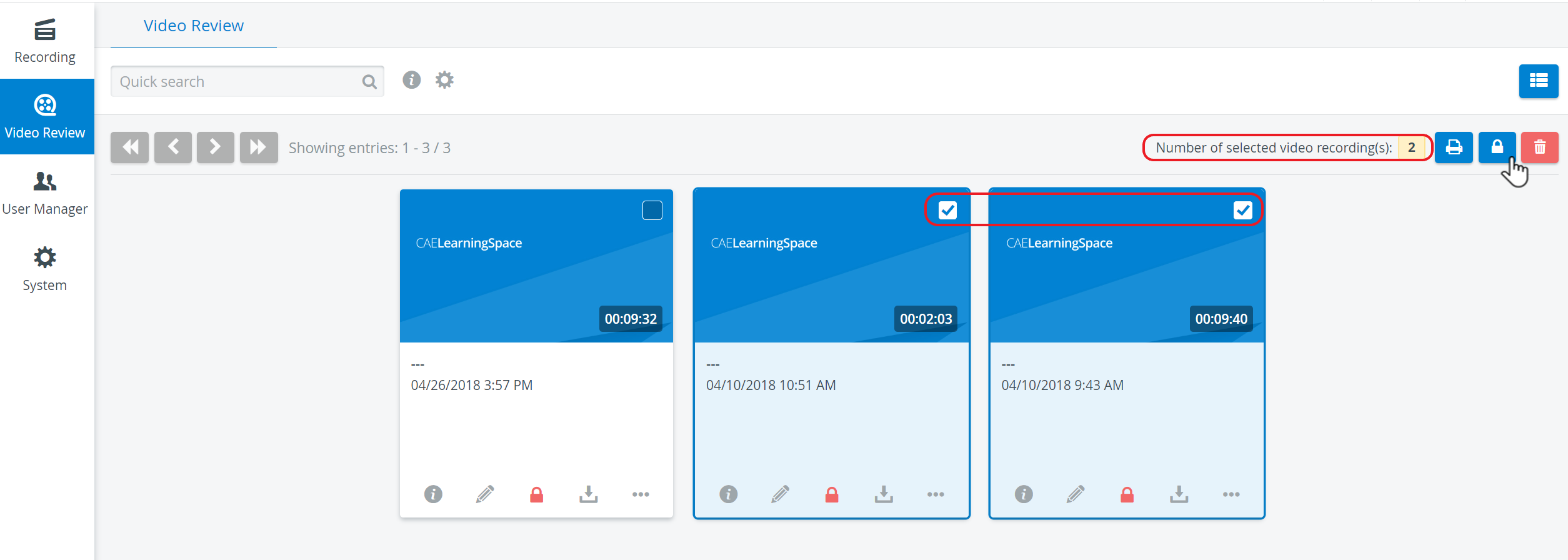
You can still perform each operation with multiple video files by selecting recordings and using the icons in the upper right corner of the page.
Edit Thumbnails
Each video recording comes with a default thumbnail, but it can be customized.
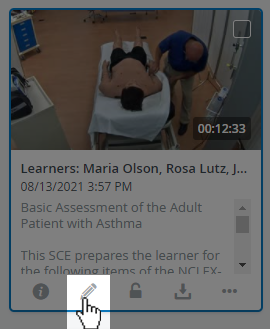
Open the video recording for editing with the pencil icon, then choose from a total of 5 different previews that are taken periodically from the video footage:
Images for thumbnails are extracted from the footage at random time offsets. If multiple video files are available, thumbnails will be extracted from each of them.
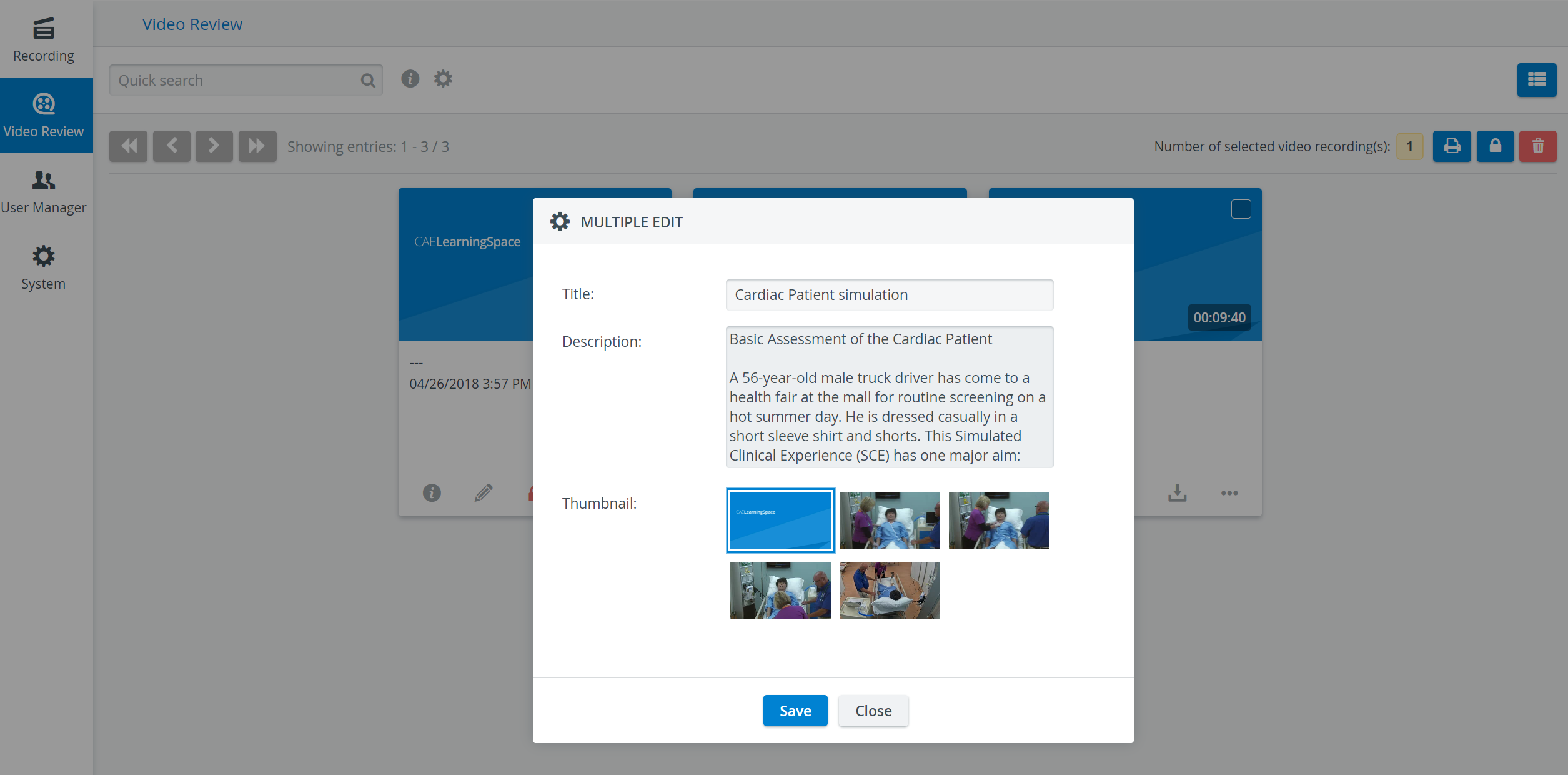
By default, new thumbnails will be generated for the video recording each time you open the editor.
Titles and Descriptions
Searchable Titles and Descriptions
Add a Title to caption your video recording in editing mode for easier identification. You can also add extra information in the Description field that will appear underneath the thumbnail and caption.
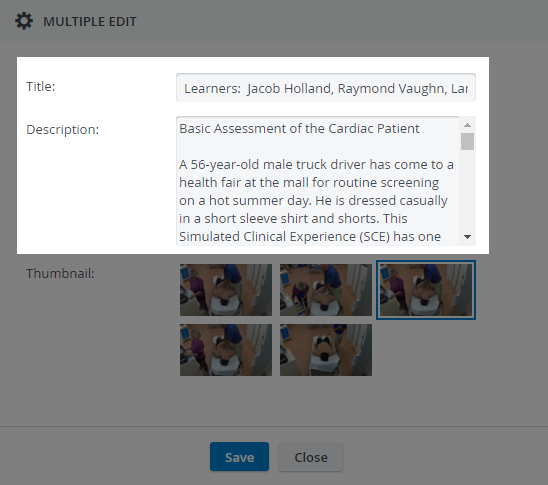
Only users with Admin or Facilitator roles can add titles to recordings.

The contents of the Title and Description fields are searchable in the quick search bar:
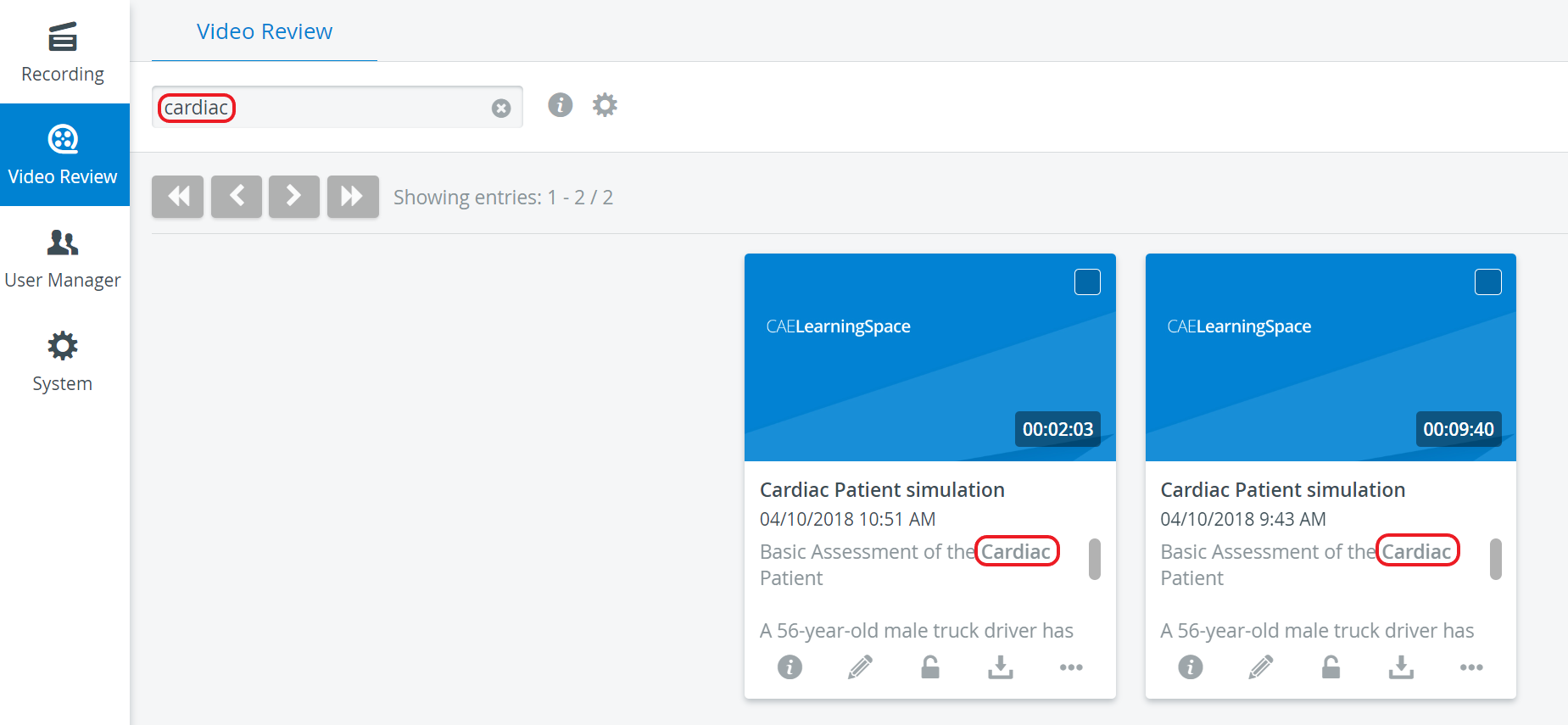
The Title and Description will also appear in List View:
Hover over the information icon next to a video recording's title to display the description added to the recording.


List view can be turned back on by clicking on the List view icon in the upper right corner of the page.

See our Video Review - FAQ pages and watch our related Training Videos.