Demo User Management
The demo user feature ensures no security gap occurs in accessing any LearningSpace installation.
Demo users deployed with LearningSpace installations are disabled; that is, they are inactive and have no password by default.
Activating Demo Users
Activating demo users is described at this link.

User Experience
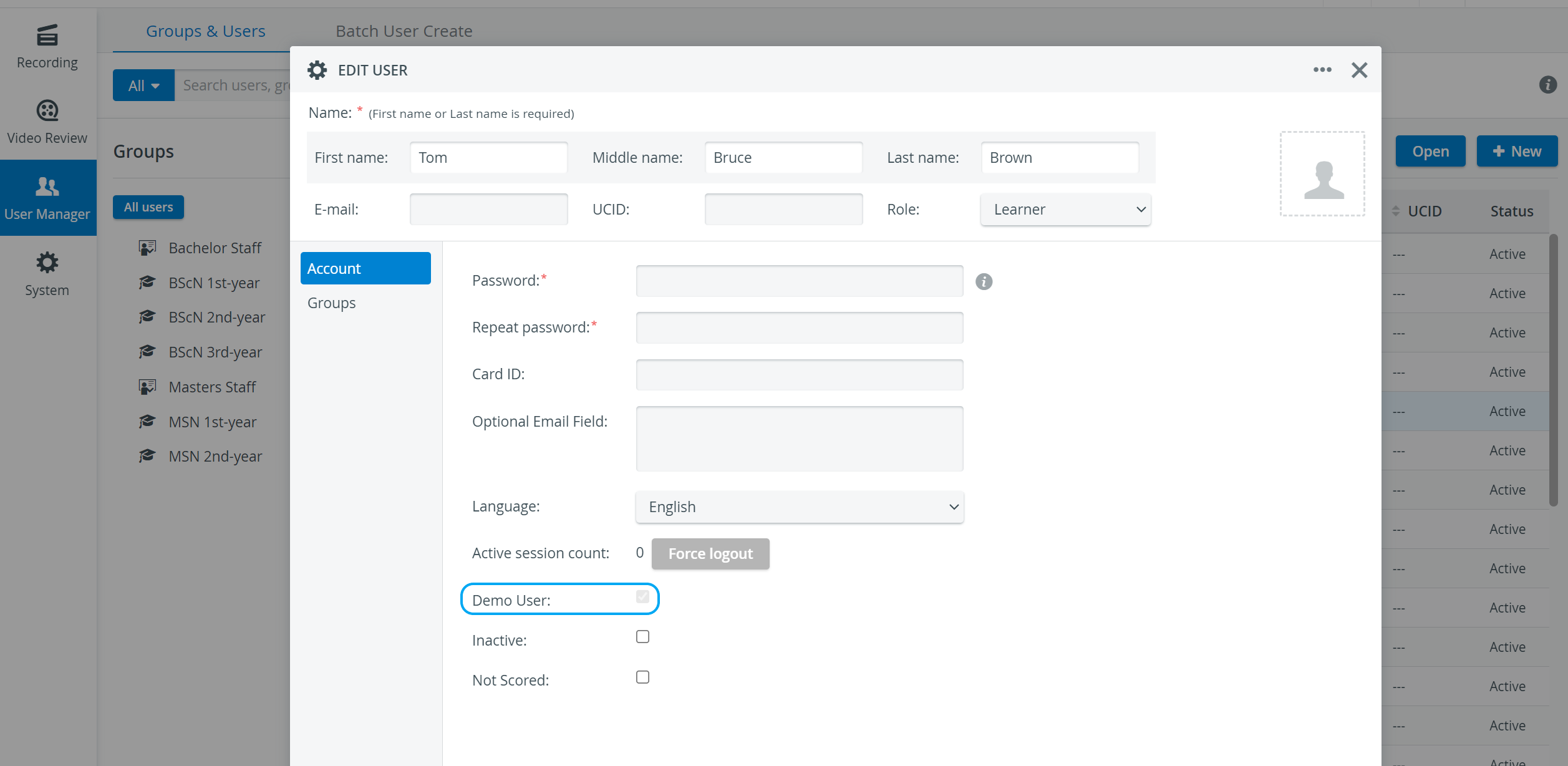
Demo users are indicated by a “read-only” display; that is, a disabled checkbox appears on the Account tab of the user's Edit User pop-up.
IMPORTANT: Demo users cannot access their accounts until they are activated by an Admin. The access can only be granted for one day (the day of activation).