2023 July New Features - Release Notes
HTTPS certificate request/upload tool
LearningSpace is a web application accessed by a web browser on the client's computers. To secure the data traveling between the LearningSpace system and the client's browser, the otherwise unsecured HTTP traffic needs to be encrypted using strong SSL certificates, resulting in HTTPS traffic.
The securely encrypted HTTPS traffic will minimize the risks inherent to applications connected to the Internet.
ℹ️ See How can an SSL certificate be acquired?
The Intercom functionality of LearningSpace requires the web browser to have access to the microphone of the client PC, which in turn requires a secure HTTPS connection to the LearningSpace server.
LearningSpace's new HTTPS certificate requests tool is hideable. Please ask your System Administrator to enable it on your system.
Once enabled, the below version of SSL/HTTPS SECURE ACCESS SETUP will be available under the System module, Security tab:
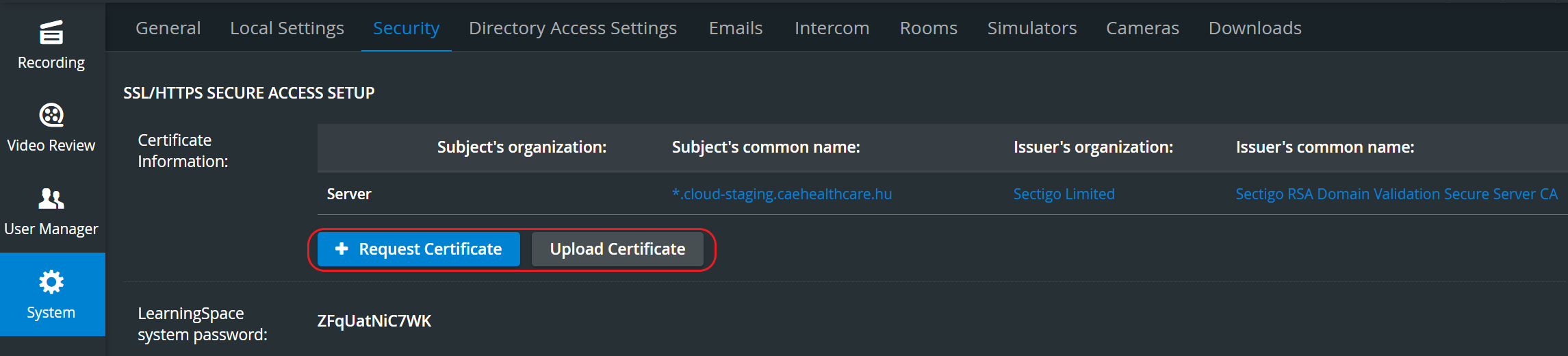
Two options will be available here:
If you do not have a certificate or a key →proceed to Request Certificate
If you have your own SSL certificate and a private key → proceed to Upload Certificate
Continue here for a step-by-step guide to the Process of requesting/uploading a certificate.
For more information, go to How to use the HTTPS certificate request/upload tool.
Vertical Double Layout - Single Room View
In some cases, two camera views must be displayed on top of each other (i.e., in a single column) during recording.
With our new Vertical double layout feature, the utilization of the space available in the Single Room View panels can be maximized and the panels on the right side (Annotations tab, Layout tab) or additional windows can be displayed in a larger size.
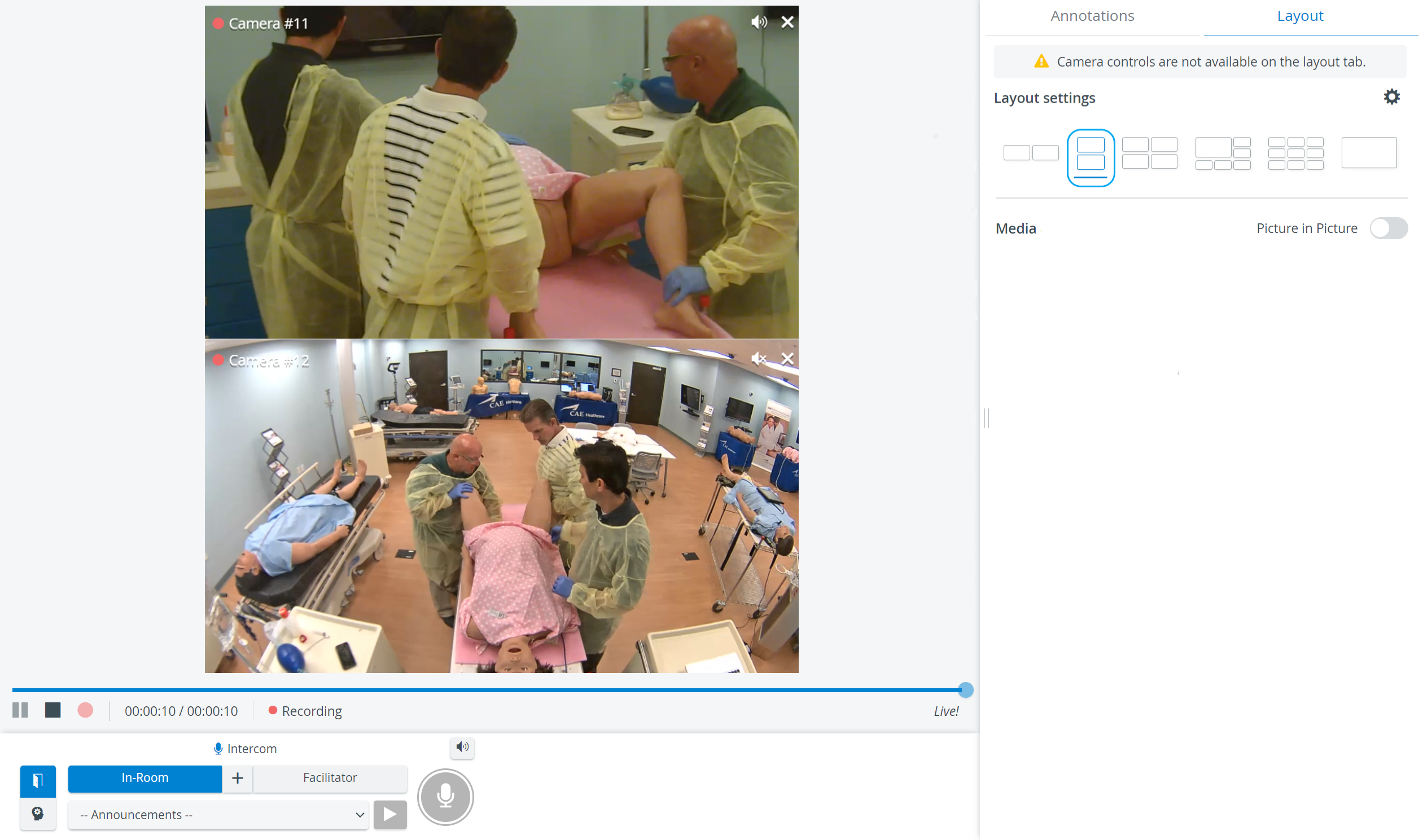
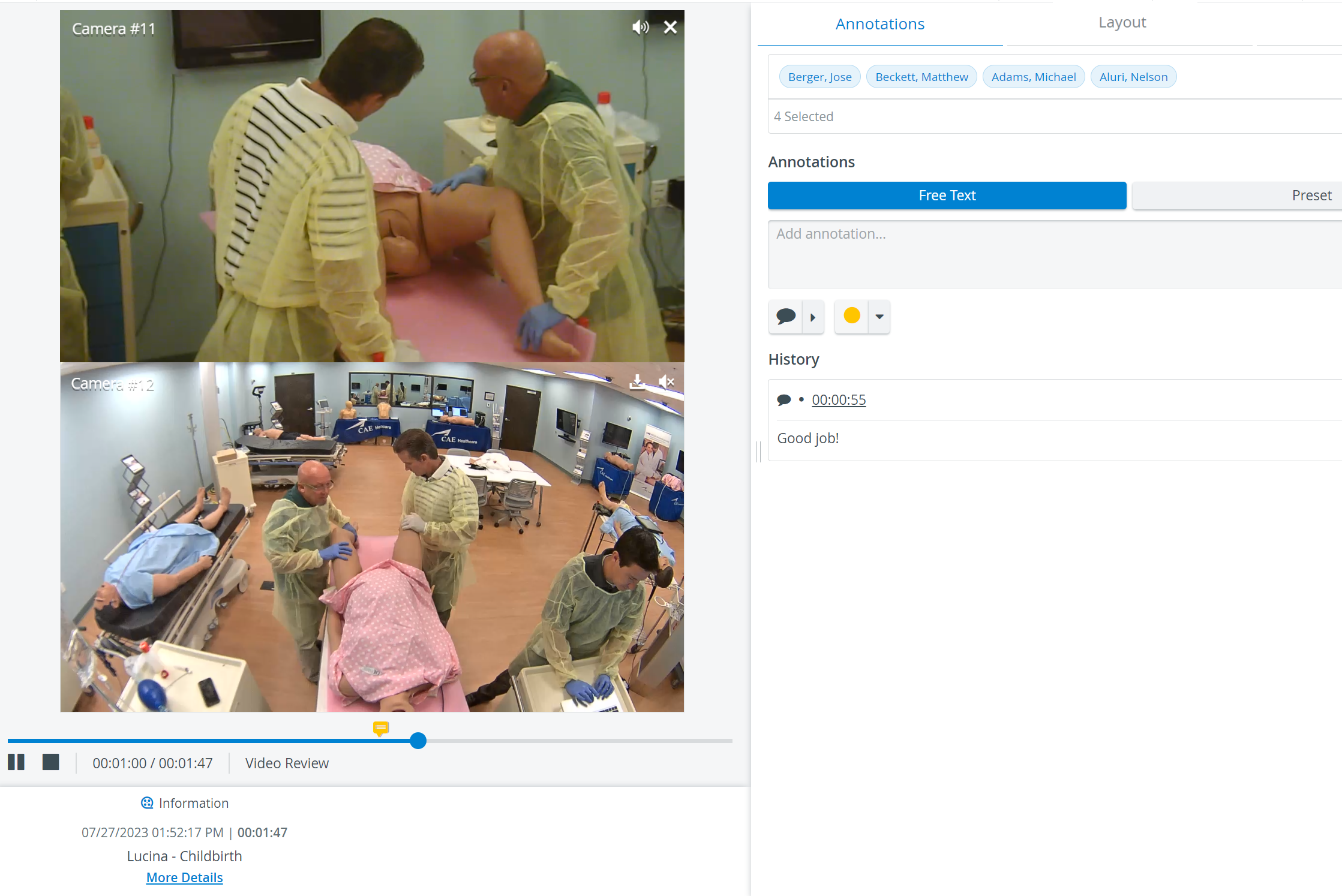
The new Vertical double layout Feature is also available in the Video Review module.