What to know about Group Performance Report
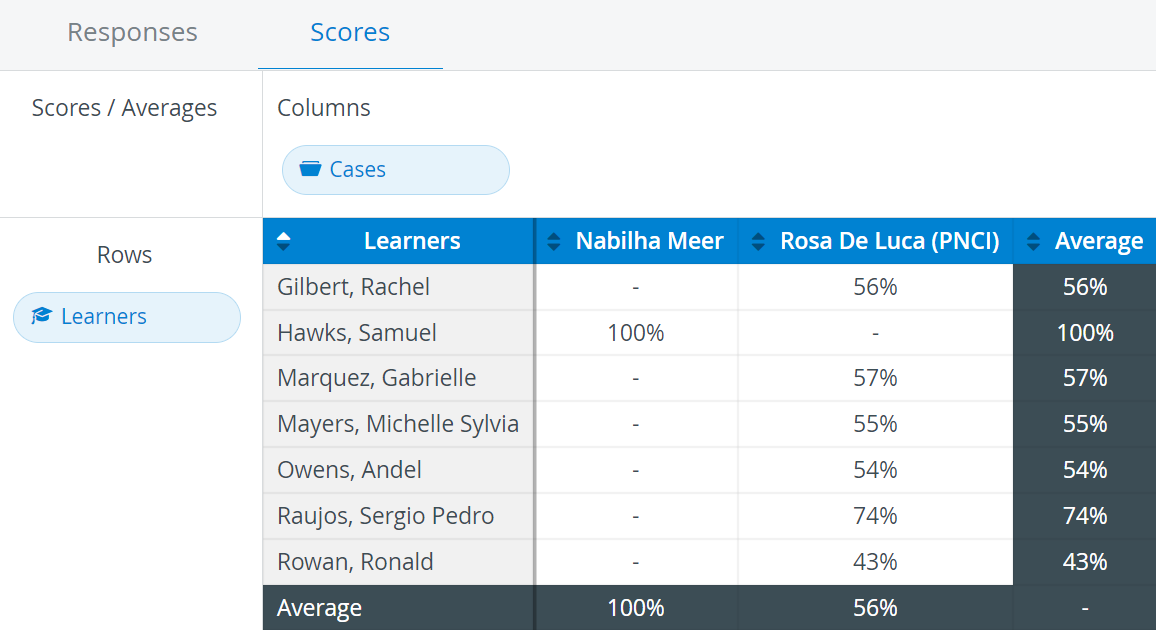
The Group Performance Report reviews learners' performance in the events/activities scheduled and completed in the system. Consequently, SCEs (Cases) are displayed as columns, while Learners are listed in the rows.
The report can be accessed in the Reports module, on the Scores tab, by selecting it from the drop-down menu in the top right corner.
The reports can be filtered for specific events/activities by selecting the desired events/activities via the Add Filter button.
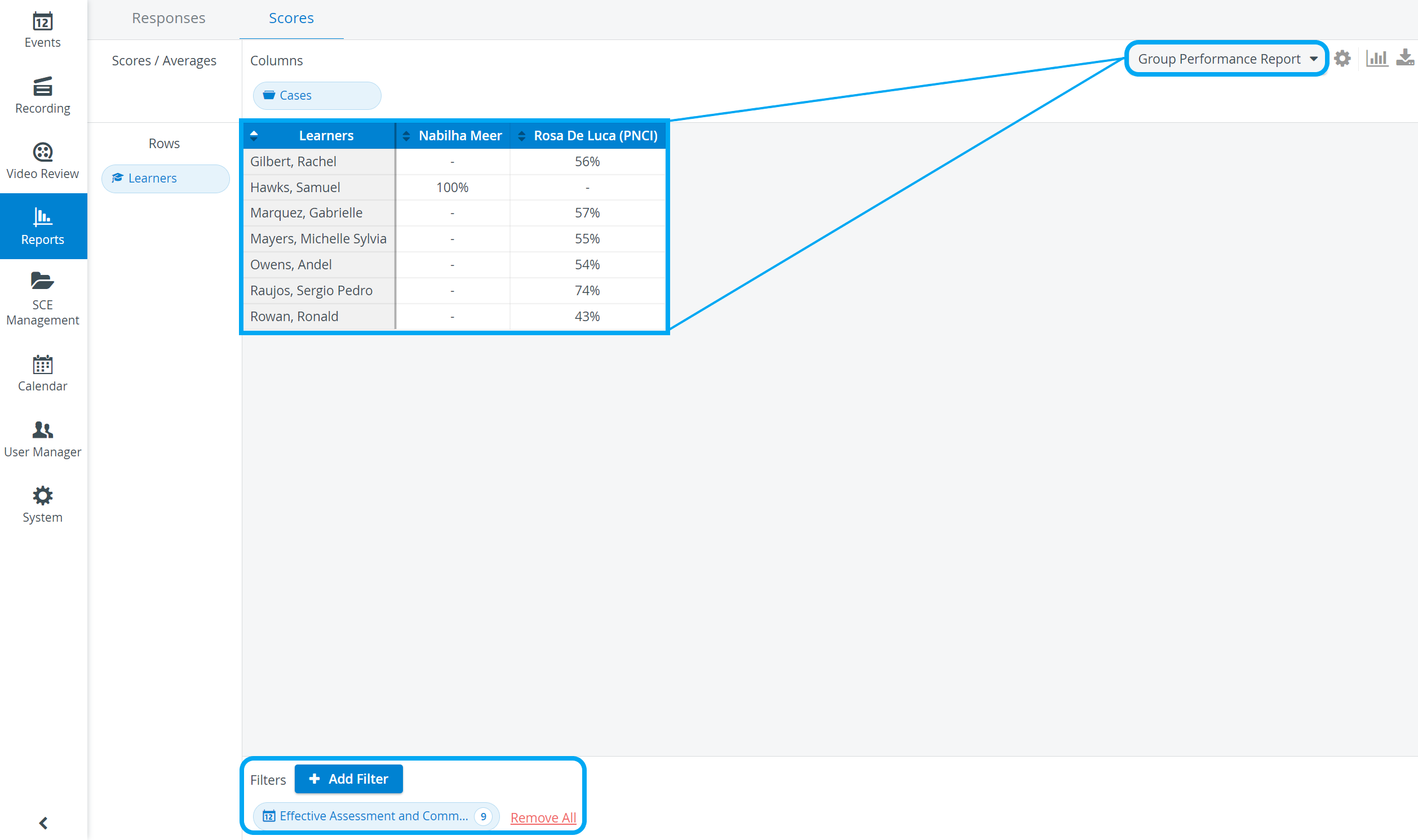
By default, the learners are listed by name in alphabetical order. To display the results according to learner results in a specific SCE, click the arrow in the SCE's header.


For more information, see our Reports Module and Reports - FAQ pages.