Waveform and Sim Log in Video Review
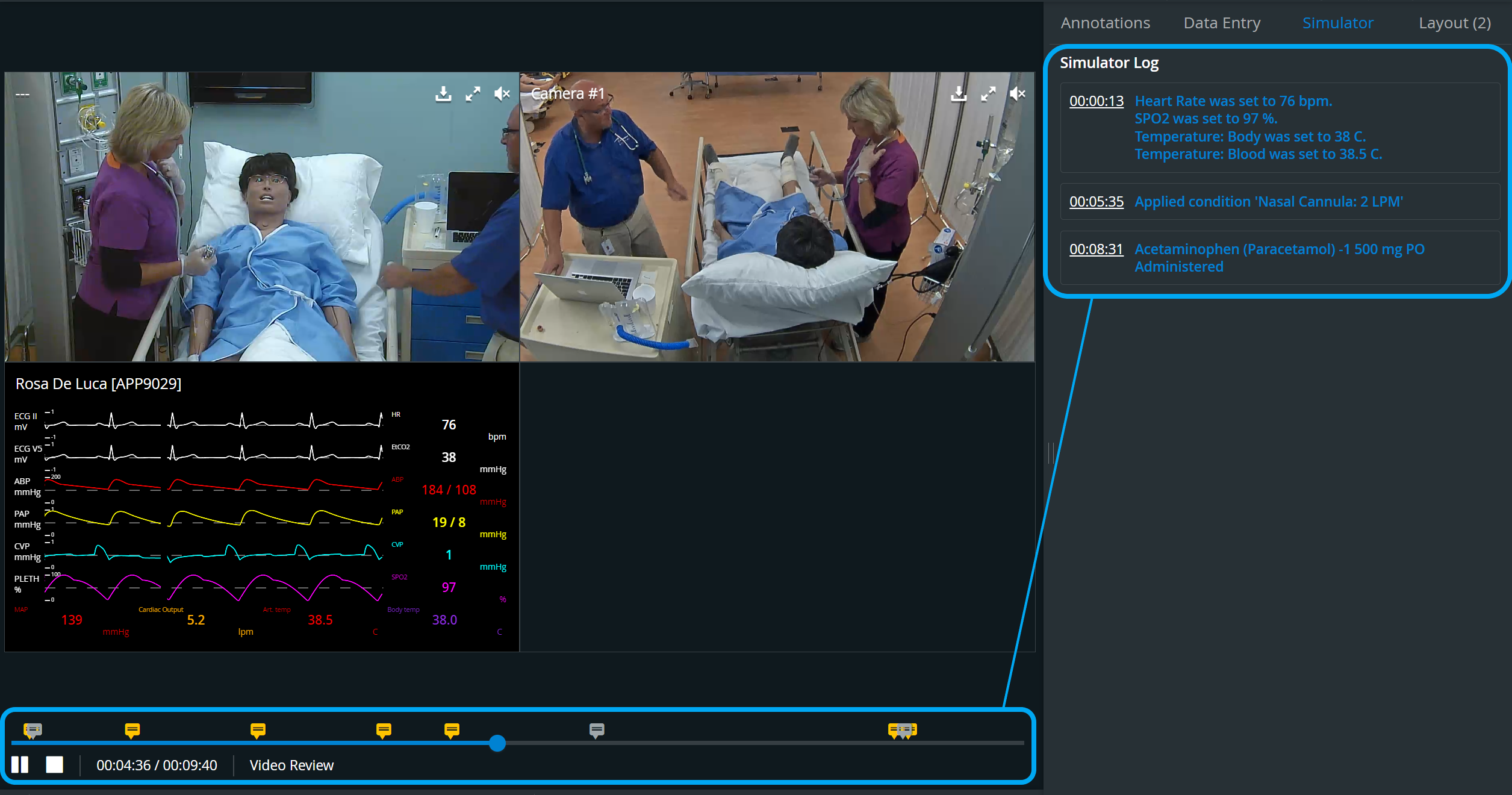
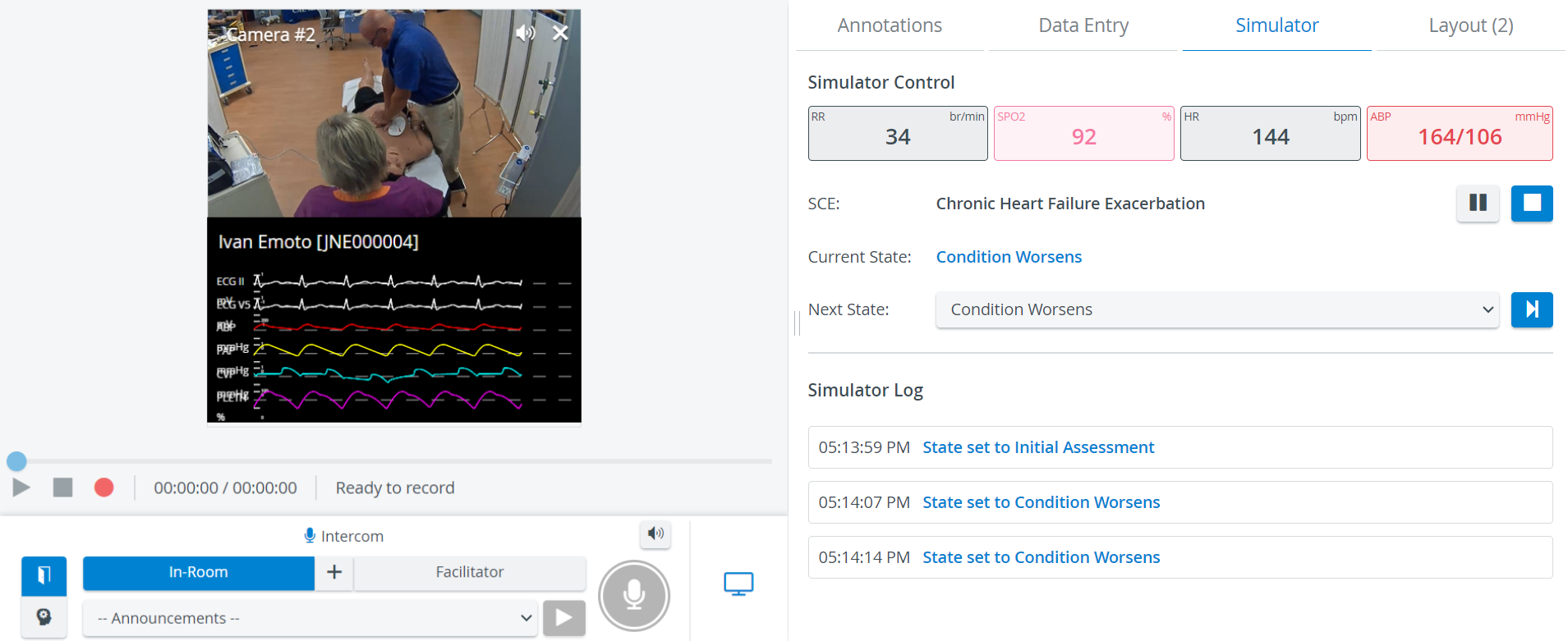
Elevate Healthcare simulators associated with a room display their Simulator Log (CTG, waveform, and trendchart/patient monitor) in the Single Room View of the Recording module and get recorded along with the camera feed when REC is started.

The Waveform and Sim Log display figures synchronously with the video feed in Video Review mode.
The waveform's parameters can be changed by clicking the value intended to be changed and thereby opening the Parameter Selector.
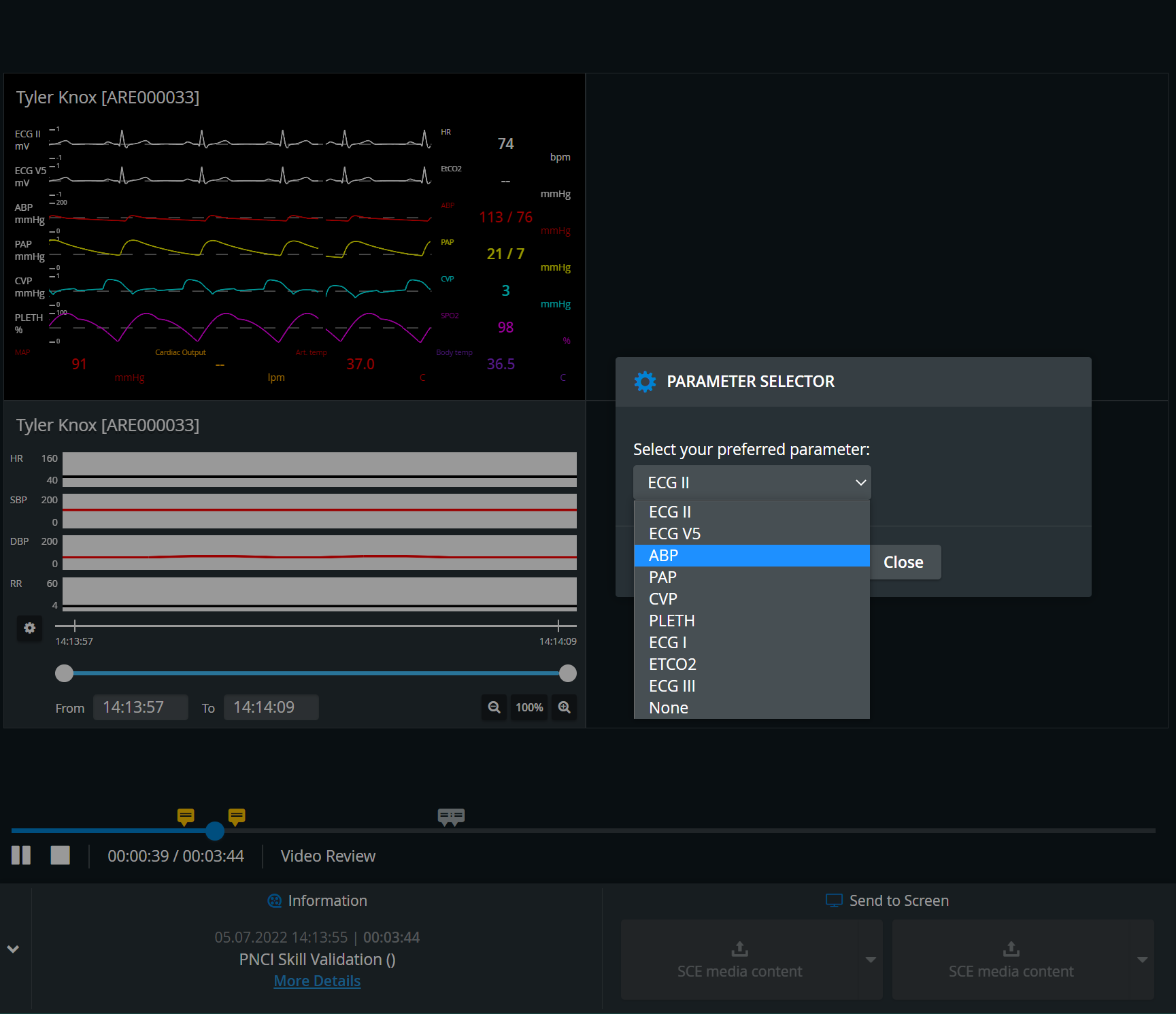
The exact place where the cursor is when clicking determines which value will be changed.
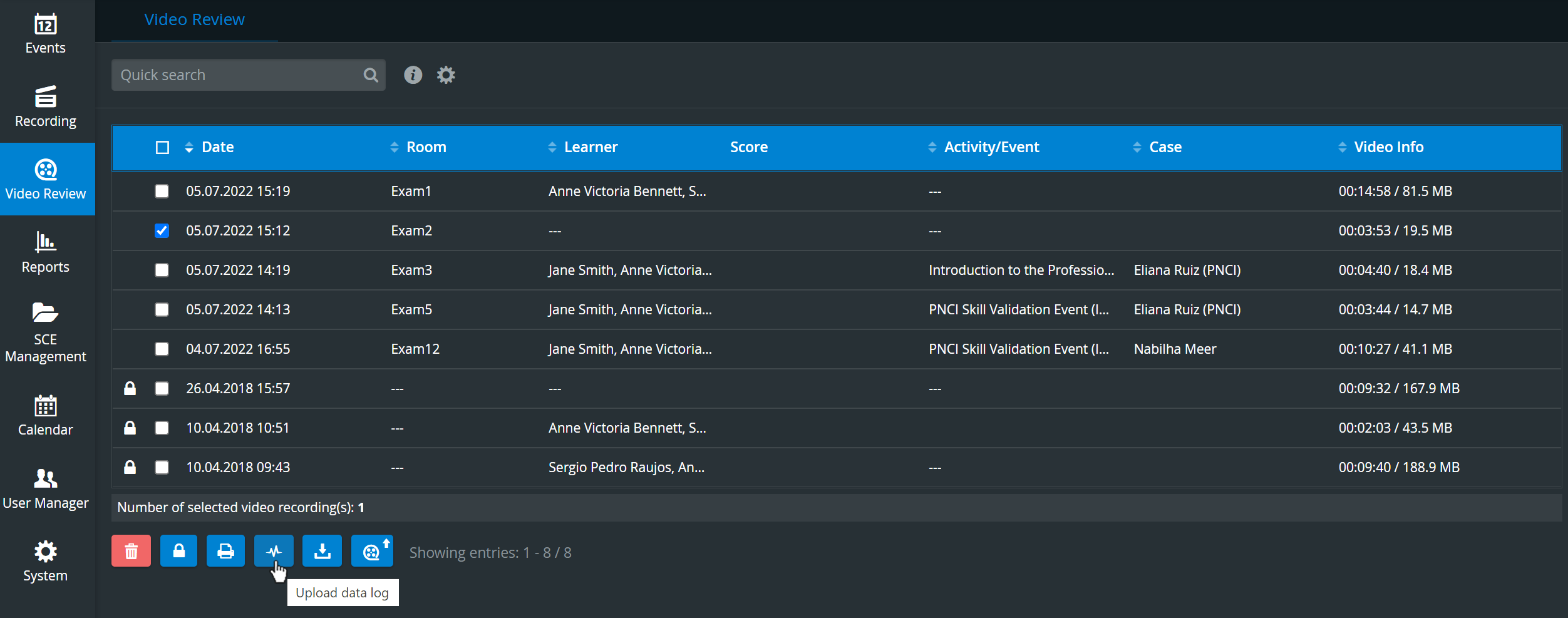
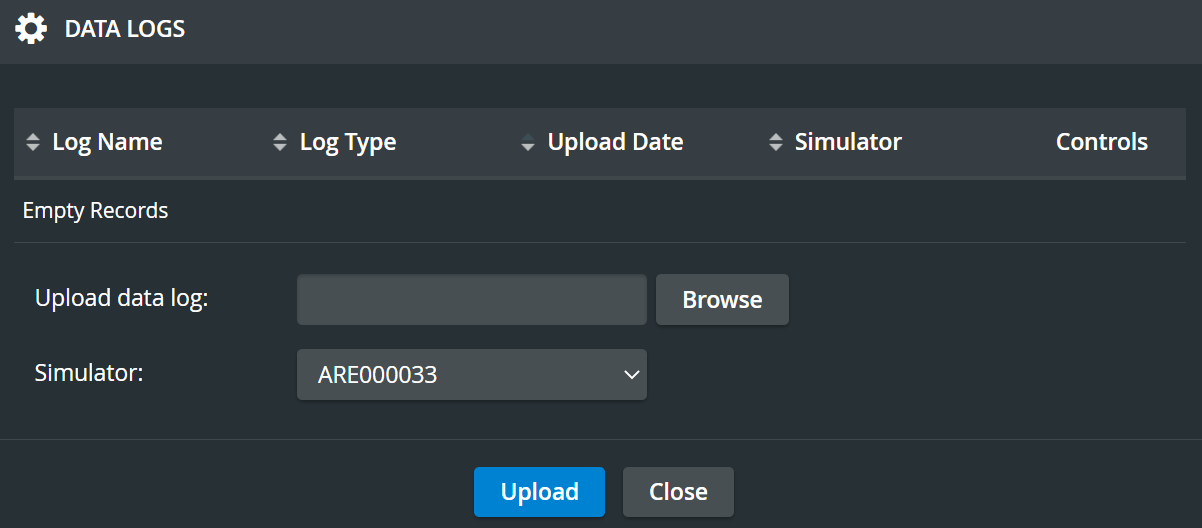
For scenarios run on third-party simulators, simulator log files can be uploaded to video recordings from the list view. For LearningSpace simulators, sim logs are automatically transferred to LearningSpace.
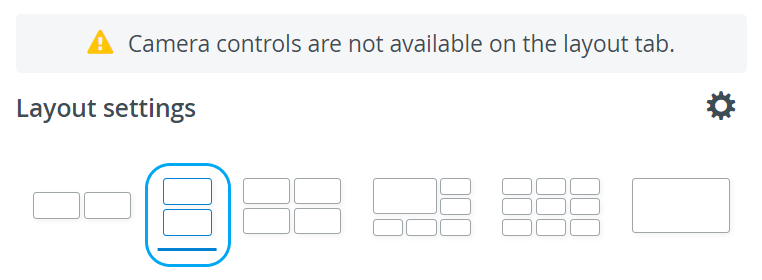
In the latest versions of LearningSpace, the utilization of the space available in the Single Room View panels can be maximized, and the panels on the right side (or additional windows) can be displayed in a larger size by using the Vertical double layout feature.
Learn more on our Video Review and Video Review - FAQ pages. See also Waveform and Sim Log in the Recording module.