Single Room View - SRV
Single Room View (SRV)
The screen is displayed when a single room panel is selected in Center Overview (CO), that is, the display of all the aspects of a single room.
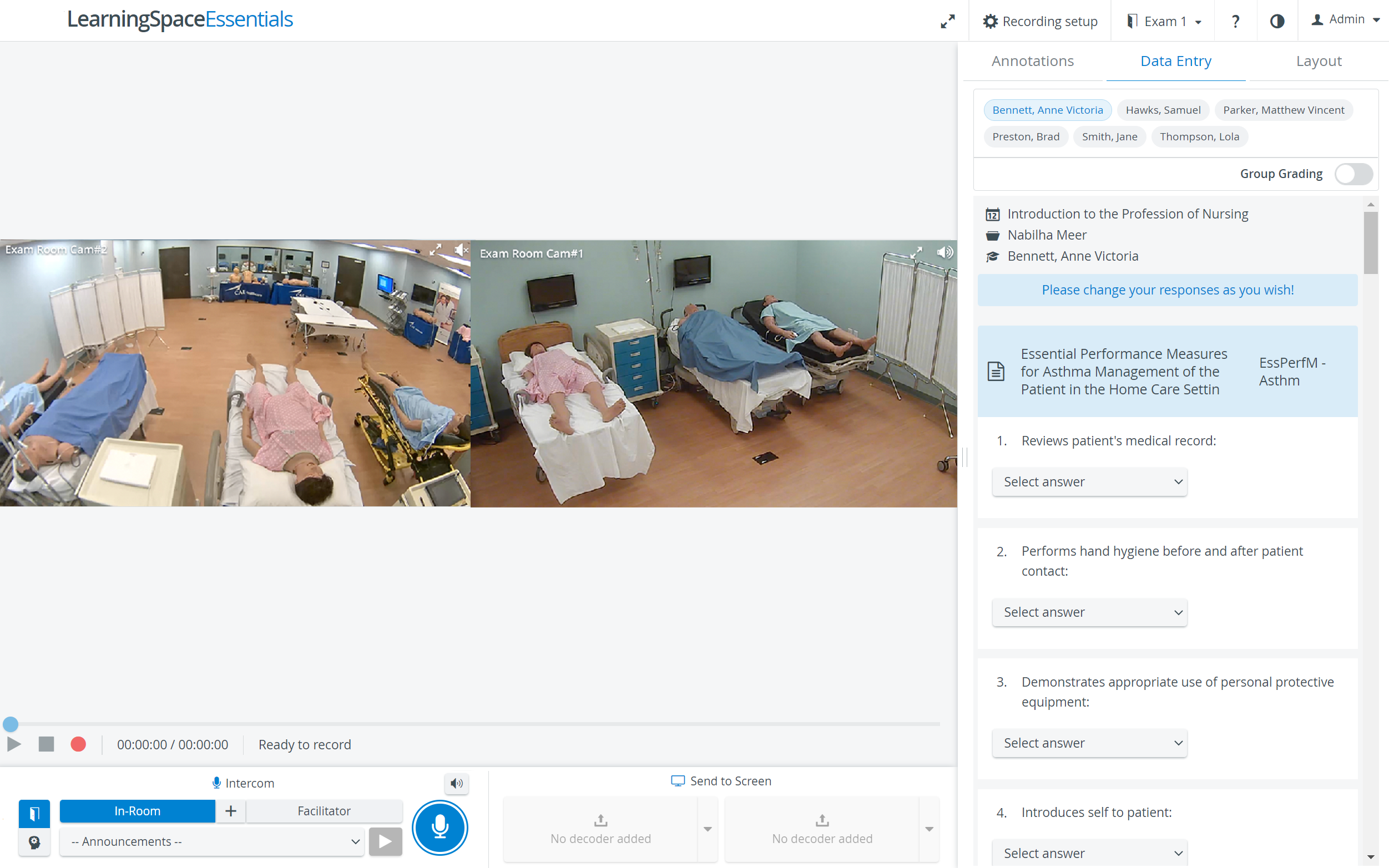
The Single Room View (SRV) shows all the camera and DCU feeds assigned to the room, along with
the Annotations, the Data Entry, and the Layout tabs,
the Recording setup,
the recording functions (REC button, STOP button),
the Intercom buttons and
the Send to Screen functions.
If accessed via the CO and no event is scheduled, that is, the recording is done on the fly. The Data Entry tab, the Intercom, and the Send to Screen functions are inactive since for those features to work, a scheduled event, including an SCE, is needed.
How to Access SRV
The SRV can be accessed
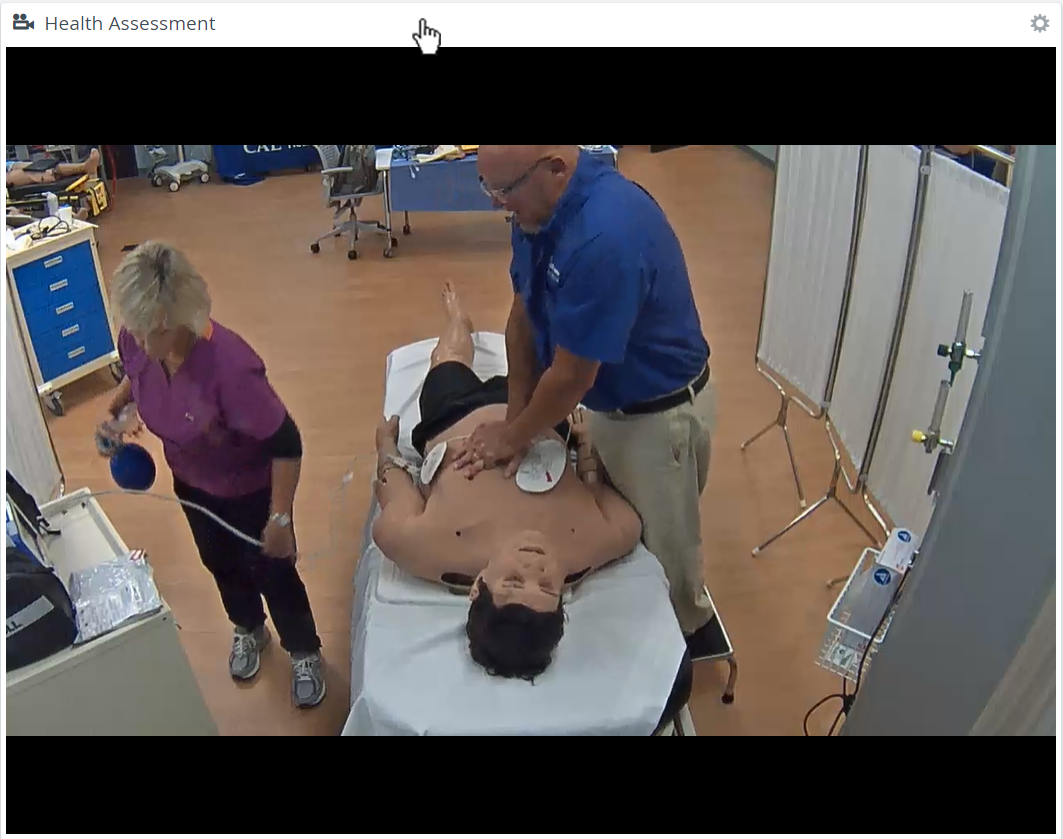
via the CO by clicking anywhere in the camera panel's header
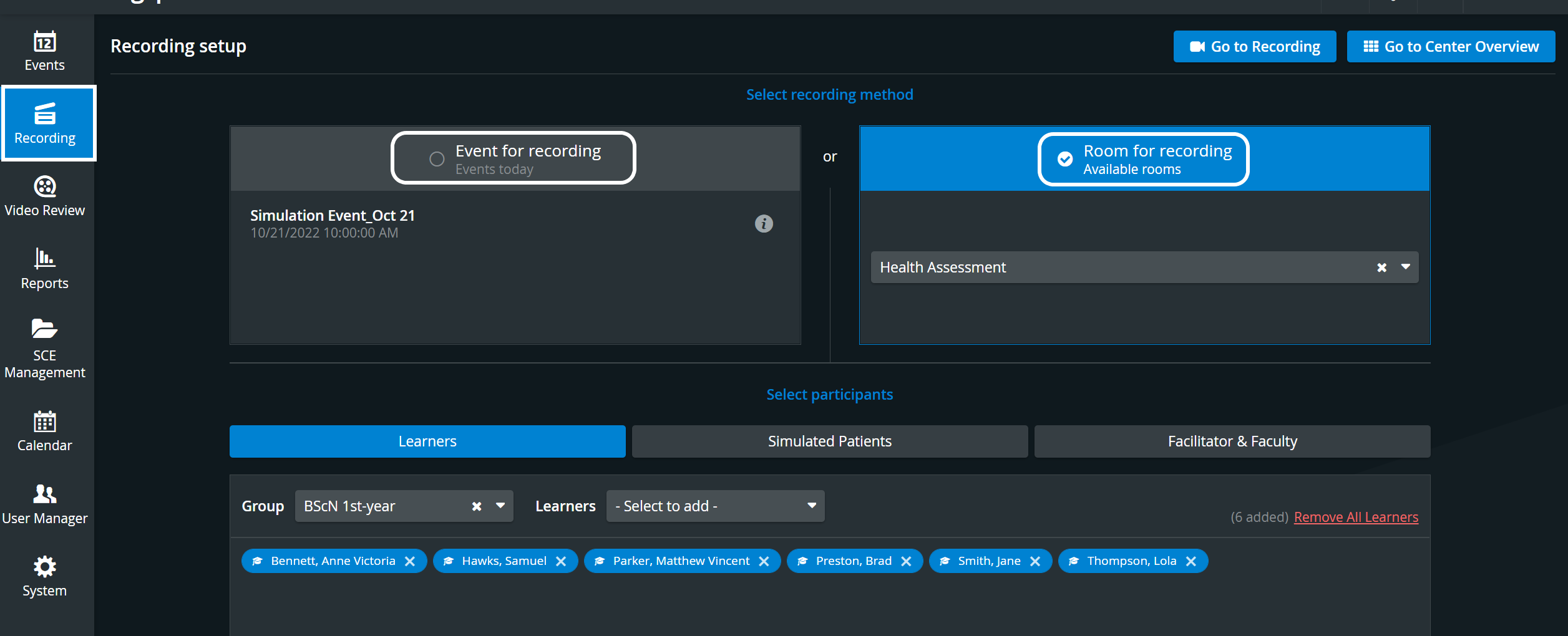
By selecting a scheduled event ('Event for recording/Events today') or a specific room ('Room for recording/Available rooms') on the Recording tab of the Dashboard.
Toggle Panel Width/Height
With the Toggle Panel Width/Height functionality, the bottom and side panels can be minimized to maximize the displayed camera or media view.
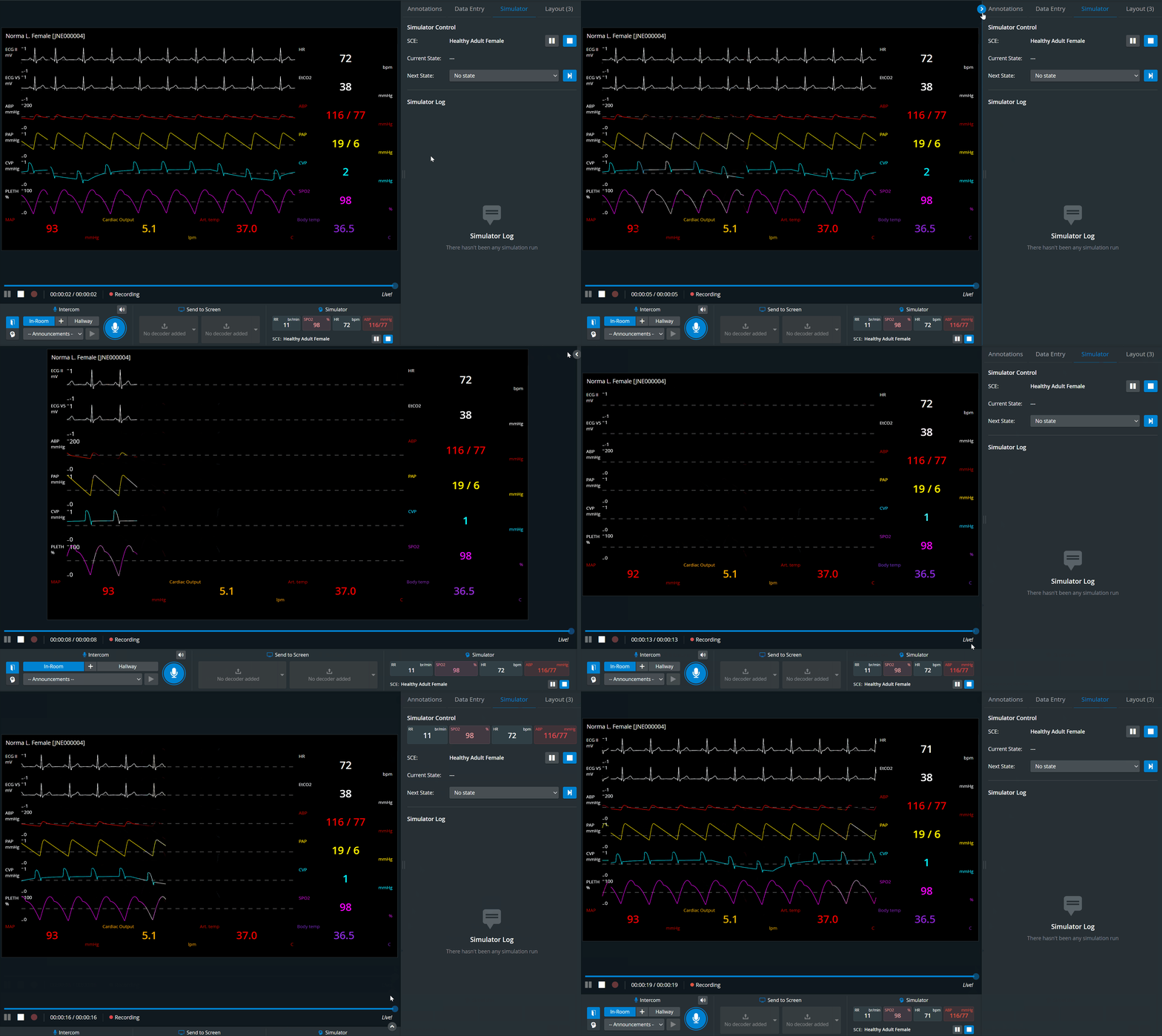
The toggle appears when you hover over the bottom or side panel or the panel border lines. When activated (i.e., when the camera view is maximized), the toggle arrows are displayed constantly.
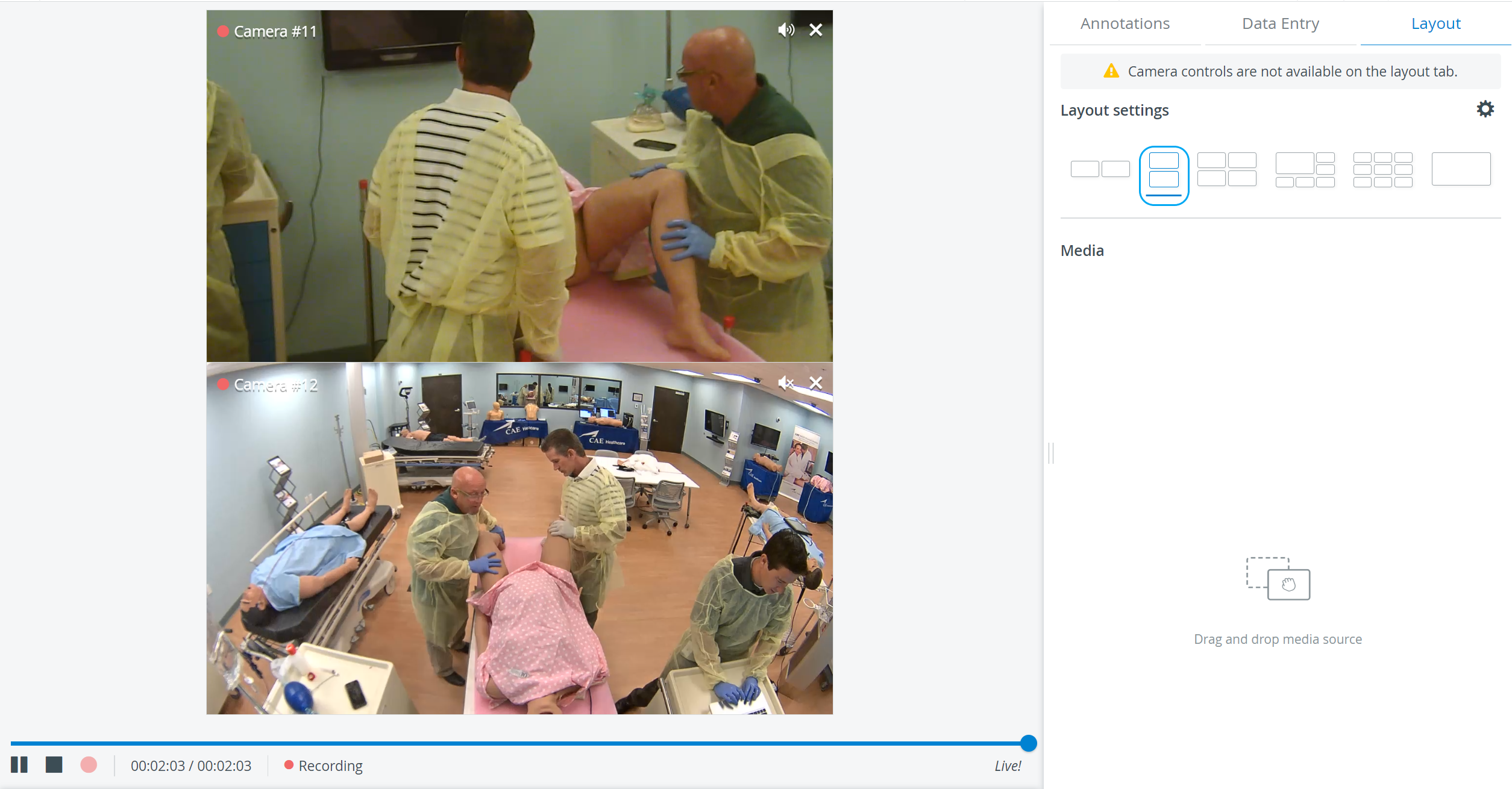
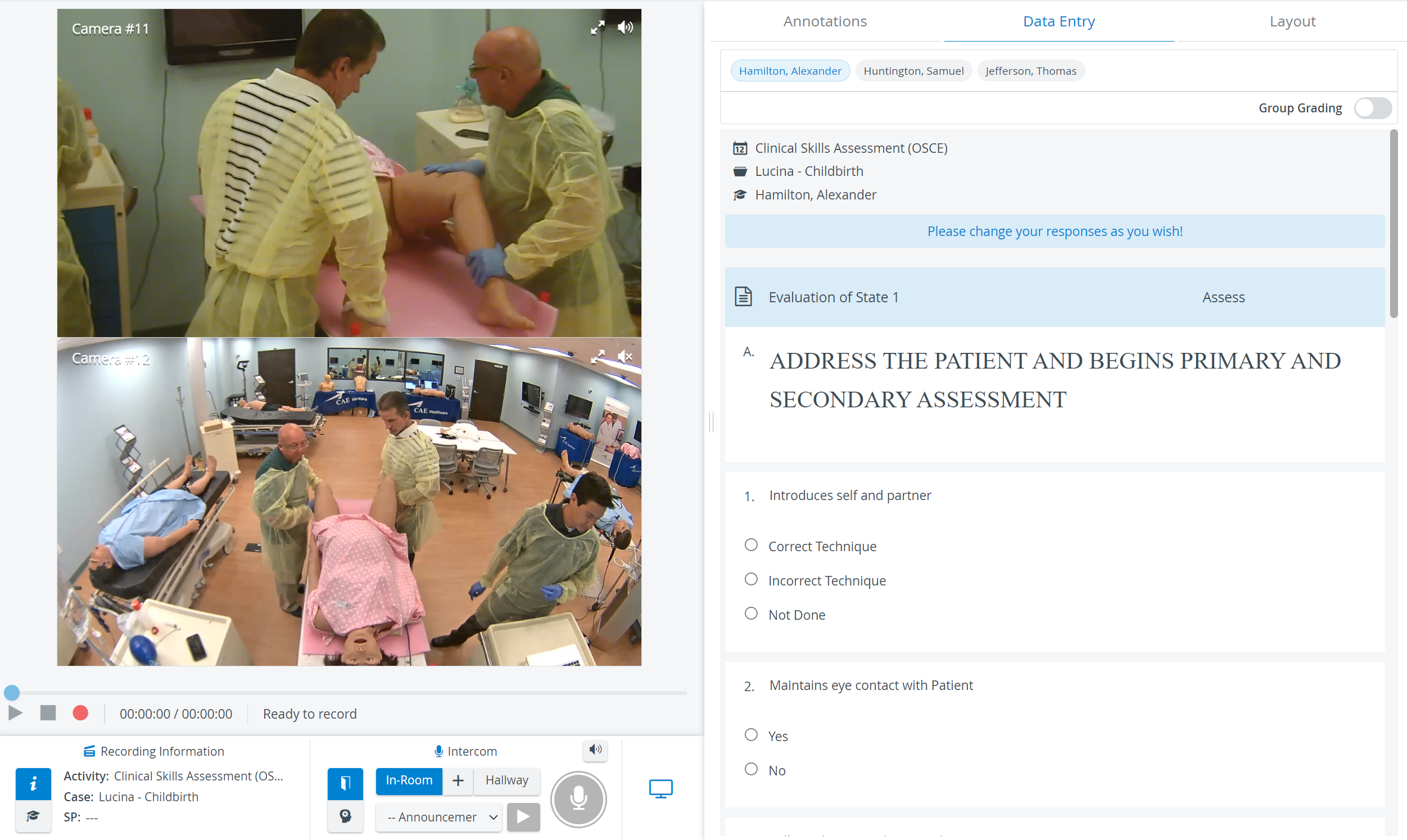
Vertical Double Layout
In some cases, two camera views must be displayed on top of each other (i.e., in a single column) during recording.
In the latest version of LearningSpace, the utilization of the space available in the Single Room View panels can be maximized, and the panels on the right side (Annotations tab, Data Entry tab, etc.) or additional windows can be displayed in a larger size with the help of the Vertical double layout feature:
9-camera feed
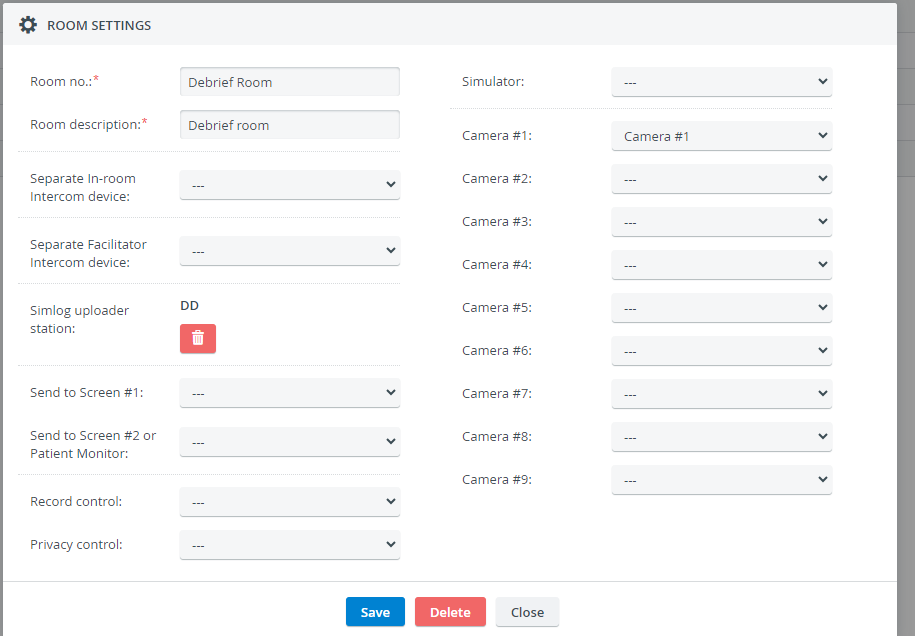
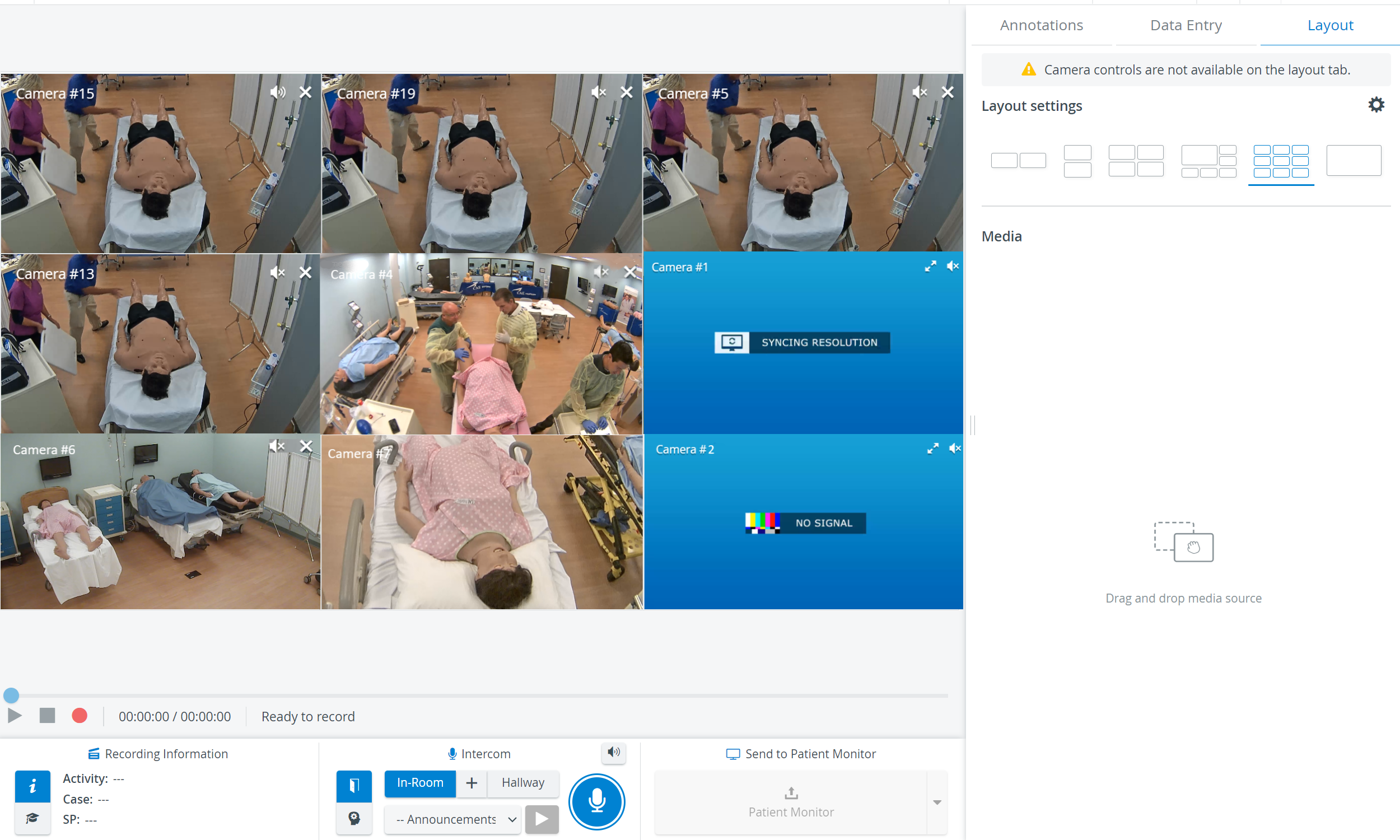
Optional camera selector dropdowns #6, #7, #8, and #9 are available in the Room editor in the System module.
It only allows the Single Room View's (SRV) 3x3 layout to be used with camera feeds.
Privacy Mode Visual Indicator
When Privacy Mode is enabled (i.e., cameras are turned off using the Push button within a certain room), the Privacy Mode indicator appears in the camera stream window, indicating that no stream is available from the room.
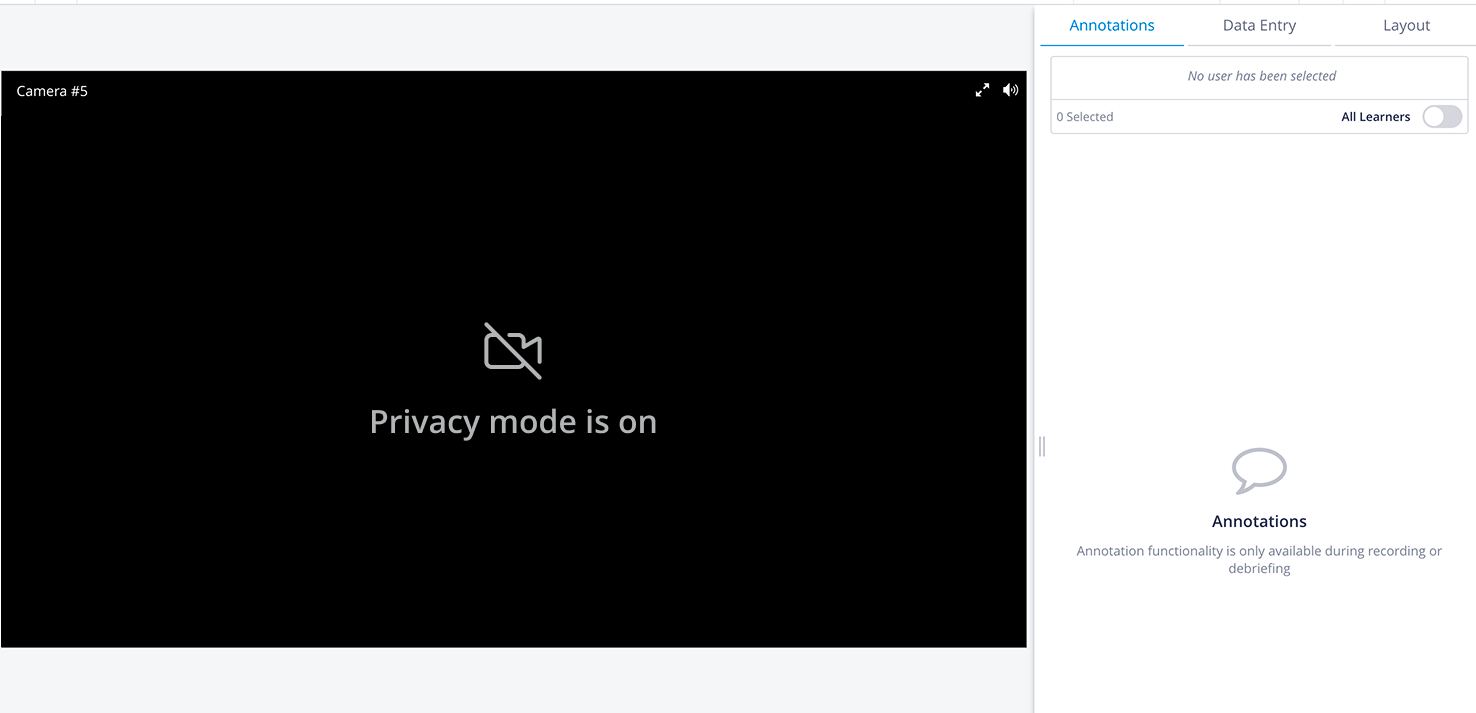
Privacy Mode - Single room view
Privacy mode is currently not supported for mobile cameras. See Mobile Recording Feature
See also our Practical Recording and Recording - FAQ pages.