Simulators
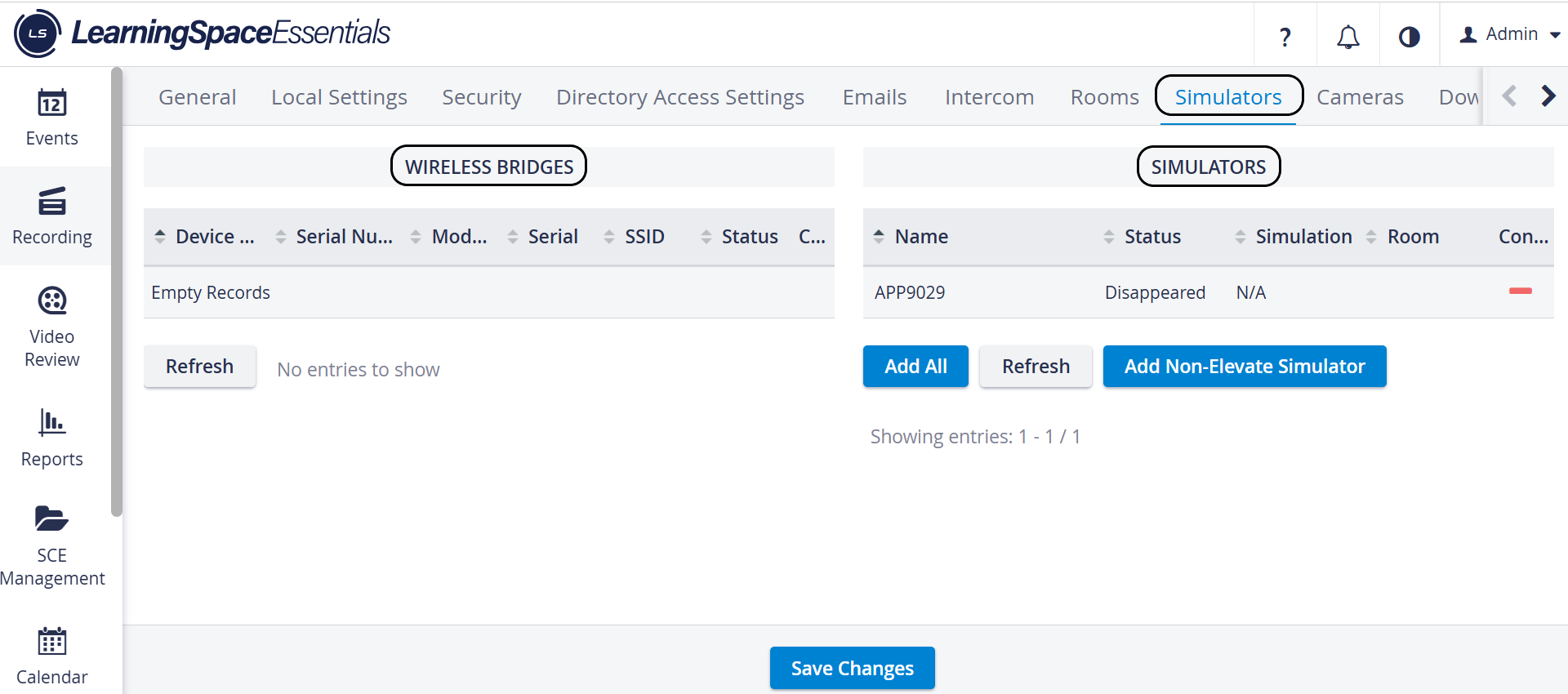
The Simulators tab in the System Manager accesses information on connected simulators and wireless bridges used in a LearningSpace system.
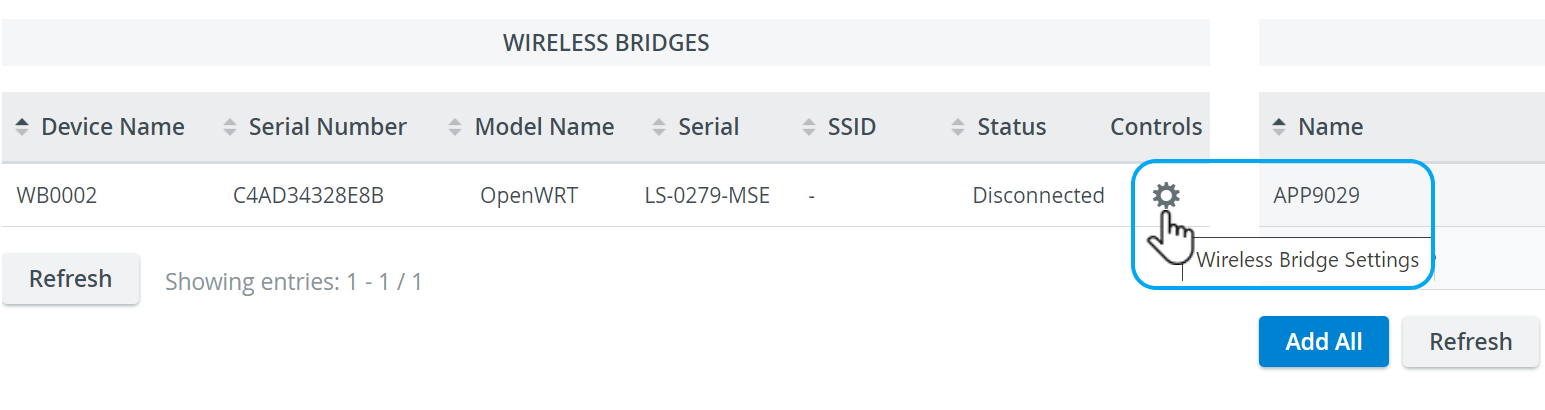
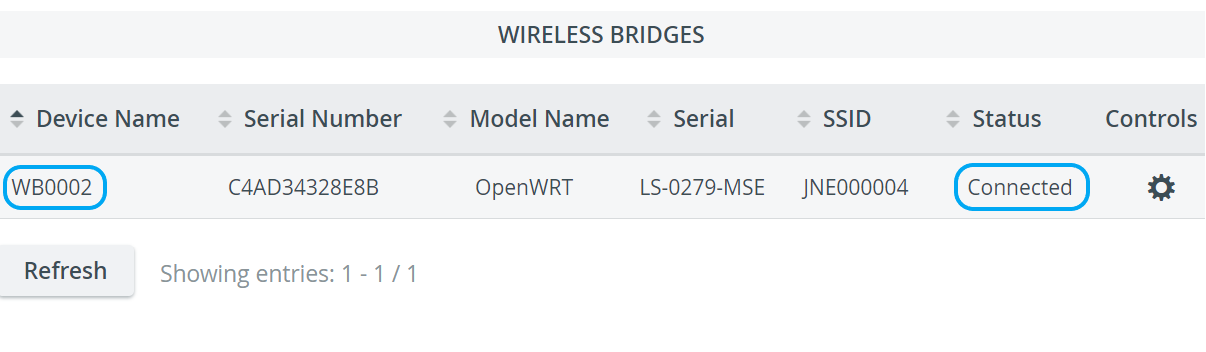
The tab displays the
Device Name
Serial Number
SSID and the Controls
Serial of the LearningSpace server
Name/Model Name of each wireless bridge and simulator
Room, Status, and Simulation Status of each simulator

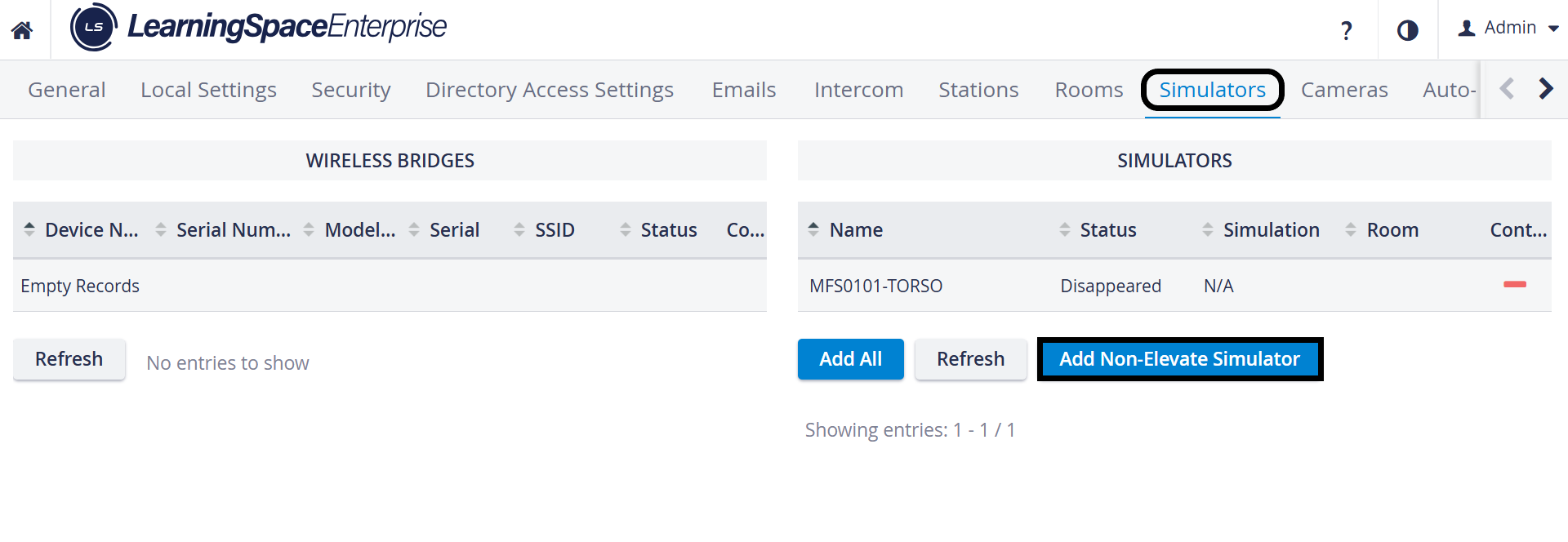
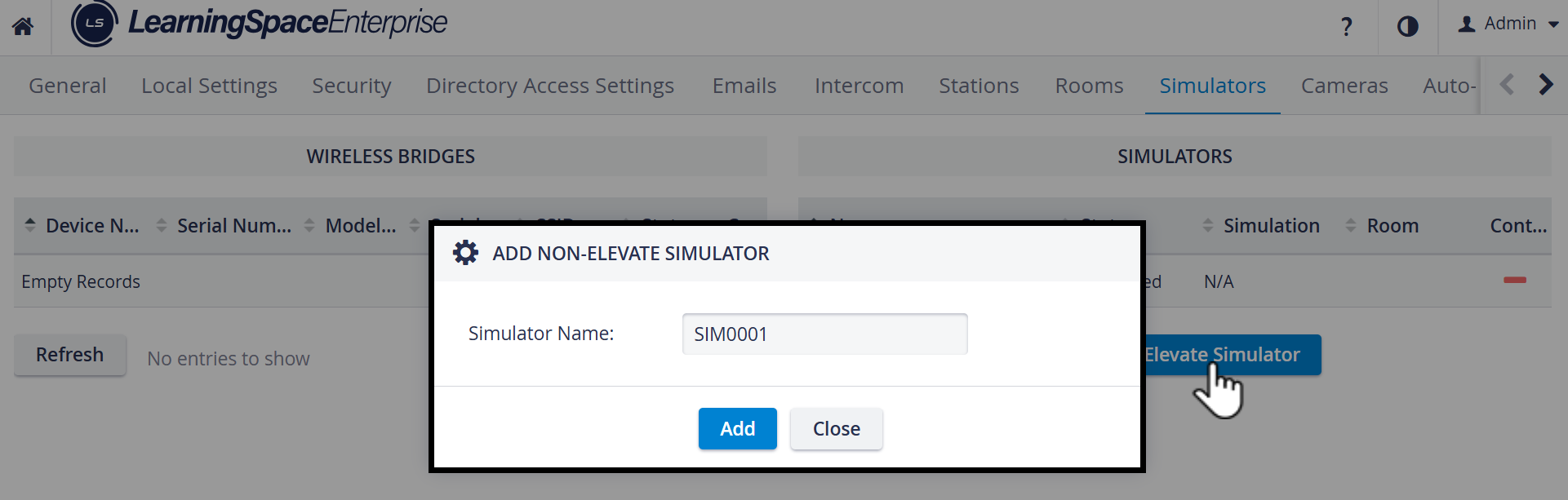
To connect a simulator, the following options are available:
Connect wirelessly
Connect using ethernet
See How can I connect a simulator for details on accomplishing this in LearningSpace.
A display video capture has to be used to capture the physiological signals of a third-party simulator.
IMPORTANT: To capture the data logs of third-party simulators, additional software is required. See Third-party simulation integration for details.
When using a wireless bridge, ensure that the appropriate hardware and software are available for the simulator to be recognized by the system. See an IT professional for more details.
💡 See how to name and/or connect wireless bridges here.
Password authentication ensures a secure connection to the wireless bridge.
The factory password or a custom password can be used for the access point of the simulator.

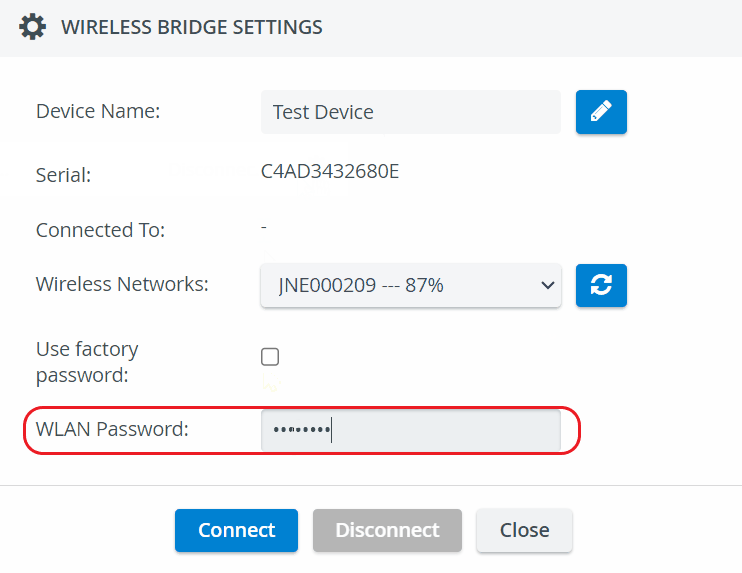
For more information on Custom password handling for wireless bridges, go to How can I connect a Simulator.