Simulator panel
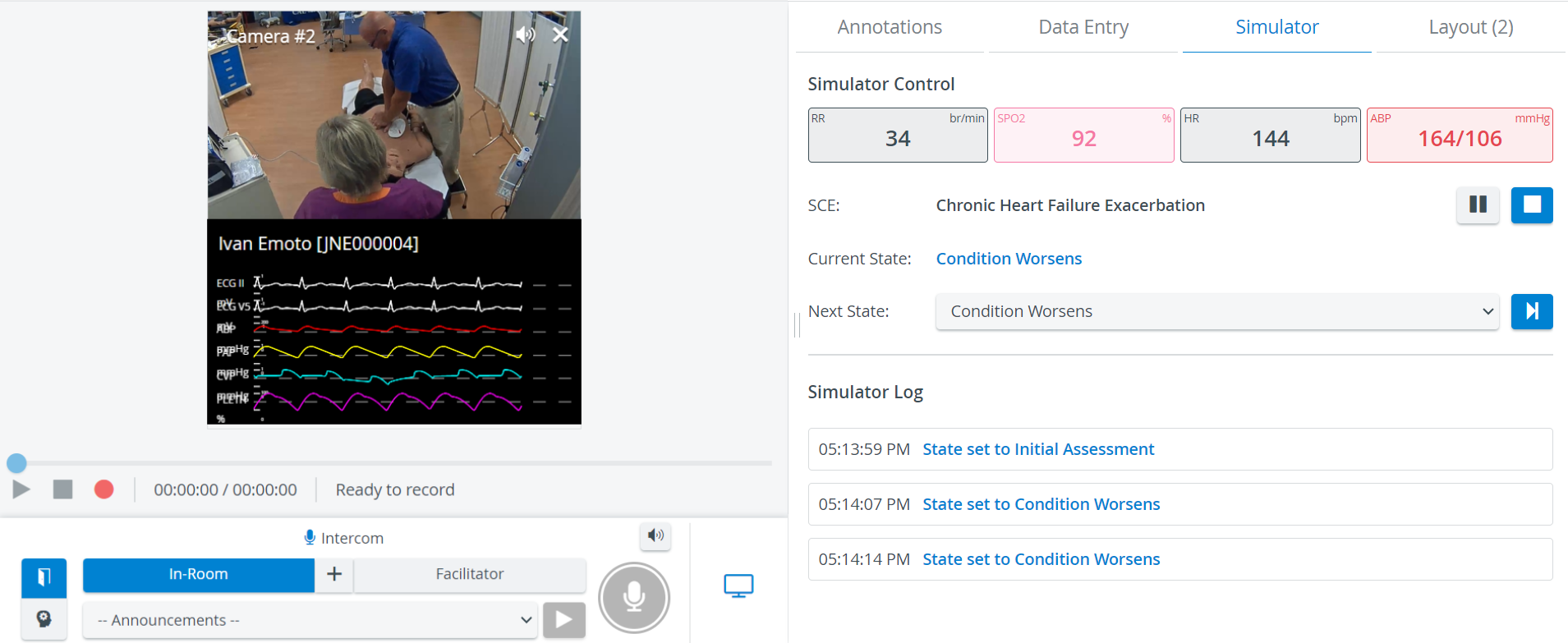
When a simulator is connected and assigned to a room, the SRV (Single Room View) of the Recording module displays the Simulator tab and the Simulator panel (widget).
The Simulator panel can be accessed and controlled by users with Admin, Facilitator or Operation Specialist roles.
The Simulator control and Simulator panel (widget) are only available for Elevate Health Simulators, not third-party simulators.
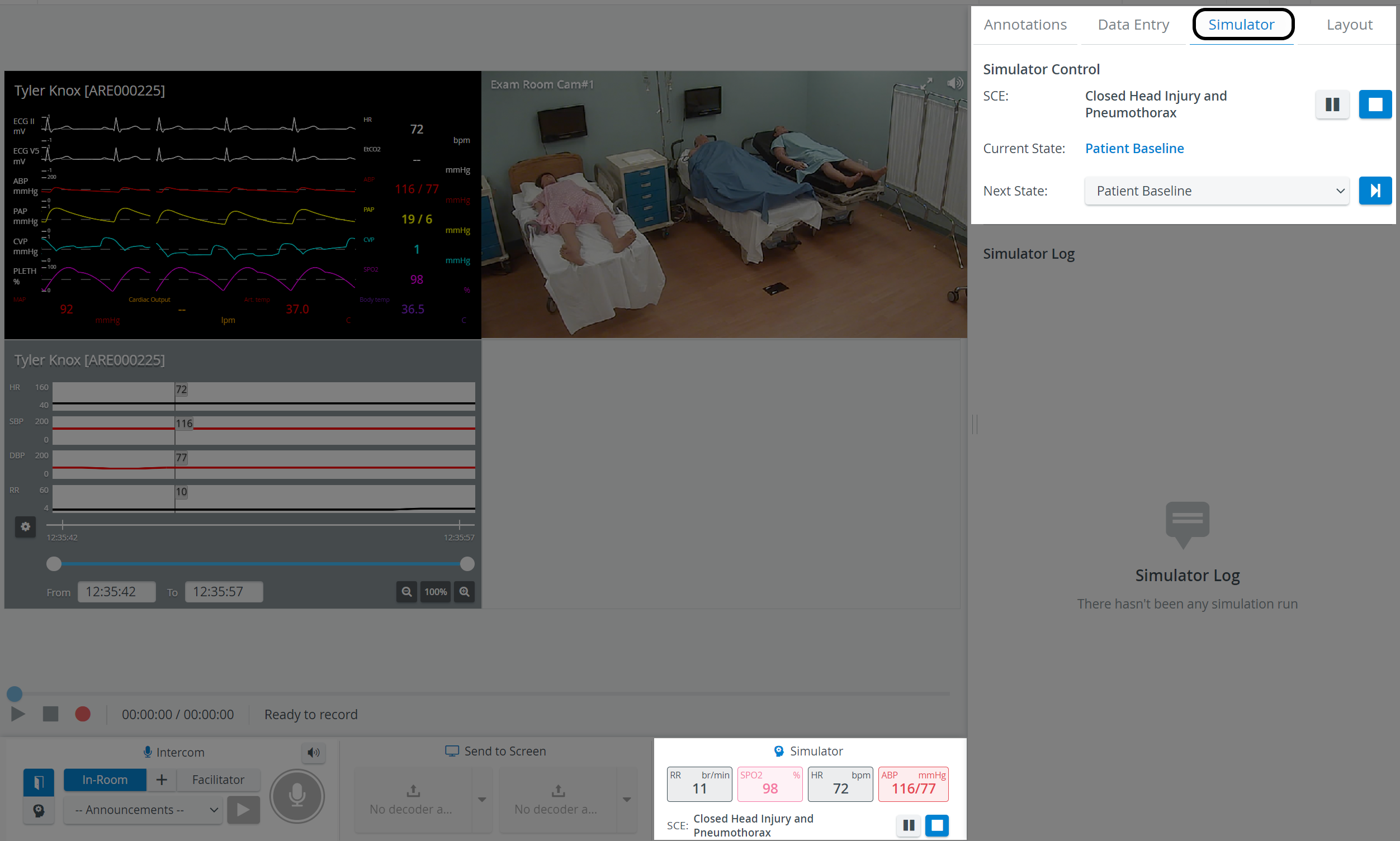
The Simulator panel (widget) in the bottom panel provides information about
the main physiological data,
the SCE Title, i.e., the simulation scenario running on the manikin.
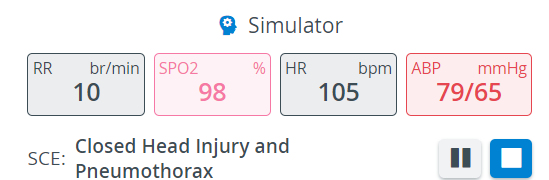
On the Simulator tab, under Simulator Control, the Simulation scenario can be
- played

- stopped

- paused

changed (by selecting another scenario from the drop-down)
The Next State drop-down menu allows for moving onto a selected State.

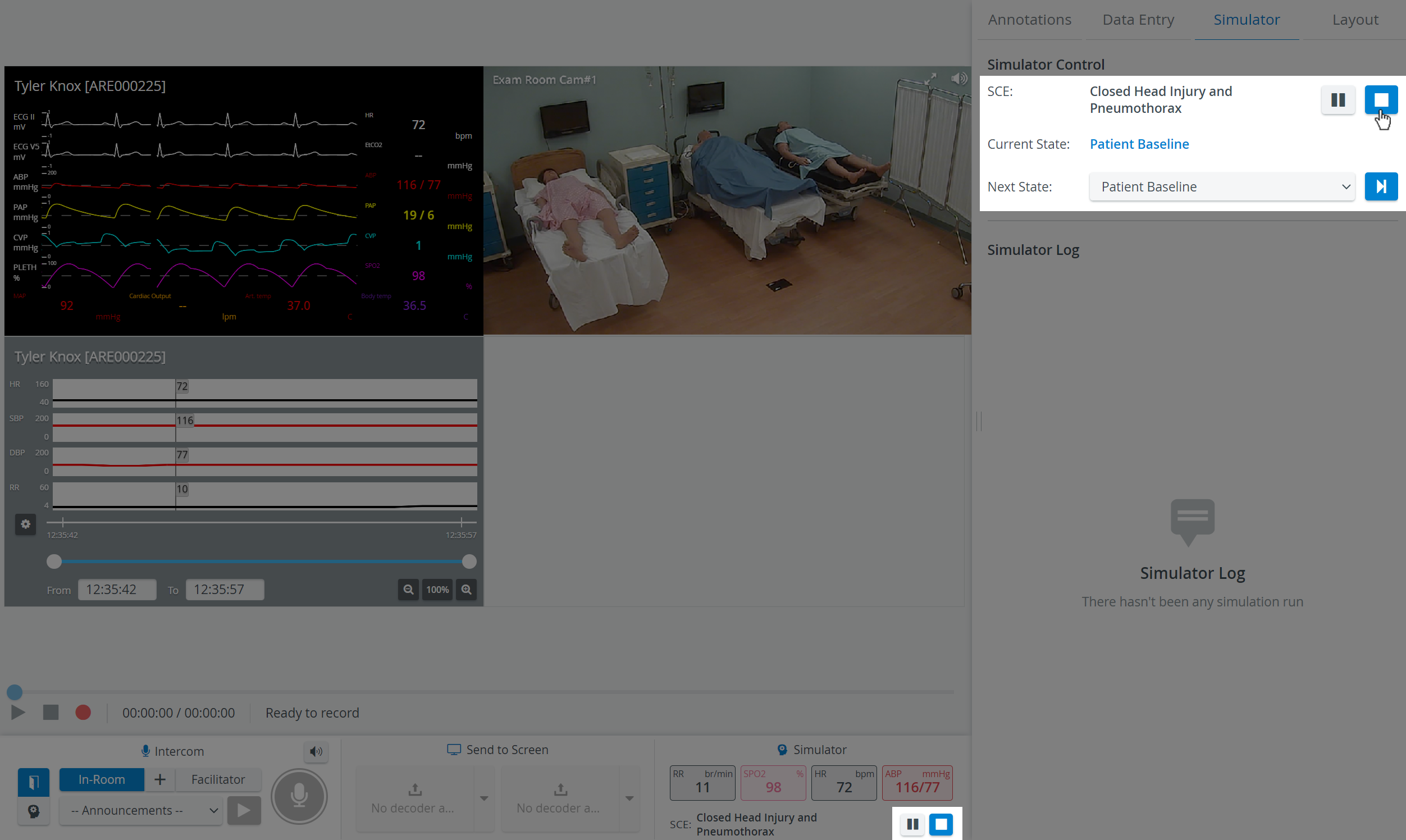
CTG, waveform, and trendchart/patient monitor are displayed in separate windows.
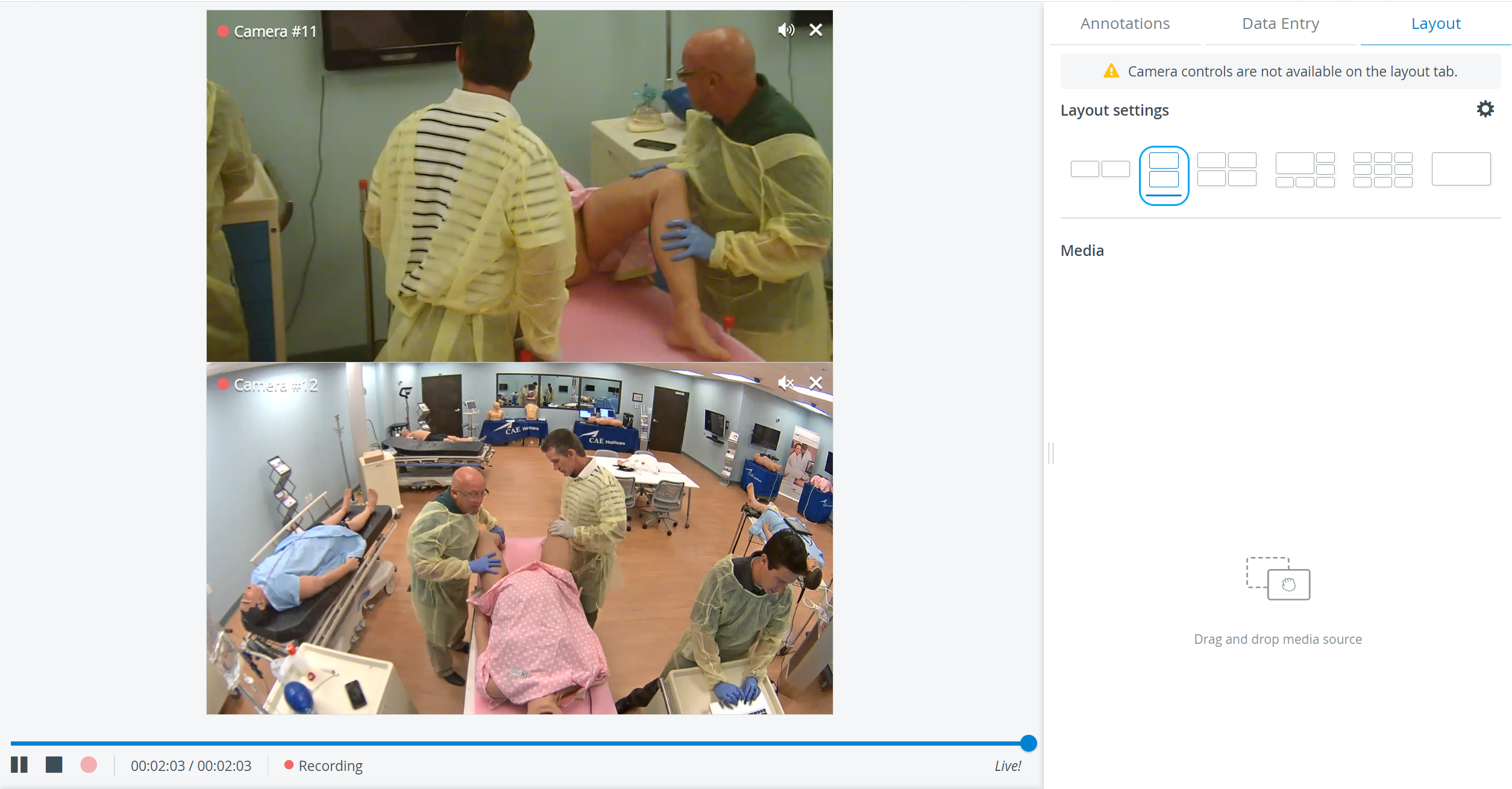
In the latest versions of LearningSpace, the utilization of the space available in the Single Room View panels can be maximized, and the panels on the right side (or additional windows) can be displayed in a larger size using the Vertical double layout feature.
Learn more on our Recording Module and Recording - FAQ pages.