Scenario
The outline or script of the simulated experience provides exact information about the physiological data and changes during the simulation.
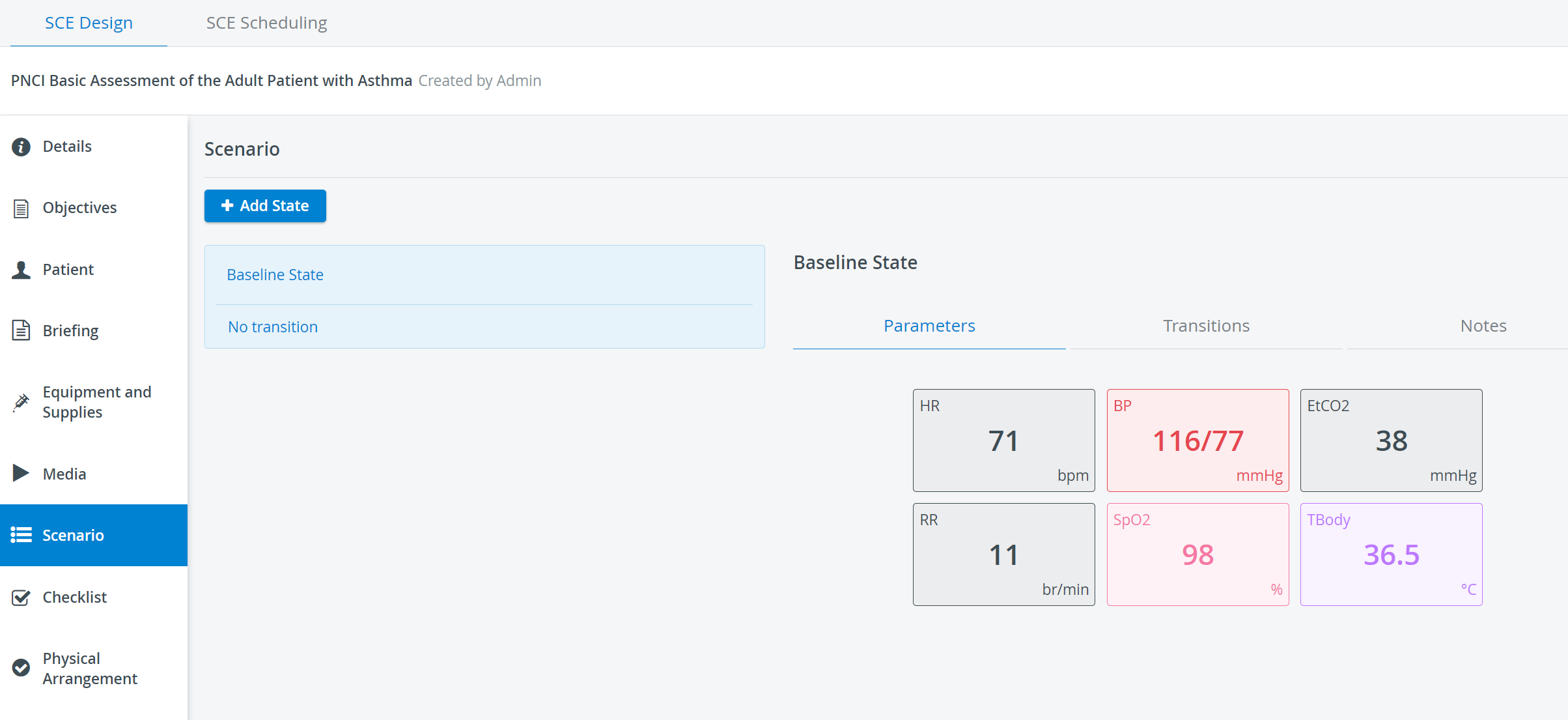
States can be determined by clicking the different values of the Parameters panel and adjusting them in the Patient Baseline Editor pop-up.
The duration, rate, and degree of change of the different values leading from one state to the next can be set in the Transitions panel.
Use the Notes panel to include any additional information relevant to the scenario.