Recording Setup in Video Review
The Recording Setup feature, located in the upper right corner of the screen, allows you to assign users (Learners, Simulated Patients, and Facilitators) to a recording.
This function is available for users who have access to start and stop recording, that is, for users with Admin and Facilitator roles. (See also: Recording Setup in the Recording module.)
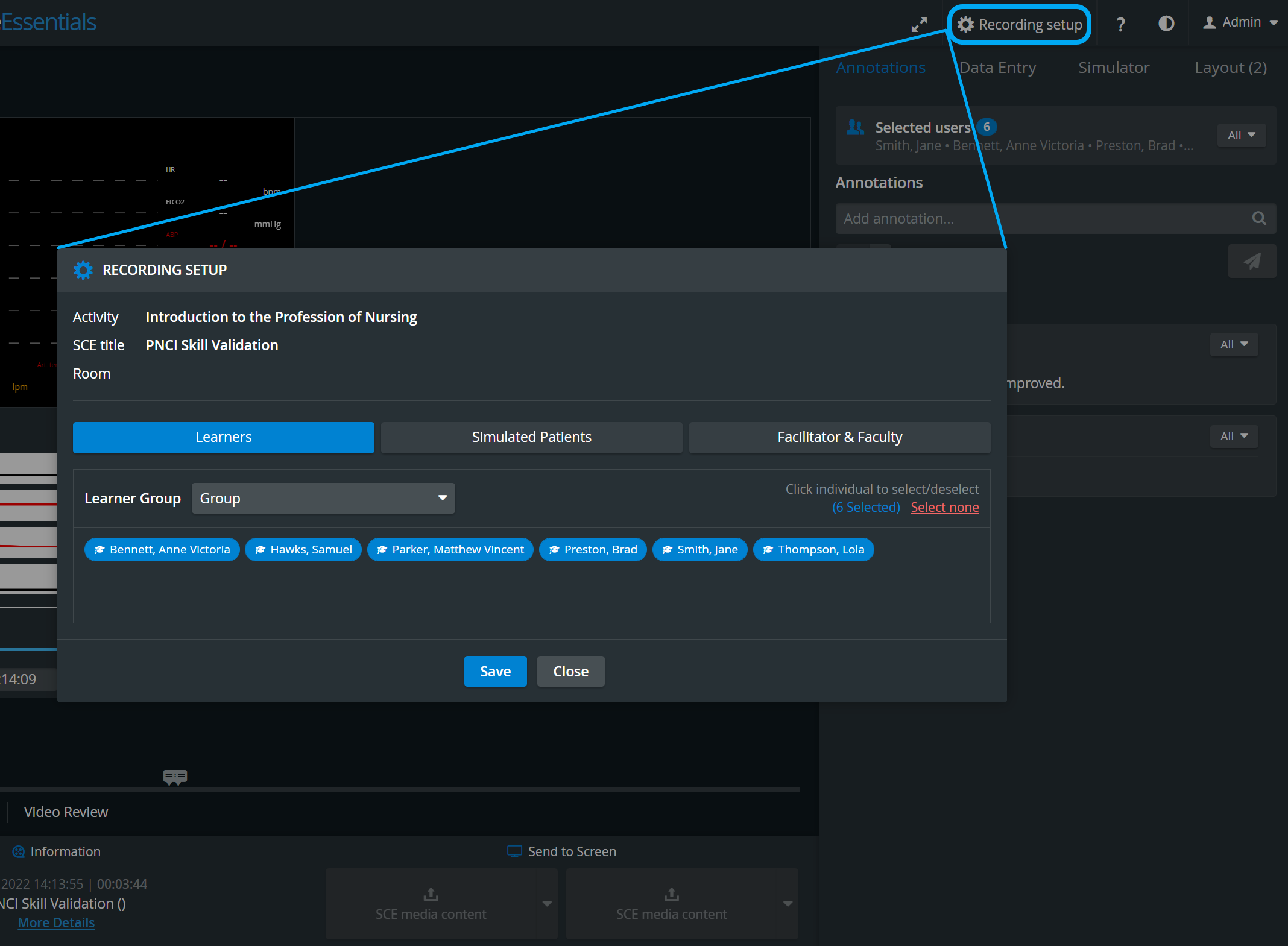
On the respective tabs of the Select participants panel, user groups can also be assigned/modified to a recording after completion, within the Video Review module.
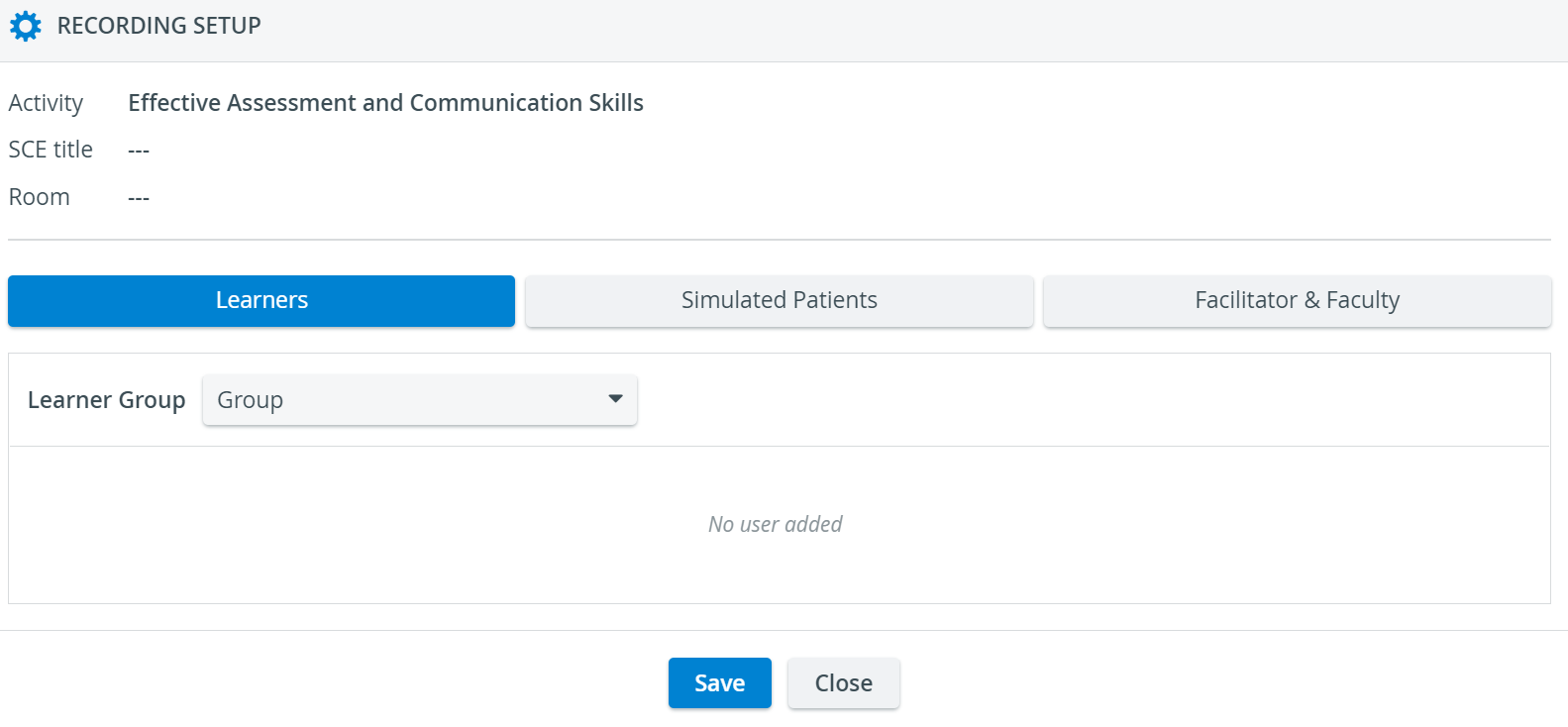
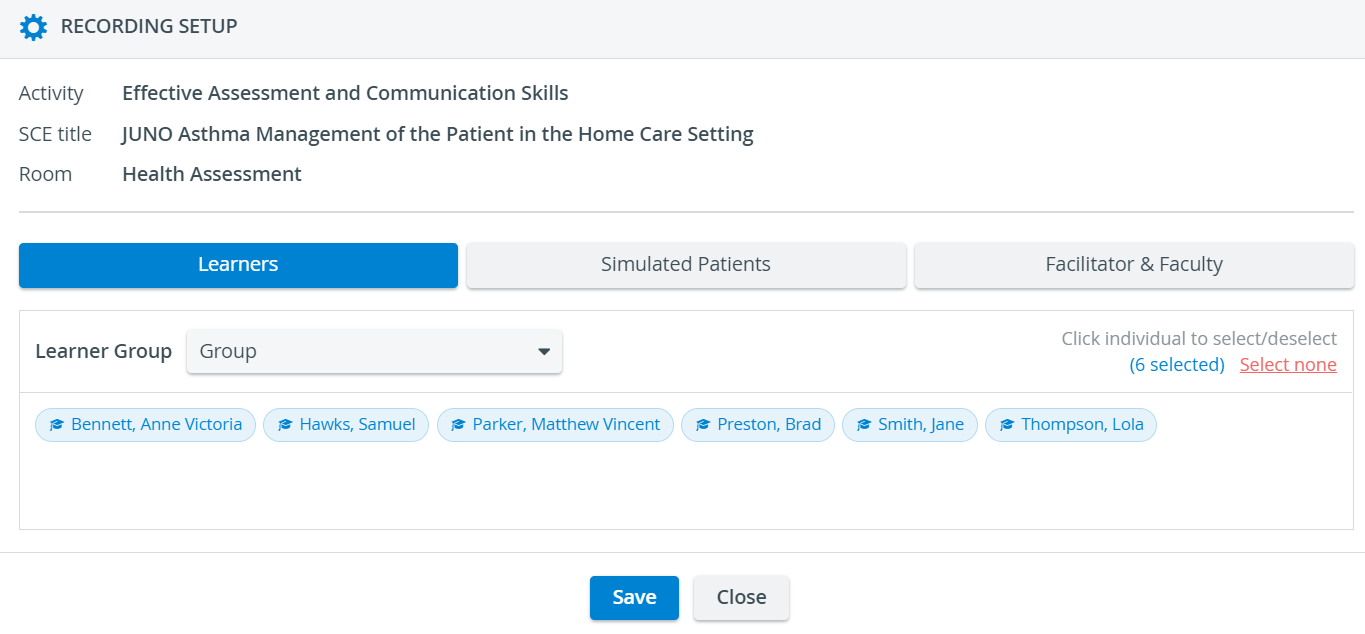
By selecting a user group from the respective drop-down, all members of the group get automatically selected (displayed in light-blue).
By using the Select none option, all members can be de-selected (displayed in grey) and users can be re-added individually.
See also our Practical Recording and Video Review - FAQ pages.