How can video recordings be prevented from deletion?
To make sure that a recording does not get deleted, select the desired recording by ticking its checkbox in the list view, then click the lock button in the bottom left part of the screen:

NOTE: Any number of recordings can be selected for locking.
 Locked videos are listed with a black lock icon at the beginning of the row, and if selected for deletion, the system will not conclude the action.
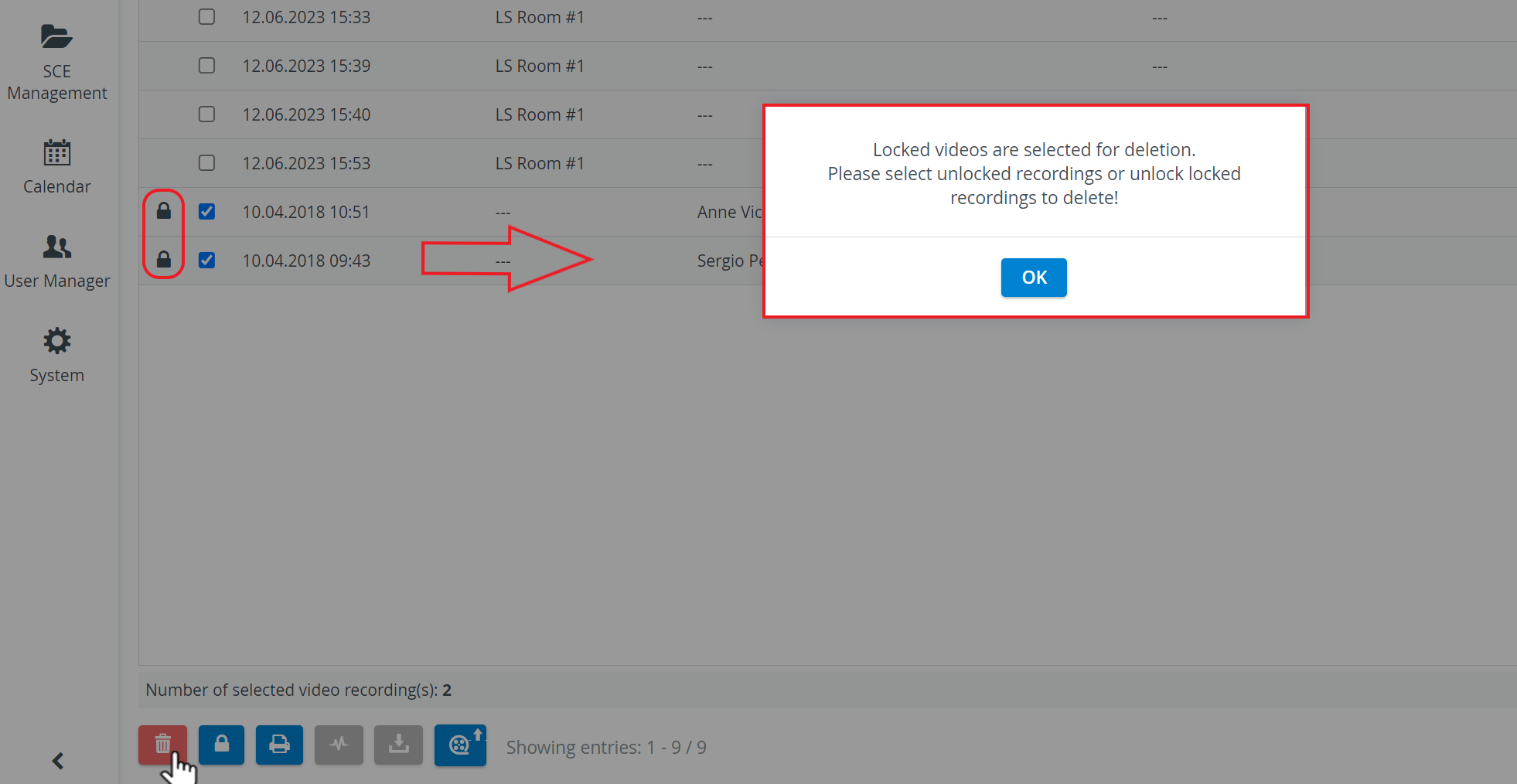
For unlocking a recording, the same process should be carried out.
For information about the automatic deletion of recordings, go to the General System Information page.
See also Recording Deletion.
Learn more on our Video Review - FAQ pages.