How can reports be refined and downloaded
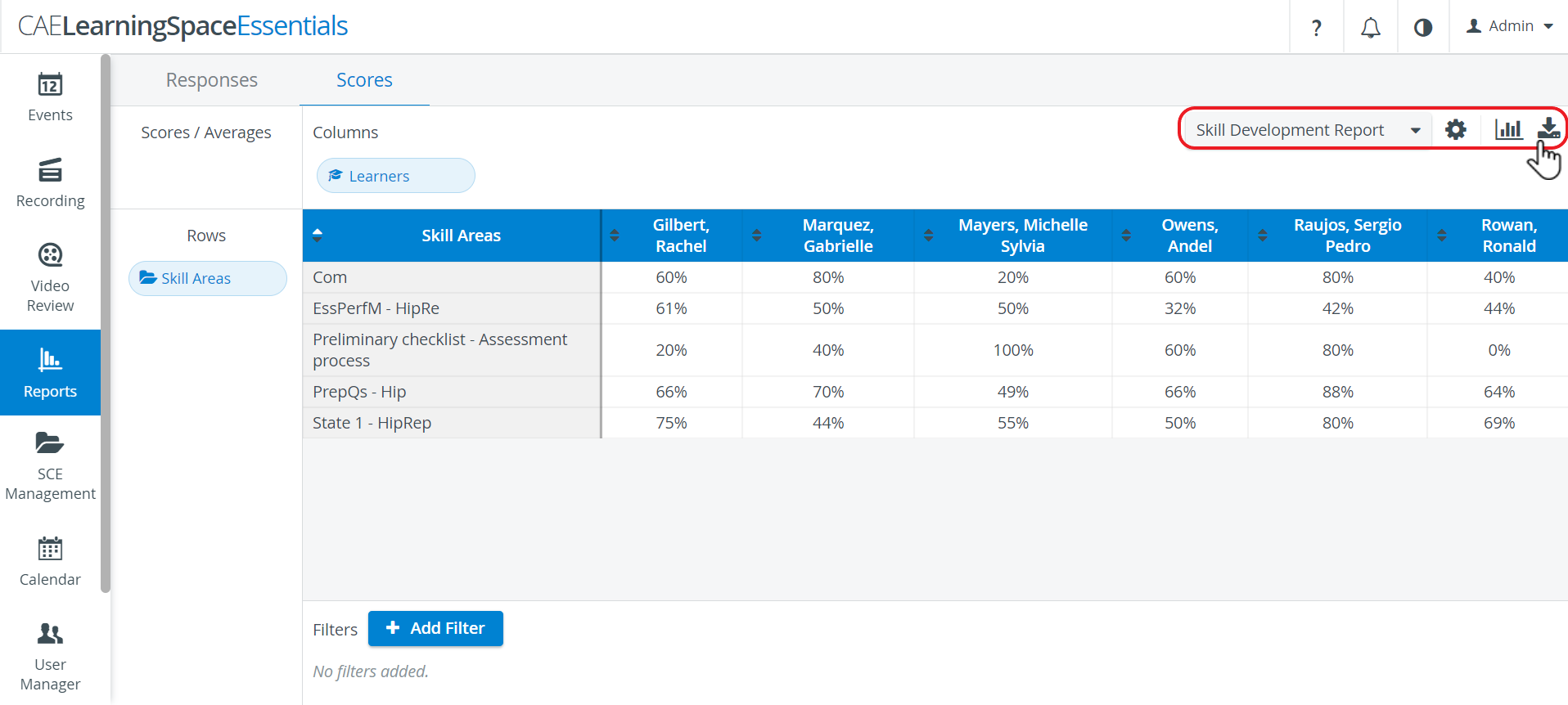
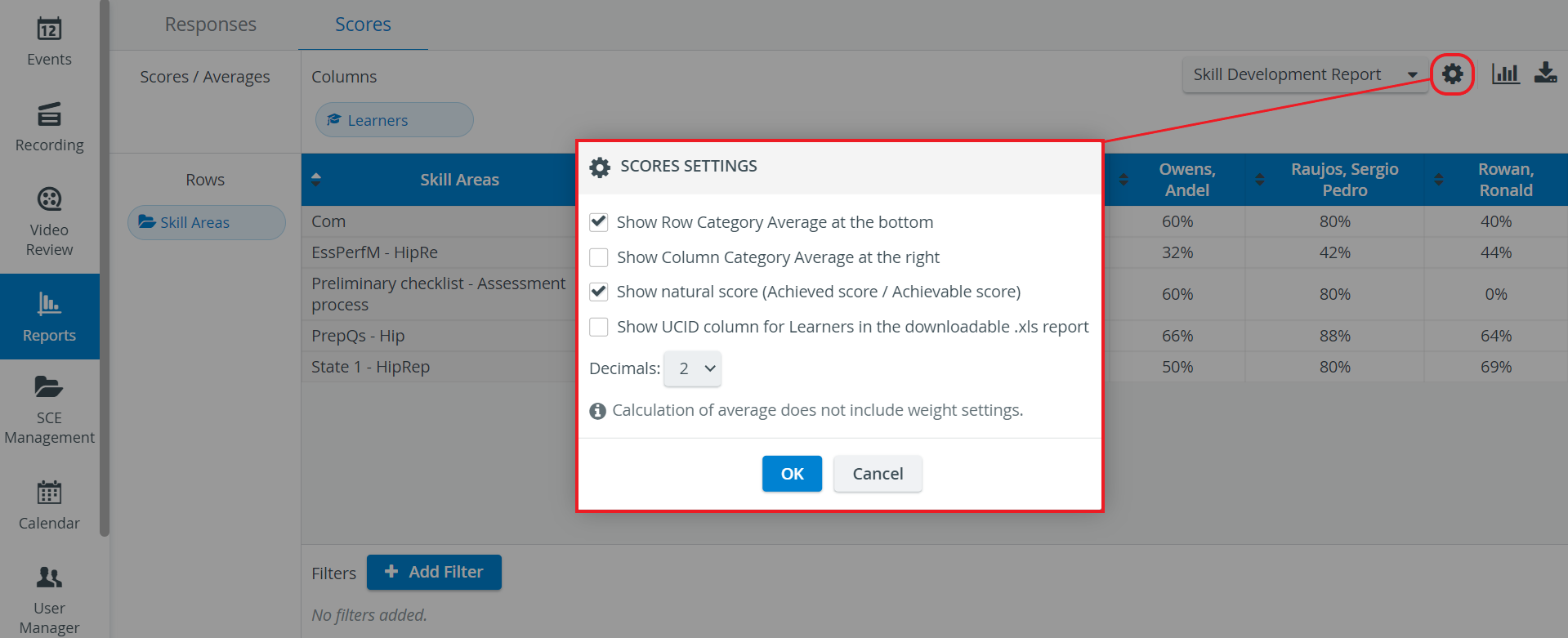
Preset reports can be downloaded in Excel format on the Scores tab. Simply select the desired report from the Reports drop-down menu, and once it is displayed, click the download icon at the top right corner of the tab.


See also our Reports Module pages.