How can I save data about a video recording?
To save data about a video recording, a Video Report can be downloaded in PDF format, including the following information:
Video Record Information - all the data available about the recording(s): title of activity, title of SCE assigned, learner group, learner(s), Simulated Patient and/ or simulator connected, start and duration of recording
List of Annotations, Sim Logs, and Comments - listed by exact time, indicating the learner(s) to whom the references were made by whom the annotations were made
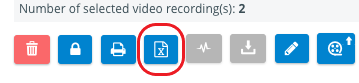
The Video Report can be downloaded by selecting the desired recordings in the list view and clicking the Print button at the bottom left of the screen.
NOTE: Any number of recordings can be selected, but the report will be saved as one PDF file including the above data with respect to all selected video recordings.


Learn more on our Video Review - FAQ pages.