How can I change the ‘From’ address for emails sent by the system?
The Emails tab of the System module allows you to set up the email address to which system-sent messages are delivered.
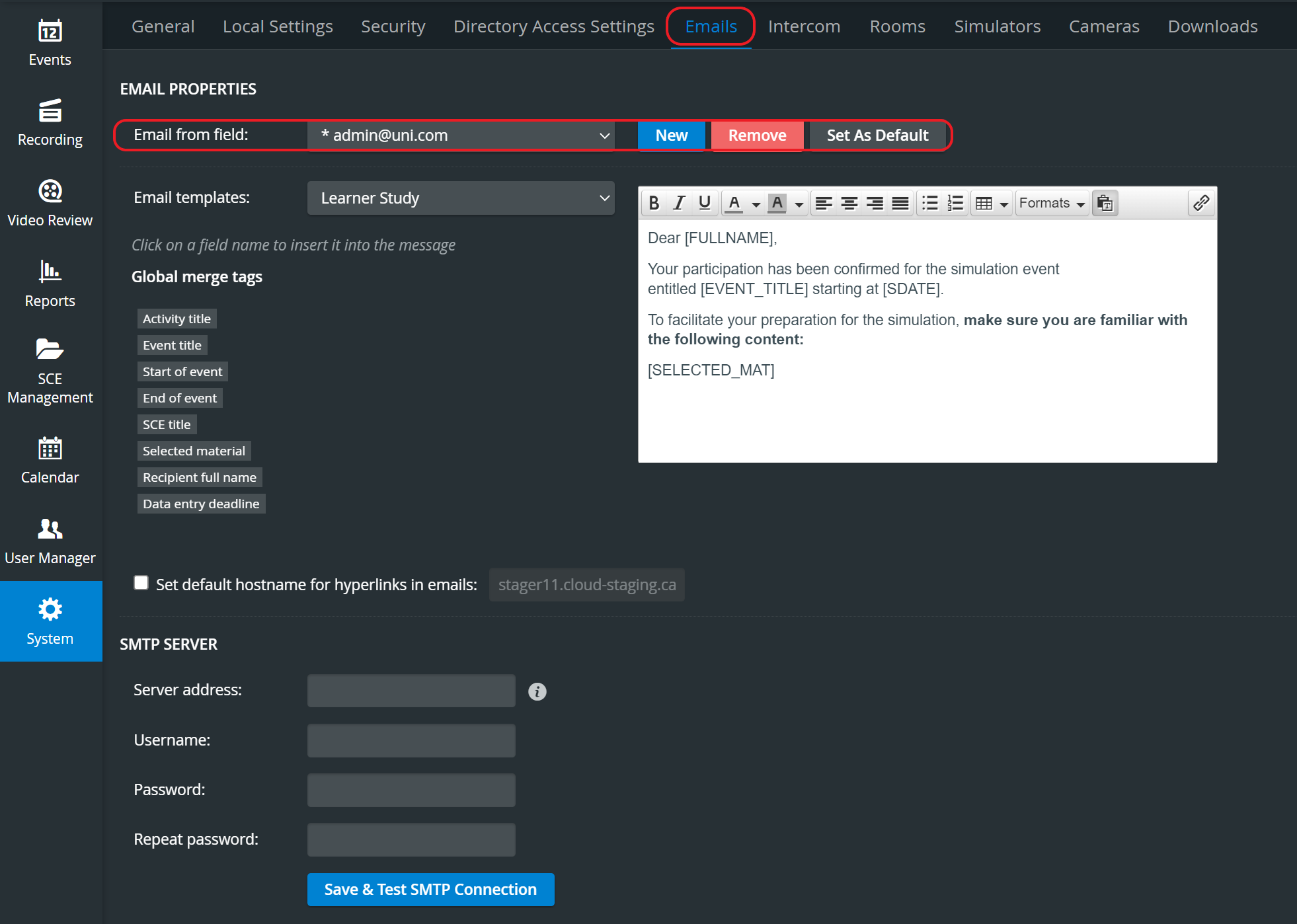
From the Email from field drop-down menu, select the desired email to send messages from.
To remove an address from the menu, select it from the drop-down menu and select Remove.
When creating a new address, select New and enter the new email.
Select an address and click Set As Default if you want that address for that specific - and all subsequent - e-mailings.
NOTE: If the emails are intended to be set up for a reply, make sure that the email client monitors the address provided in the 'From' field.