Data Entry during Video Review
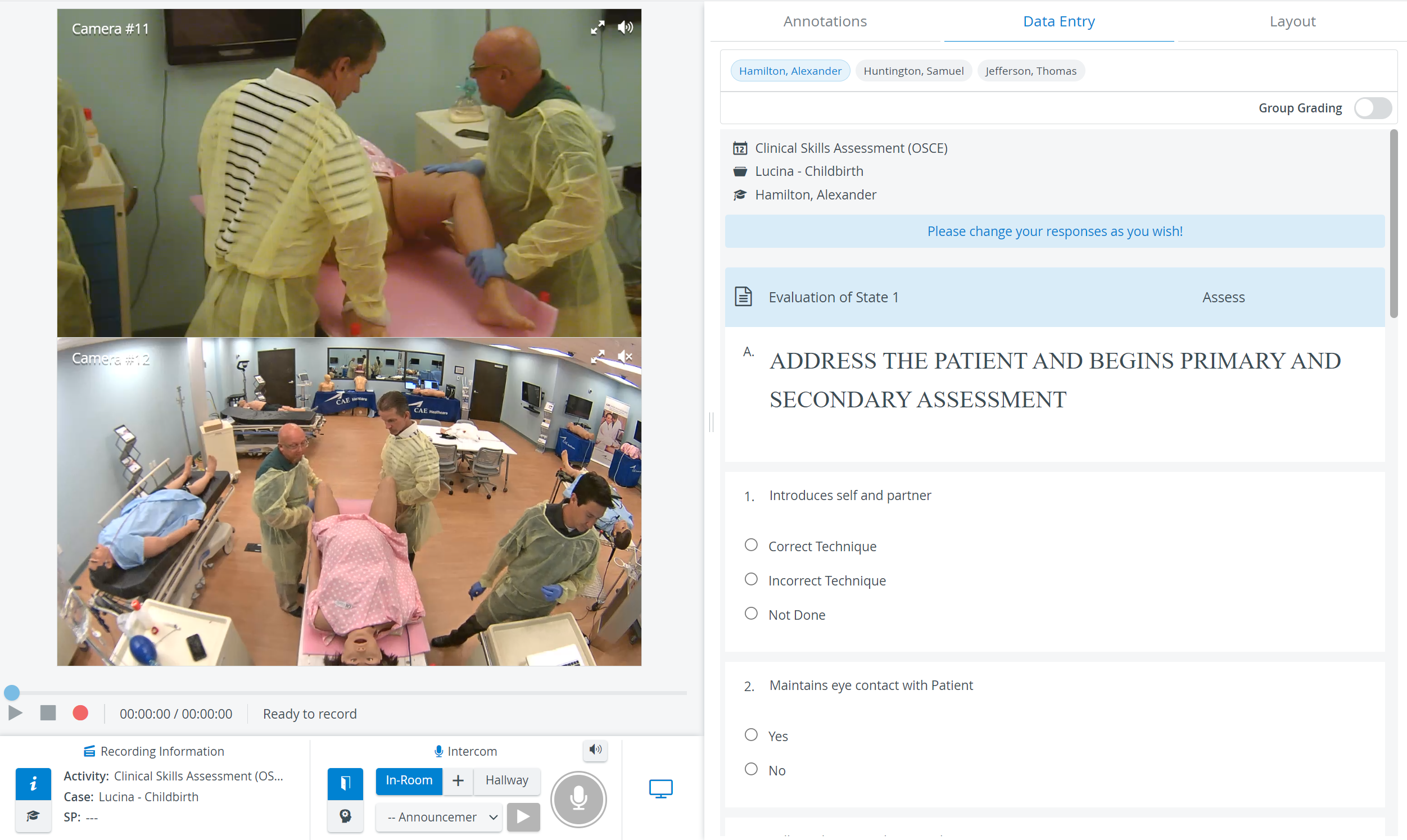
The Data Entry tab is for filling out the Performance Checklist of the SCE assigned to the recording.
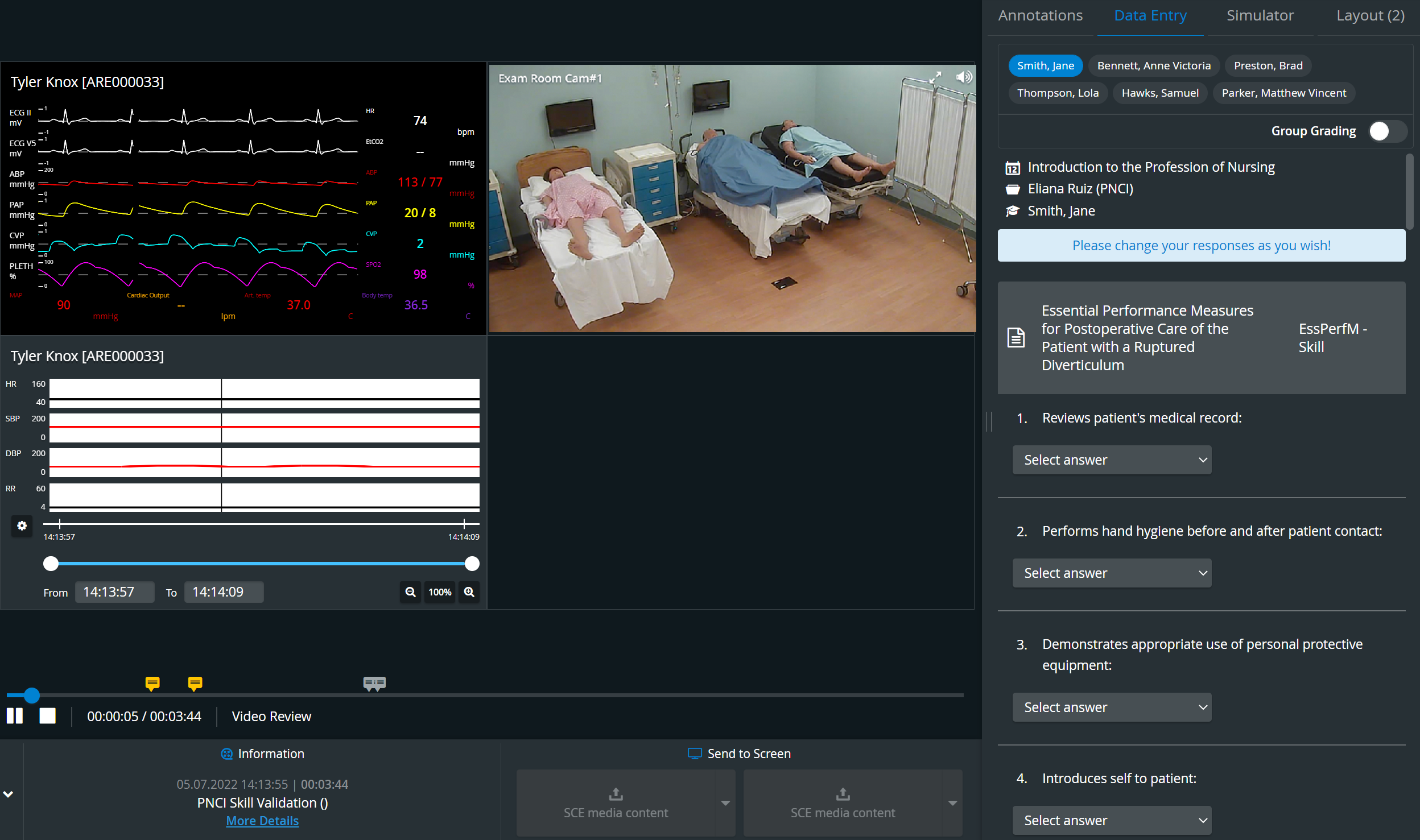
IMPORTANT: As the checklist is a precondition, Data Entry is only available for scheduled events. The tab is empty when the recording was completed on the fly.
Data entry is submitted by a user with an Admin, Facilitator, or Faculty role. Responses can be given to a single learner or the whole group assigned to the event. The scope of data entry can be determined using the Group Grading toggle. Learners to be graded are displayed on a blue background.
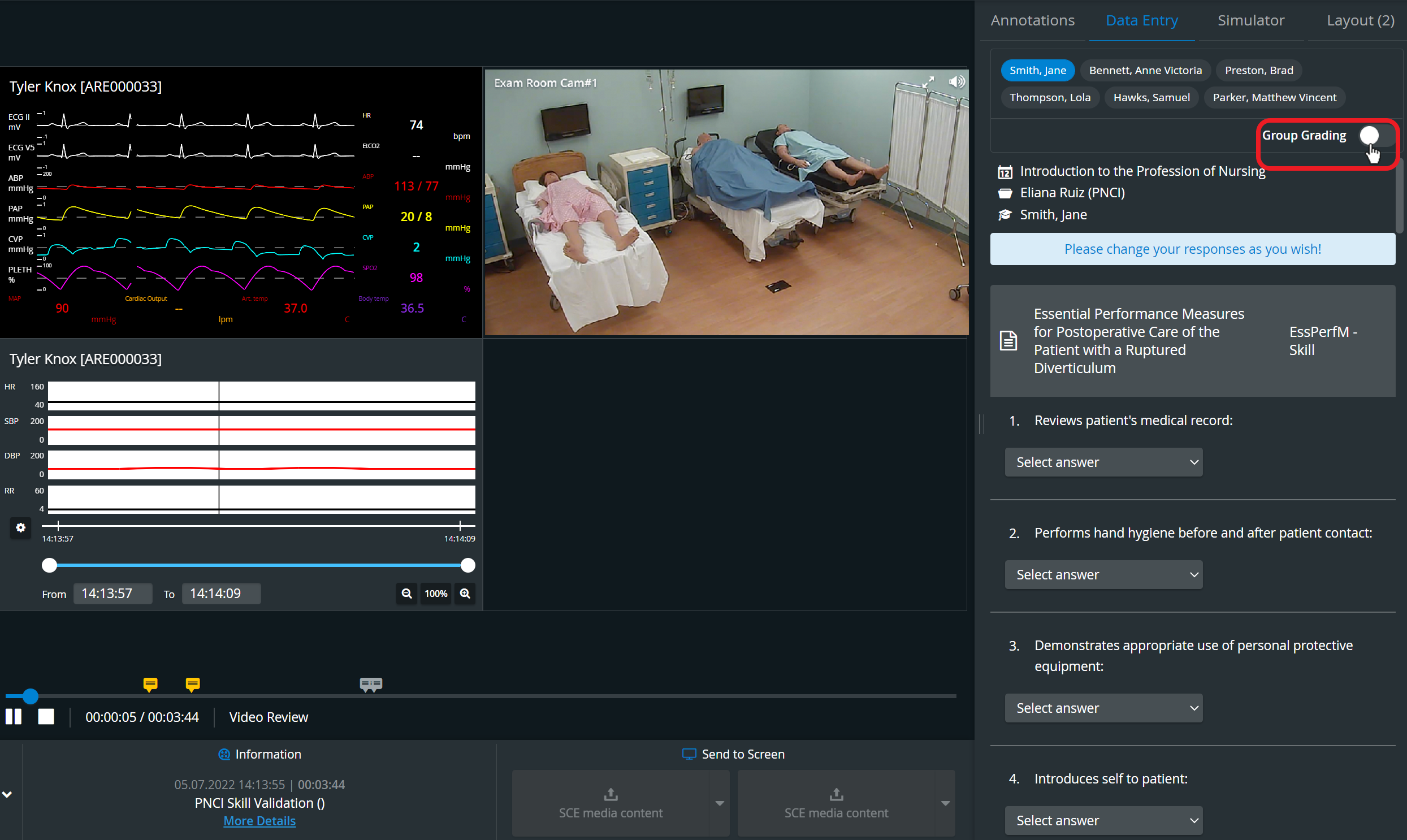
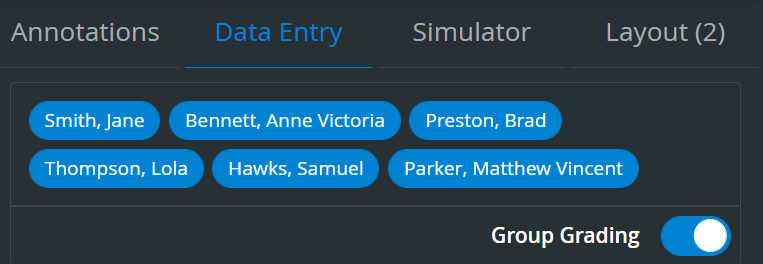
If different responses were given to individual learners and Group grading is activated afterward, a warning message appears about the Various responses and allows the grader to set the answers the same:
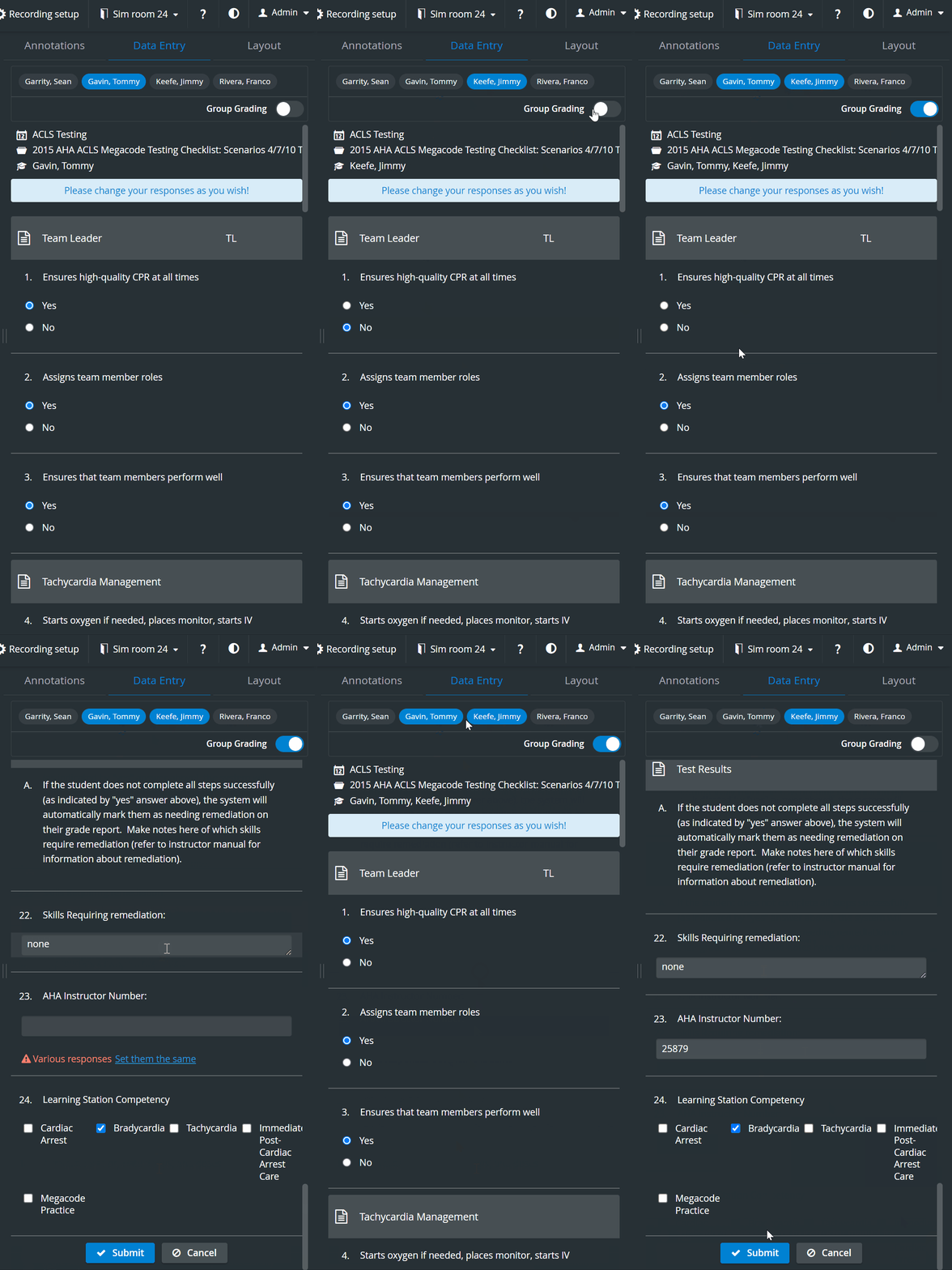
If responses are missing for individual learners and Group grading is activated afterwards, a warning message about the Incomplete responses allows the grader to set the answers the same.

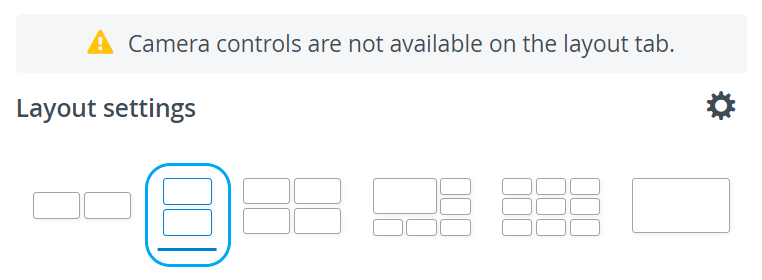
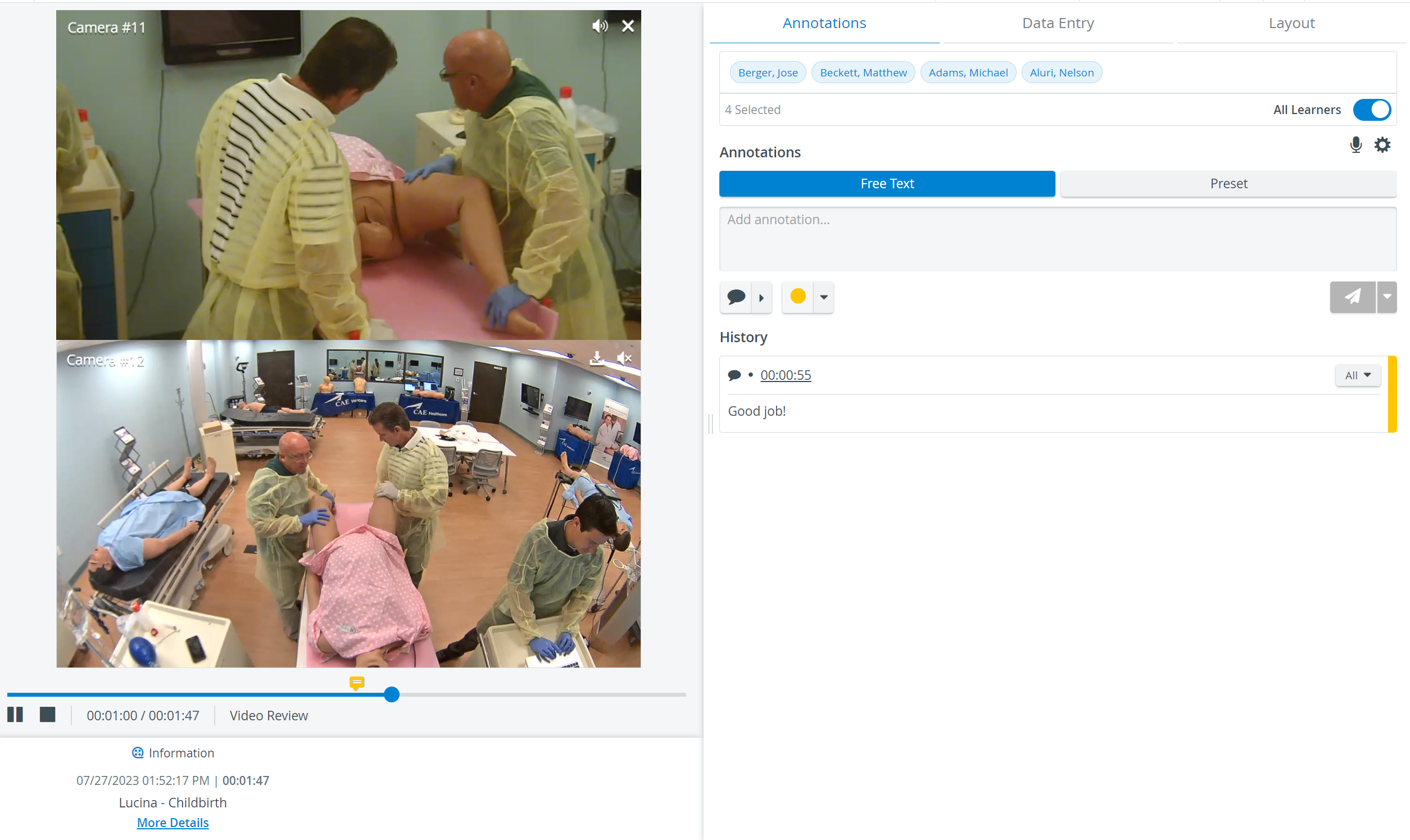
In the latest versions of LearningSpace the utilization of the space available in the Single Room View panels can be maximized, and the panels on the right side (or additional windows) can be displayed in a larger size by using the Vertical double layout feature.
Learn more on our Data Entry, Video Review, and Video Review - FAQ pages.