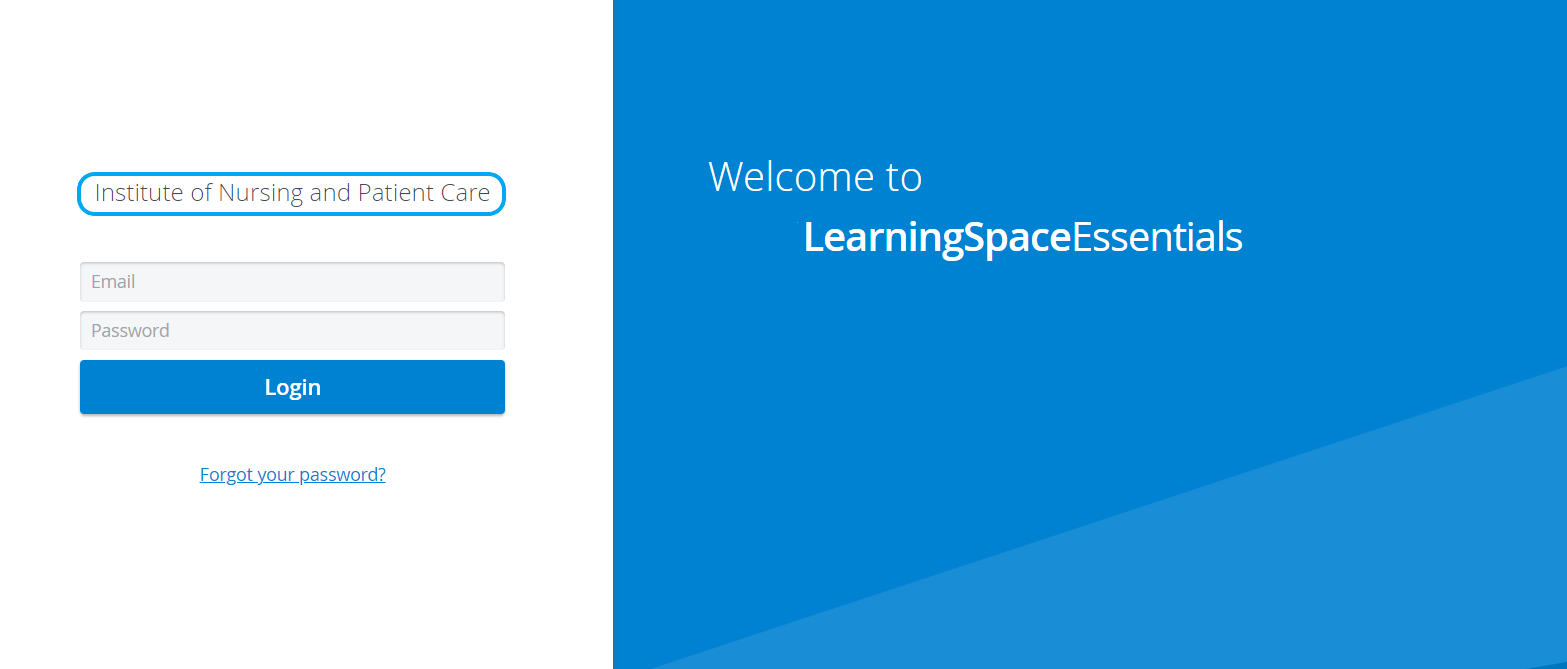
Can the name of the institute be displayed in the system?
Only Admin users have access to display the institute's name on the login page and set it up via the System manager.
On the General tab of the System Manager, type the desired name/title in the Institution name field, then click the Save Changes button (at the bottom of the page) to save the setting.
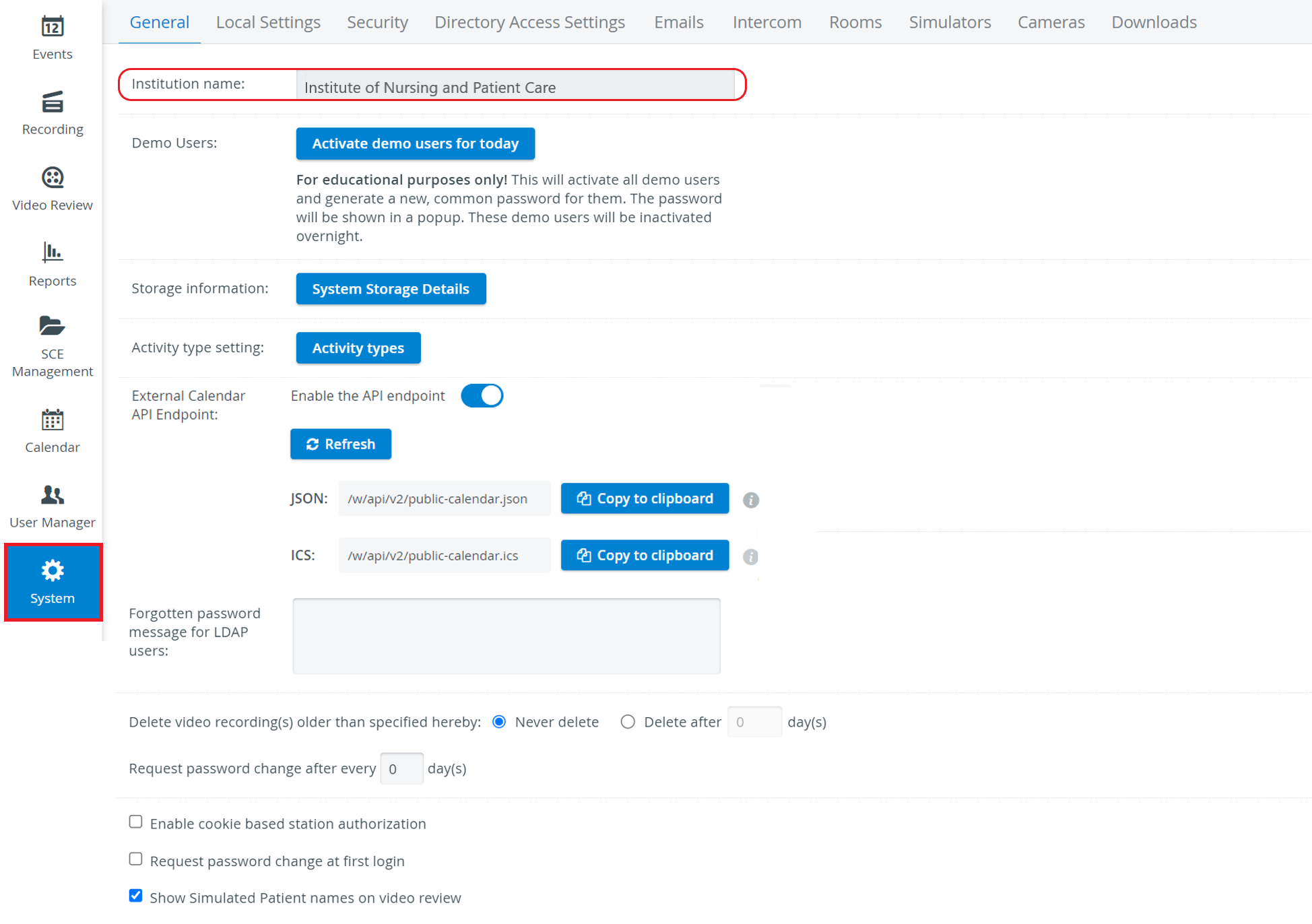
Text or an image can also be added to the Institution name field.
Once the setting is saved, it will be displayed on the institute's login page for the LearningSpace.