Can I use my SCE in the simulation software?
SCEs can be exported in a file format that can be imported to a Maestro simulator, thereby transferring its content into the Maestro system.
An SCE created in LearningSpace Essentials can be exported and then imported to a Juno or Lucina simulator.
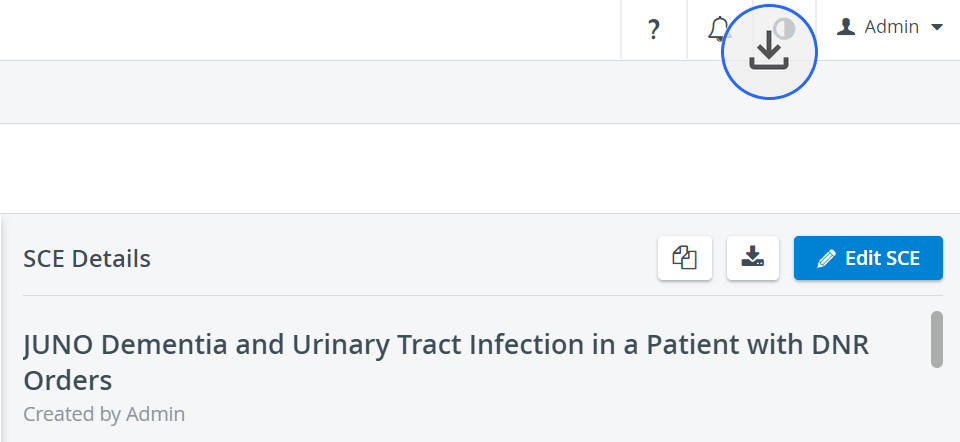
Highlight the desired SCE in the Learning Module panel, then click the download icon in the SCE Details panel.
In the Export SCE pop-up, select one of the SCE export for Maestro radio buttons, then click the Export button.
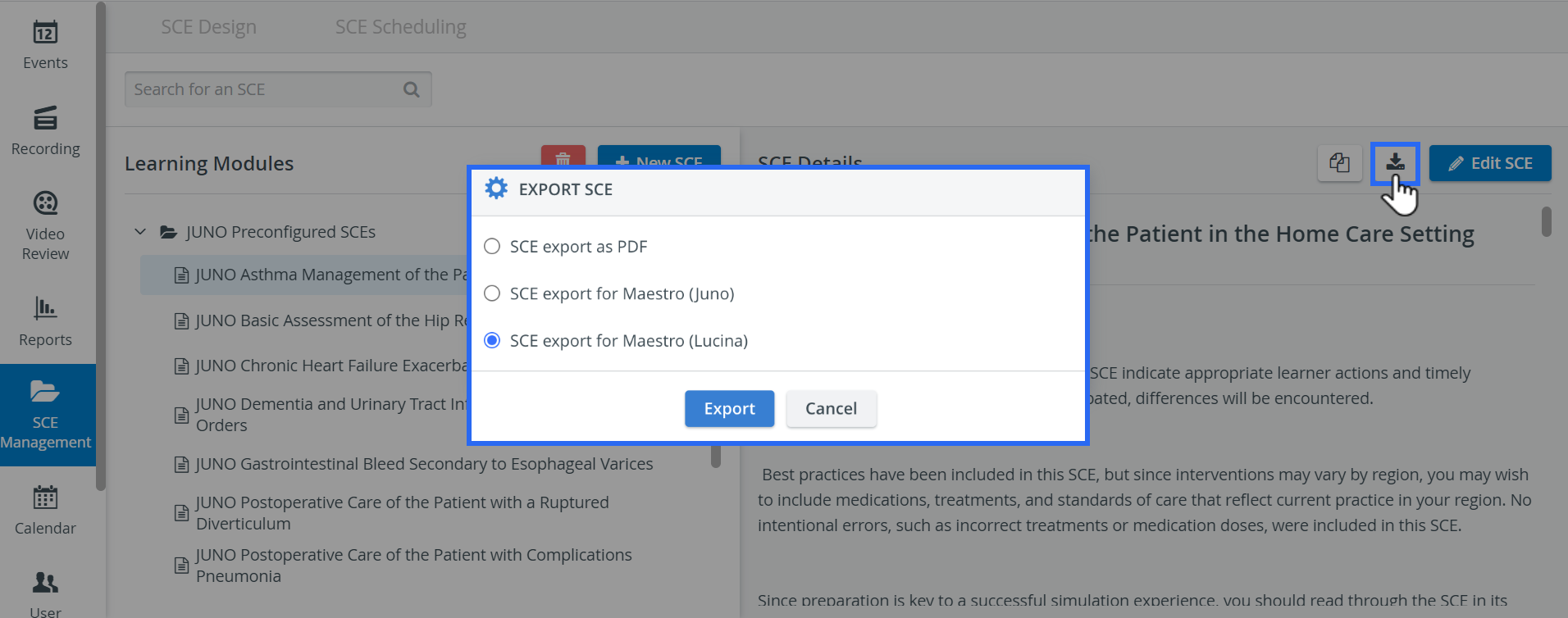
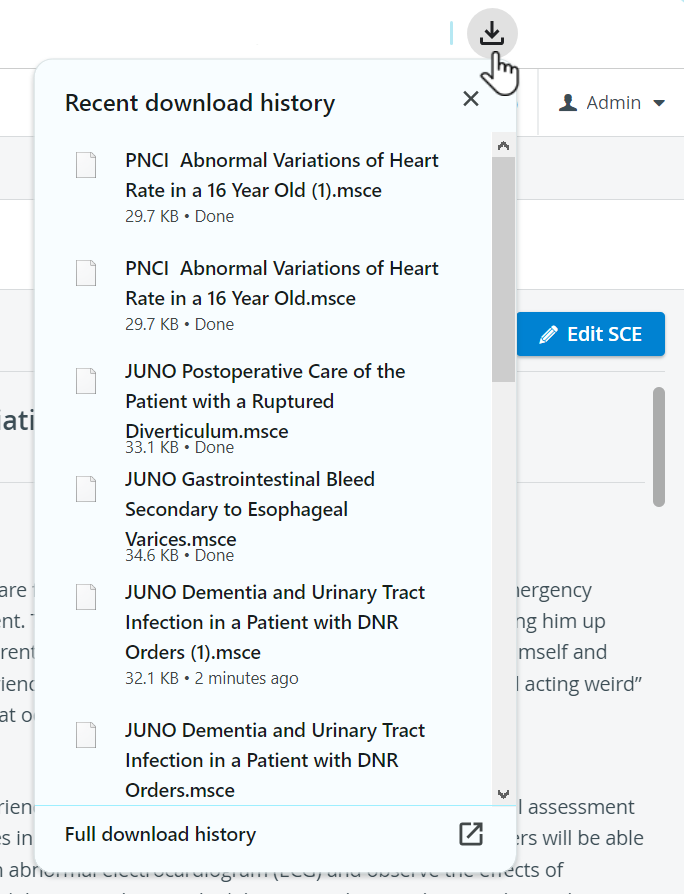
The file (.msce) saved to your computer will be compatible to be uploaded to Maestro.
The SCE can also be saved in PDF format by selecting the corresponding radio button.
For further information, visit our SCE Management and SCE Management - FAQ pages.