Are print charts available for reports
Chart view is available for preset/system-set reports on the Scores tab.
Select the report intended to be displayed via the Reports drop-down in the top right corner of the tab.
- Once the report is displayed, click the chart icon next to the drop-down.

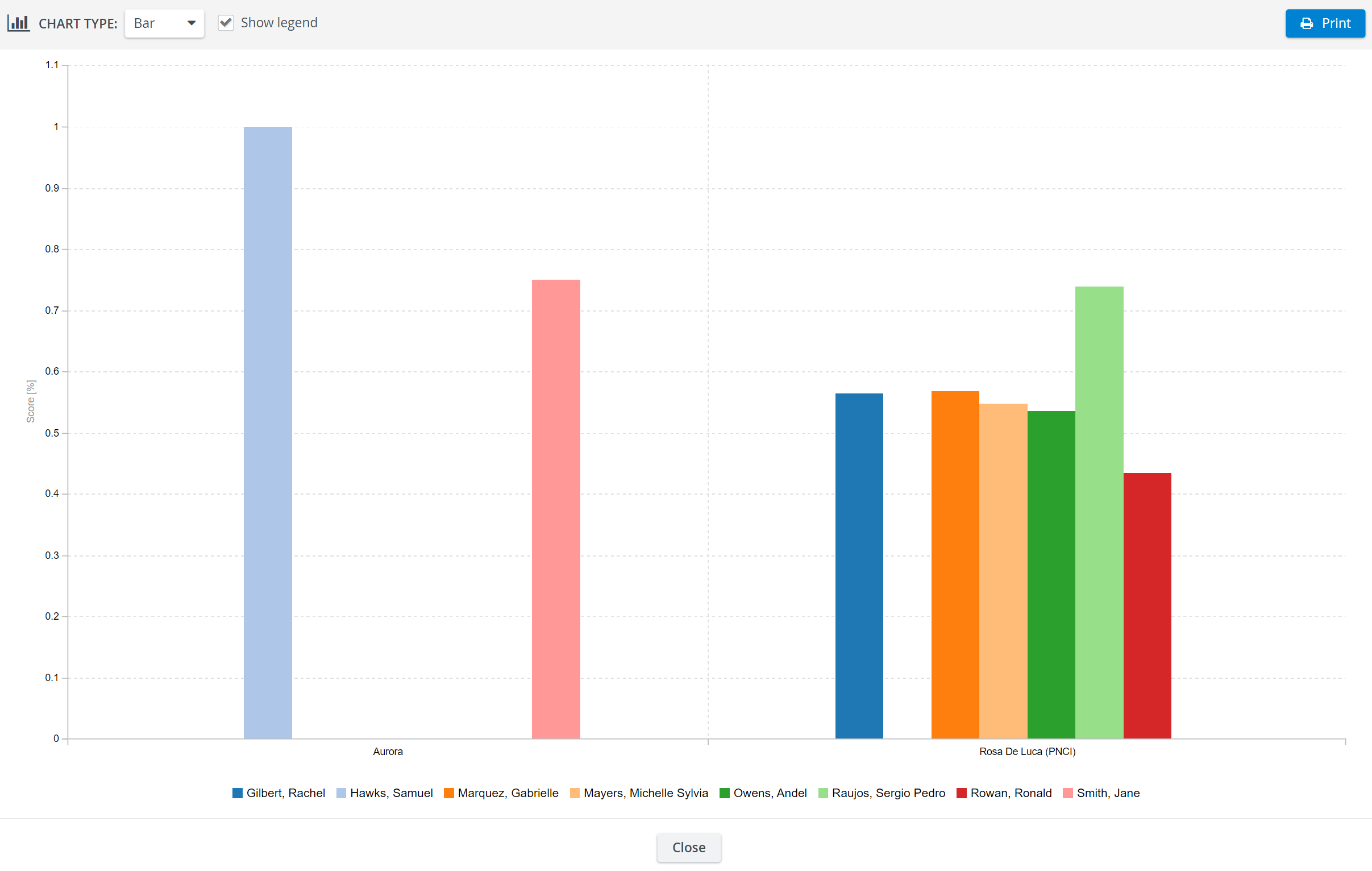
The chart of the formatted report appears in a pop-up.
When hovering over the chart, a tooltip appears with detailed data on the scores.
3. Change the chart type using the drop-down menu in the top left corner.
4. Check the box next to the Show legend to display data about the bars.
When the legend is displayed, hovering over a specific item of the legend prompts all the bars to be paled except that of the specific item.
5. To print the chart, click the Print button at the top right corner of the window.

See also:
For further information, visit our Reports Module pages.