2024 Summer New Features
💻 HDMI Encoder and supported resolutions
Run a video cable to the input of the device and convert the connector if required:
UltraPortable: DVI input of the USB FrameGrabber
ONE appliance: HDMI input of the ONE appliance (in-built DCU)
Server appliance: HDMI input of the HDMI encoder (formerly DCU)
You must locate the HDMI encoder on the Cameras tab and add it to a room on the Rooms tab.
Recommended resolutions for the HDMI Encoder:
1920x1080
1280x720
For more information, see How can I connect a Simulator or System Setup Guides.
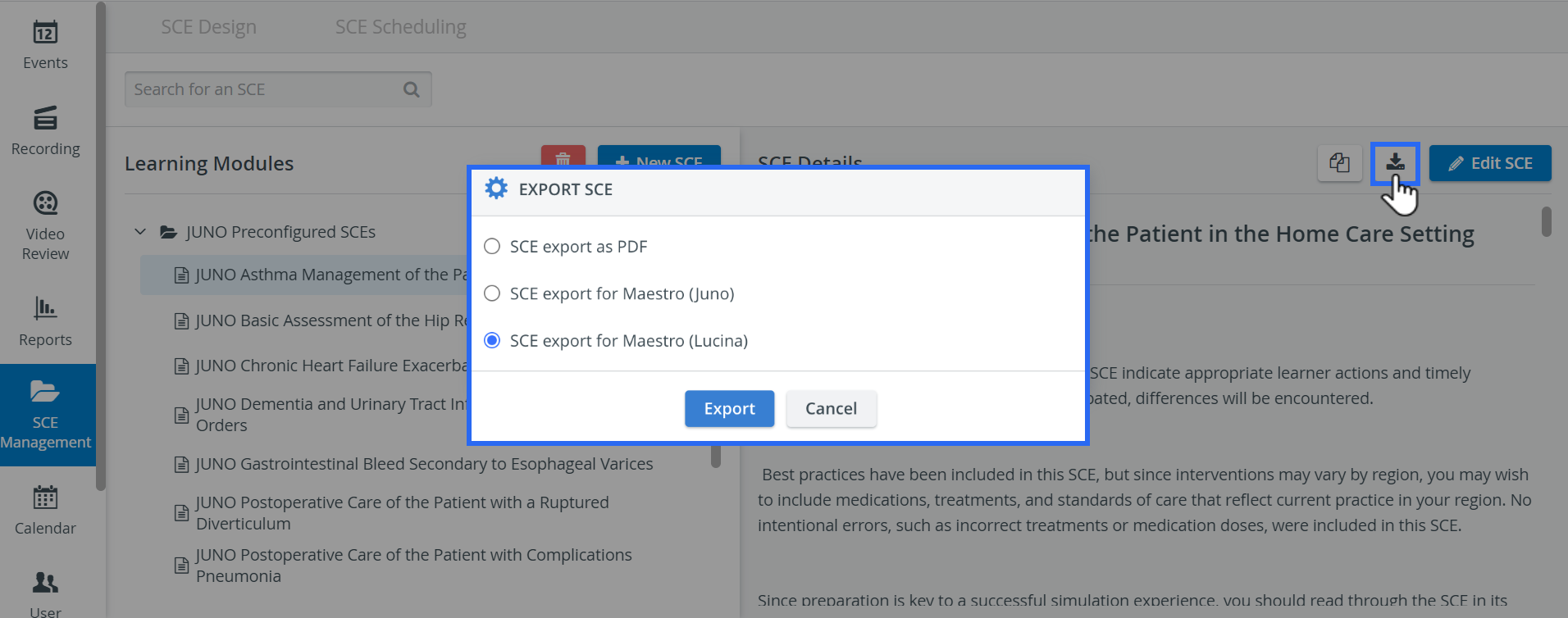
⬇️ SCE Export to Lucina
An SCE created in LearningSpace Essentials can from now be exported and then imported to
a Juno
or a Lucina simulator.
For more information, go to