Video Warning Message
By filling out the Video warning message field, you can set up a message that will pop up in the Video Review page from the browser address bar when a learner opens a new recording for the first time—either for peer or self-evaluation.
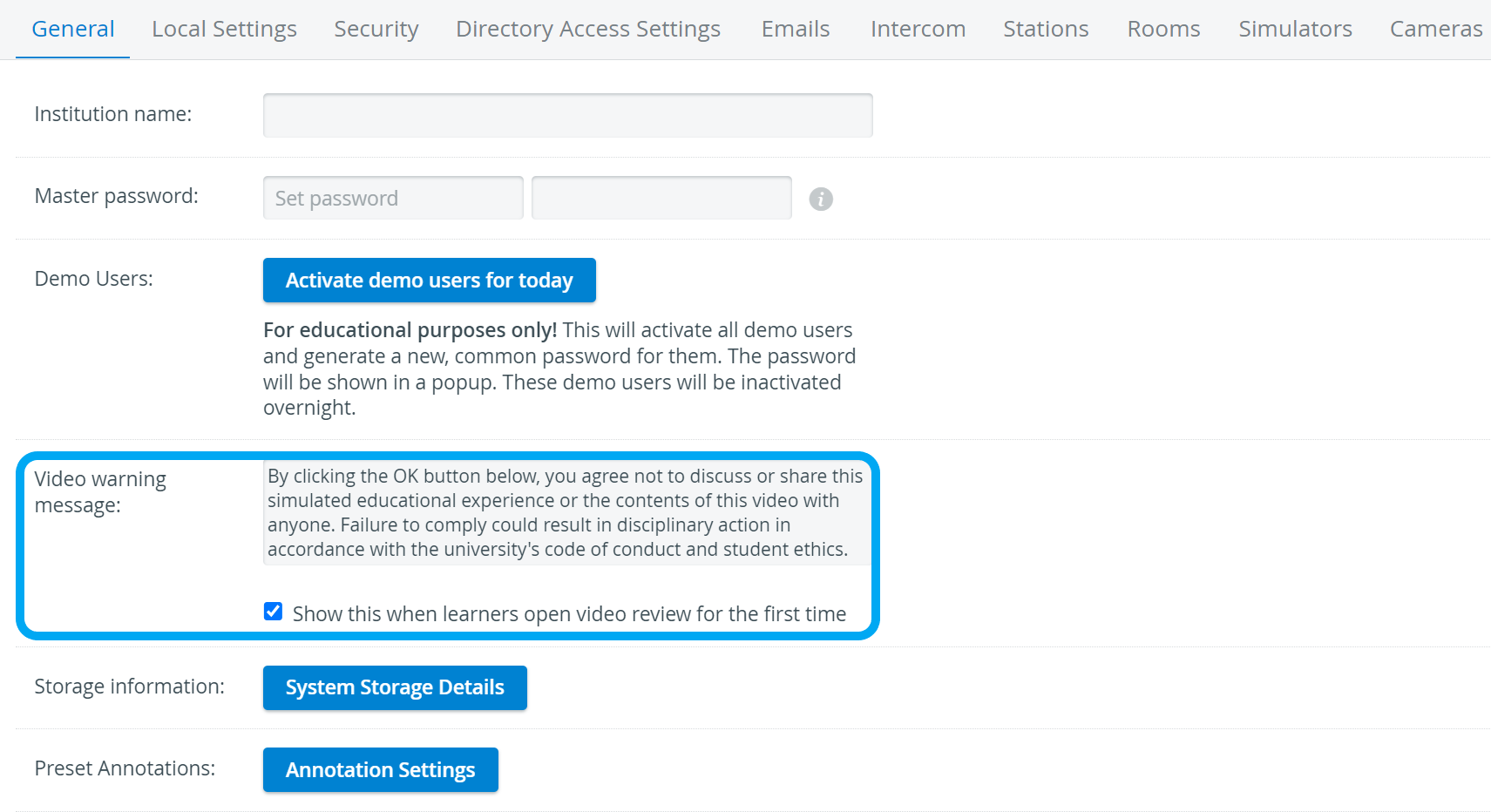
The Video warning message only pops up if the checkbox is selected.
Use the Video warning message field, for example, to inform your learners about how your institution is using the video recordings on which the learners or their peers are featured.
To save and enable the Video warning message pop-up, select the Show this when learners open video review for the first time checkbox.
The pop-up only appears once when the recording is opened for the first time.

Find step-by-step guides for System manager-related processes on our System - How to pages.