SP Training Review
The SP Training Review report evaluates the SP Training component and reflects on the SP's performance relative to the efficiency of experienced SPs.
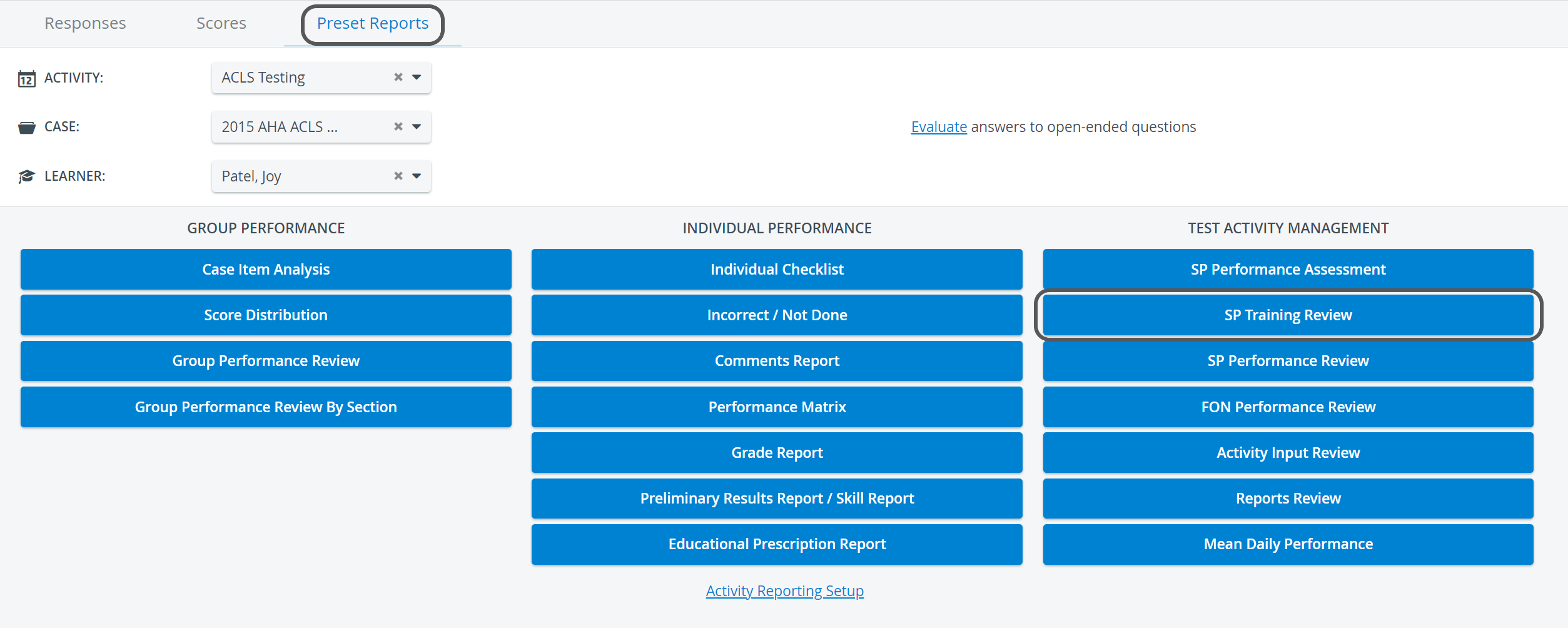
For details on building an SP Training, see How to Build an SP Training.
The report displays the Agreement score, which indicates how closely the SP Trainee's responses align with those of the experienced SP.
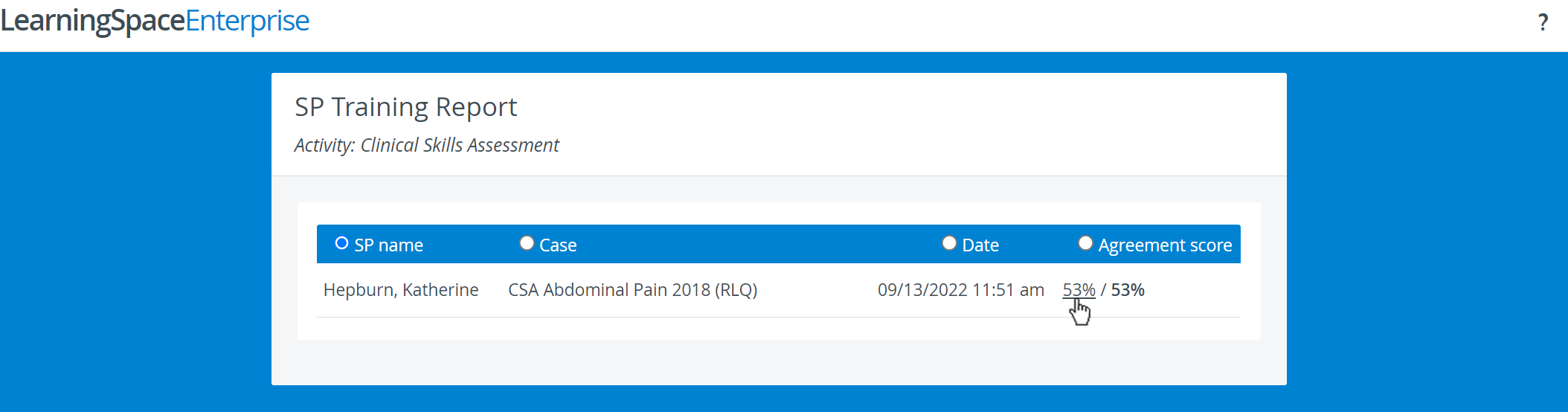
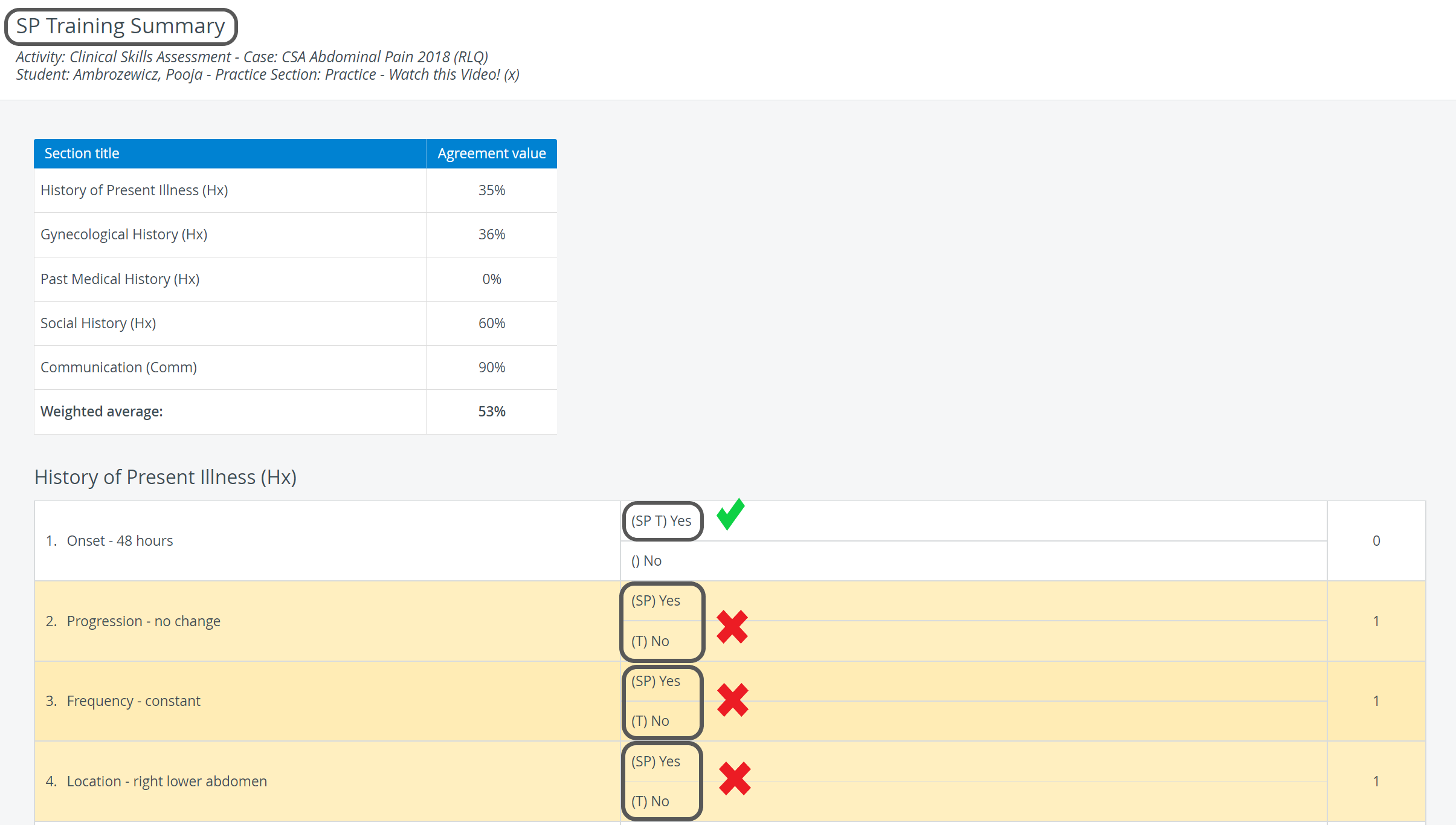
By clicking on the Agreement score's hyperlink, the SP Training Summary page loads, which displays
Activity and Case details
Agreement values listed in Sections
All responses, differing ones (SP vs Trainee), are highlighted in yellow.
Printing a Report
To print an SP Training Review Report (either paper or PDF), use the Print button in the top right corner of the screen.

For more information, go to How to Print a Report.
For further information, see the Reports - How to pages and the Reports Module Training Videos.