SP Performance Review Report
The SP Performance Review report
compares each SP's result,
reflects similarities in SP performance,
indicates in which Section of a Case the deviation in SP performance is the largest,
helps assess SP'’ judgment and possible flaws in their ability to evaluate learners reasonably.
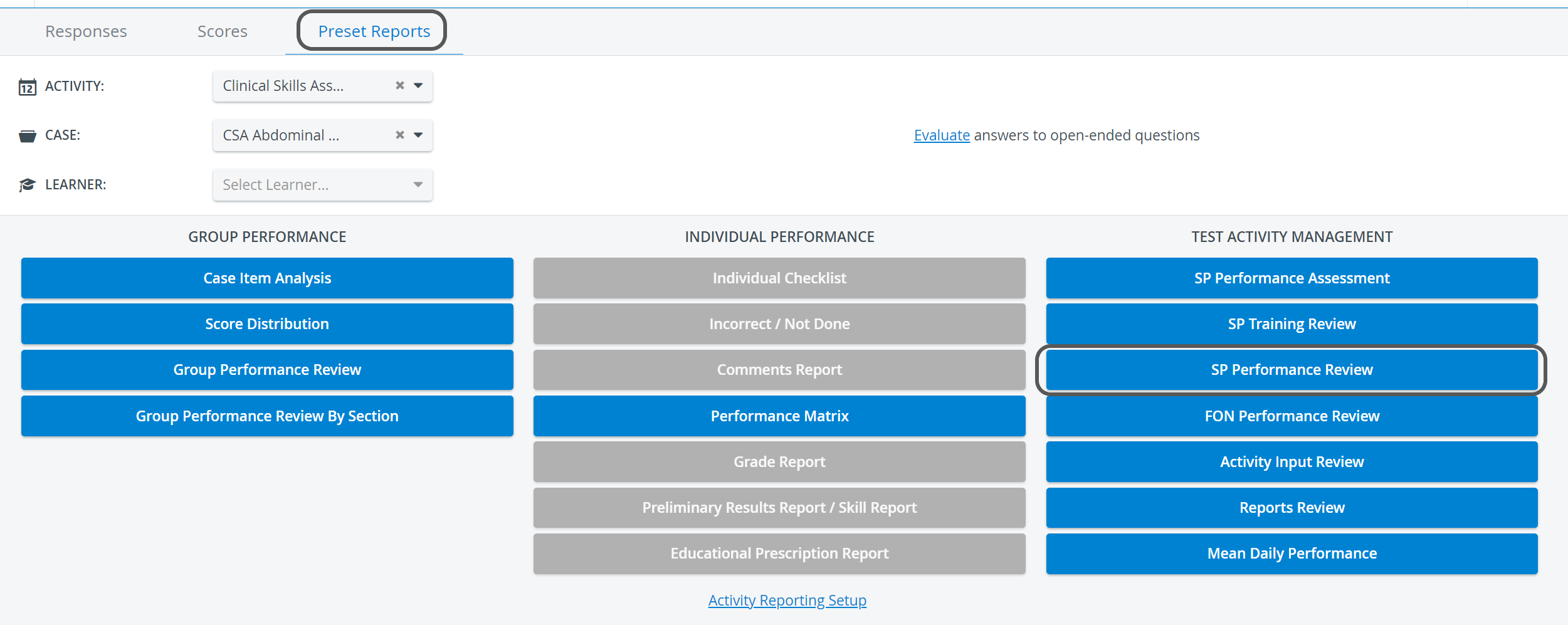
The report can be accessed by selecting the desired Activity and Case on the Preset Reports tab of the Reports module, which activates the SP Performance Review button in the Test Activity Management column.
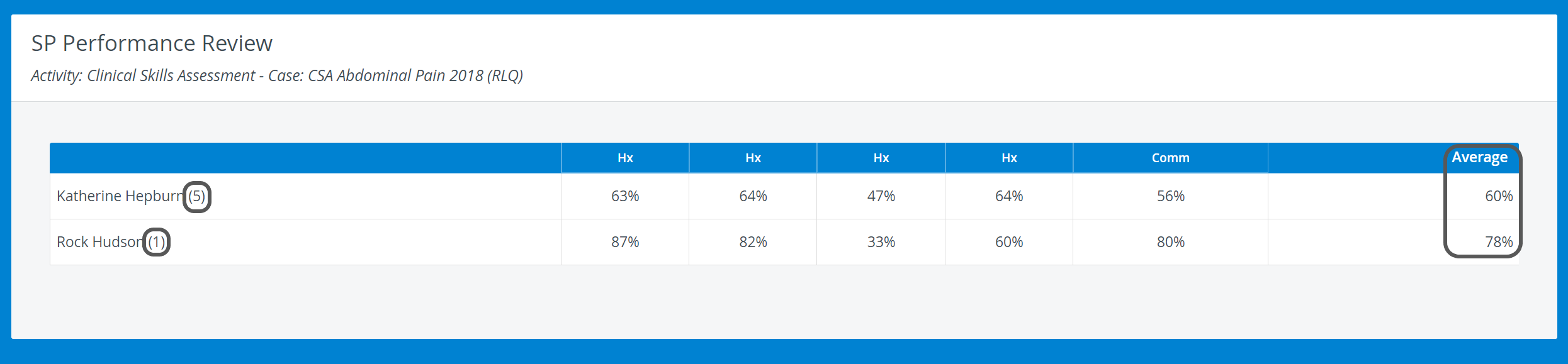
On the SP Performance Review page, a table displays
all the SPs who participated in the selected Case
and the average section scores of learners for the SP part for each SP.
The table thereby reflects the consistency of scoring.
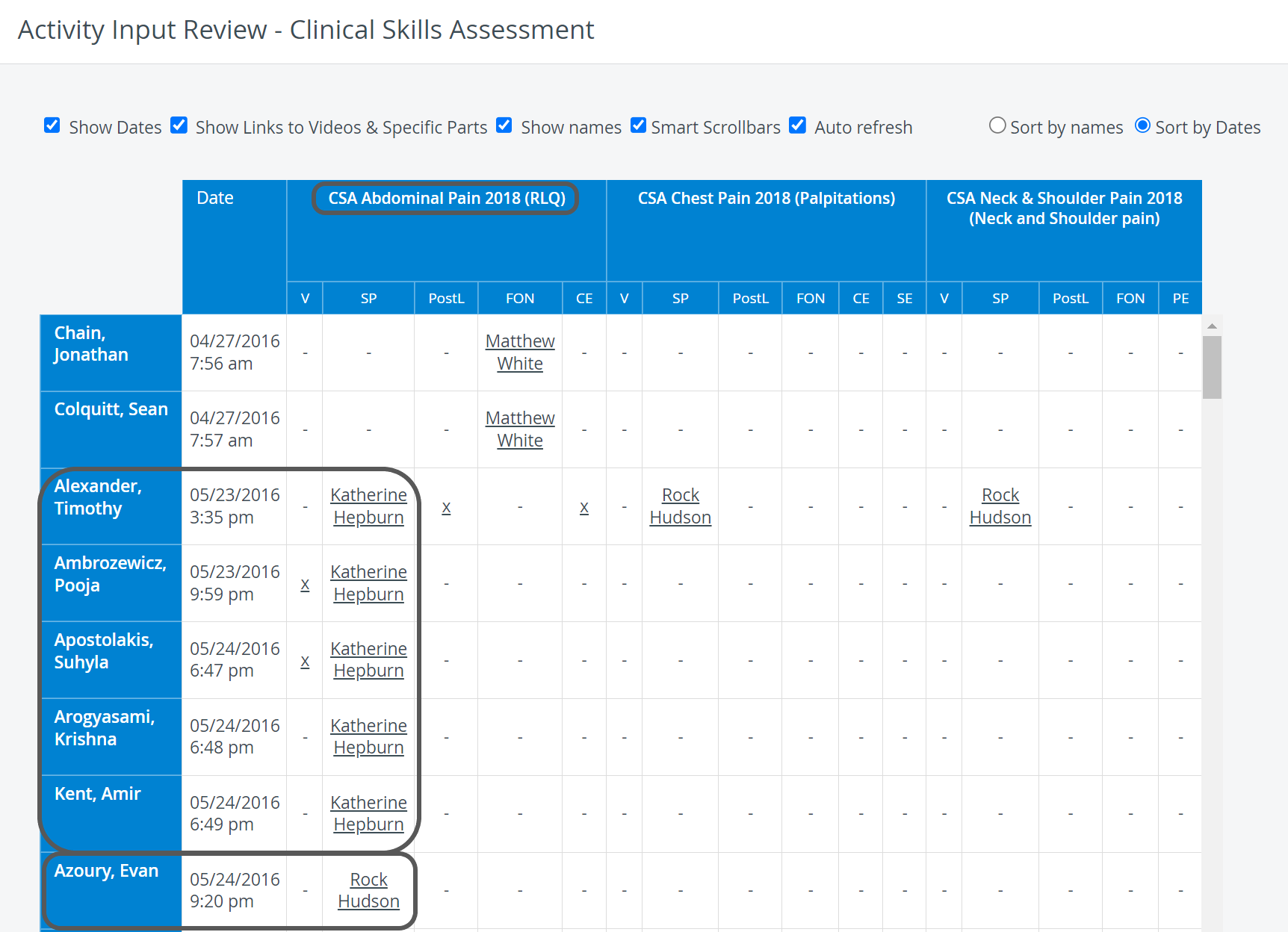
The numbers in brackets next to the SPs' names represent the number of Learners the SPs have seen for the respective Case within the selected Activity.
Printing a Report
To print an SP Performance Review Report (on paper or as a PDF), click the Print button at the top right corner of the screen.

Export to Excel
In the latest versions of LearningSpace, the report can be exported to an Excel (xls) file for more convenient management and an essentially easier use of the exported data in applications like Microsoft Excel or Google Sheets.


For more information, go to How to Print a Report.
For further information, see the Reports - How to pages and the Reports Module Training Videos.