SP Data Entry
1. SP Login
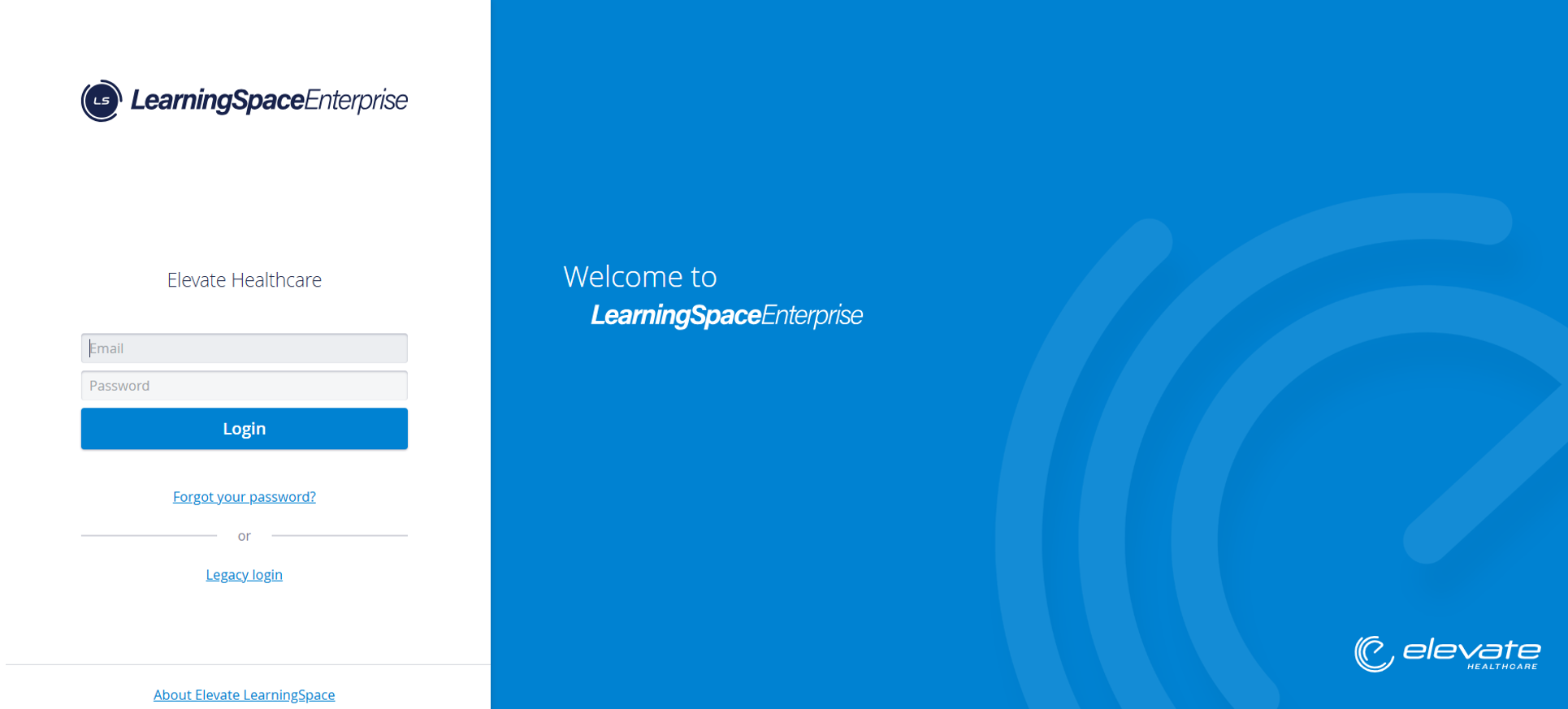
1.1. Enter your Email address and Password
1.2. Hit Login
2. SP data entry
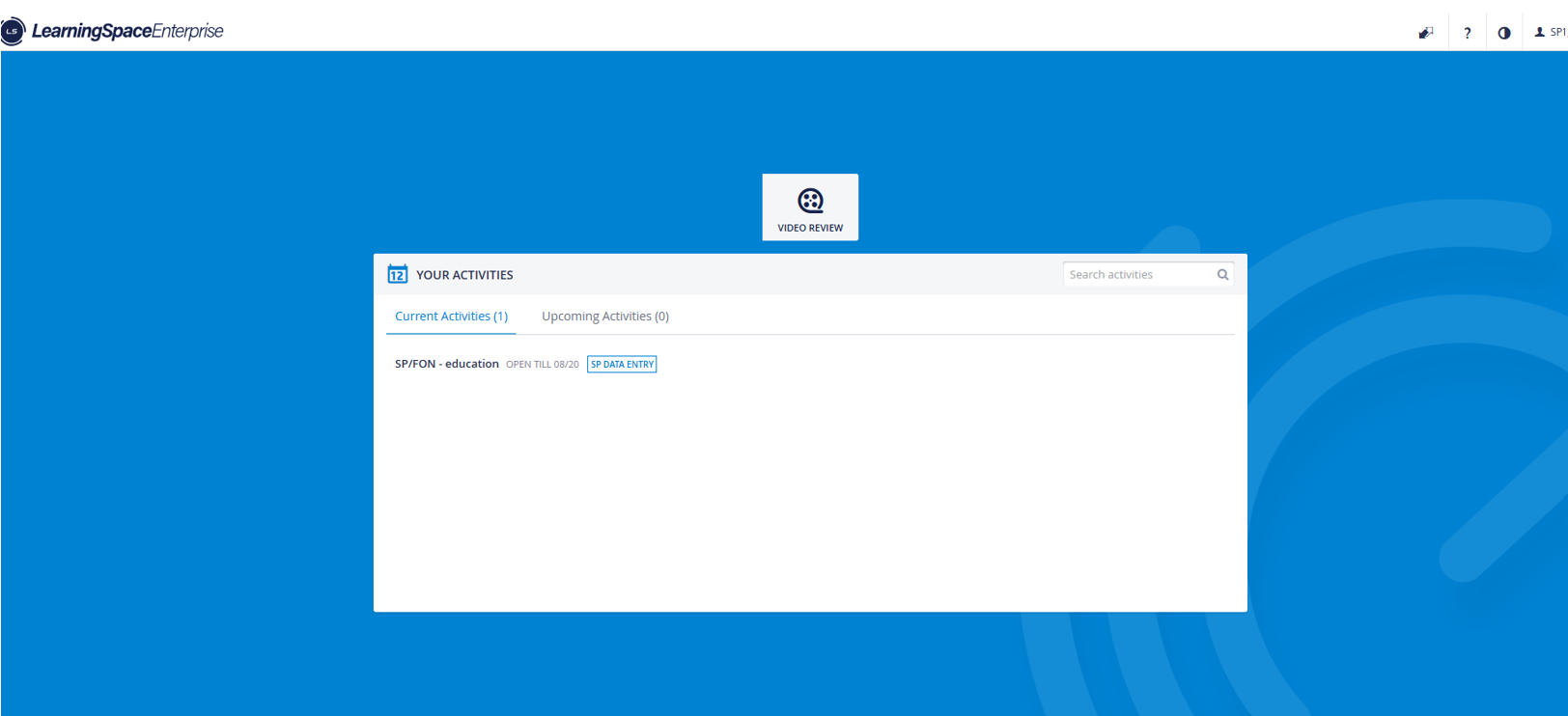
2.1. Hit data Entry (Also, clicking on the Video Review tile, the videos that are accessible for the SP will appear.)
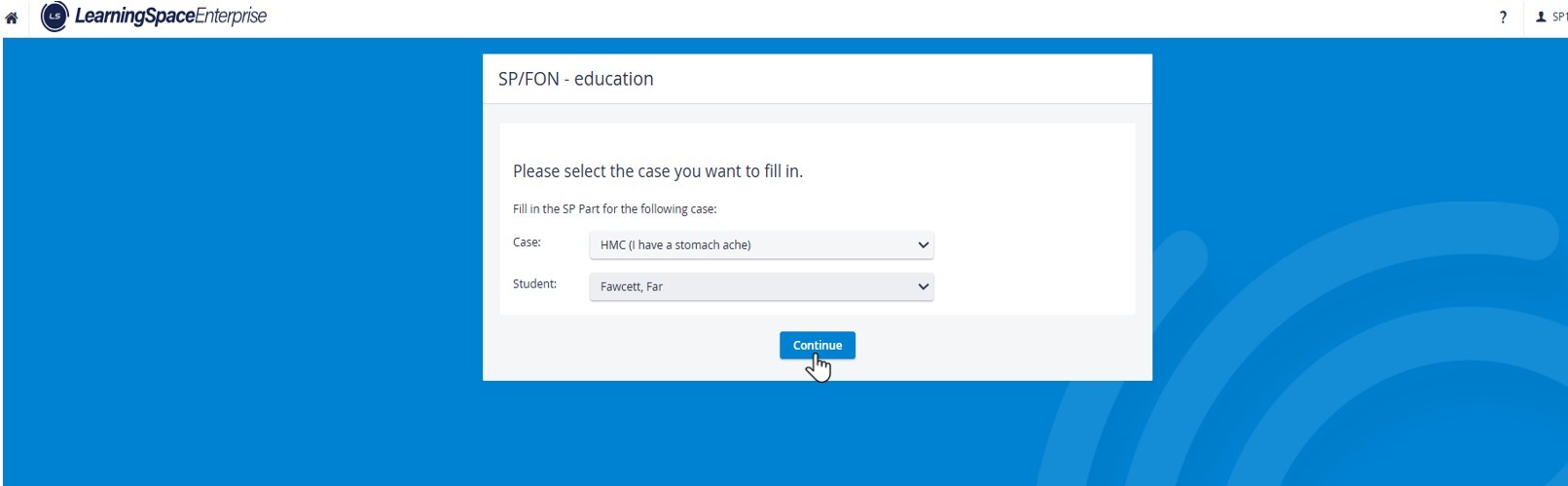
2.2. Select the Case and Learner in question and hit ’’Continue.”
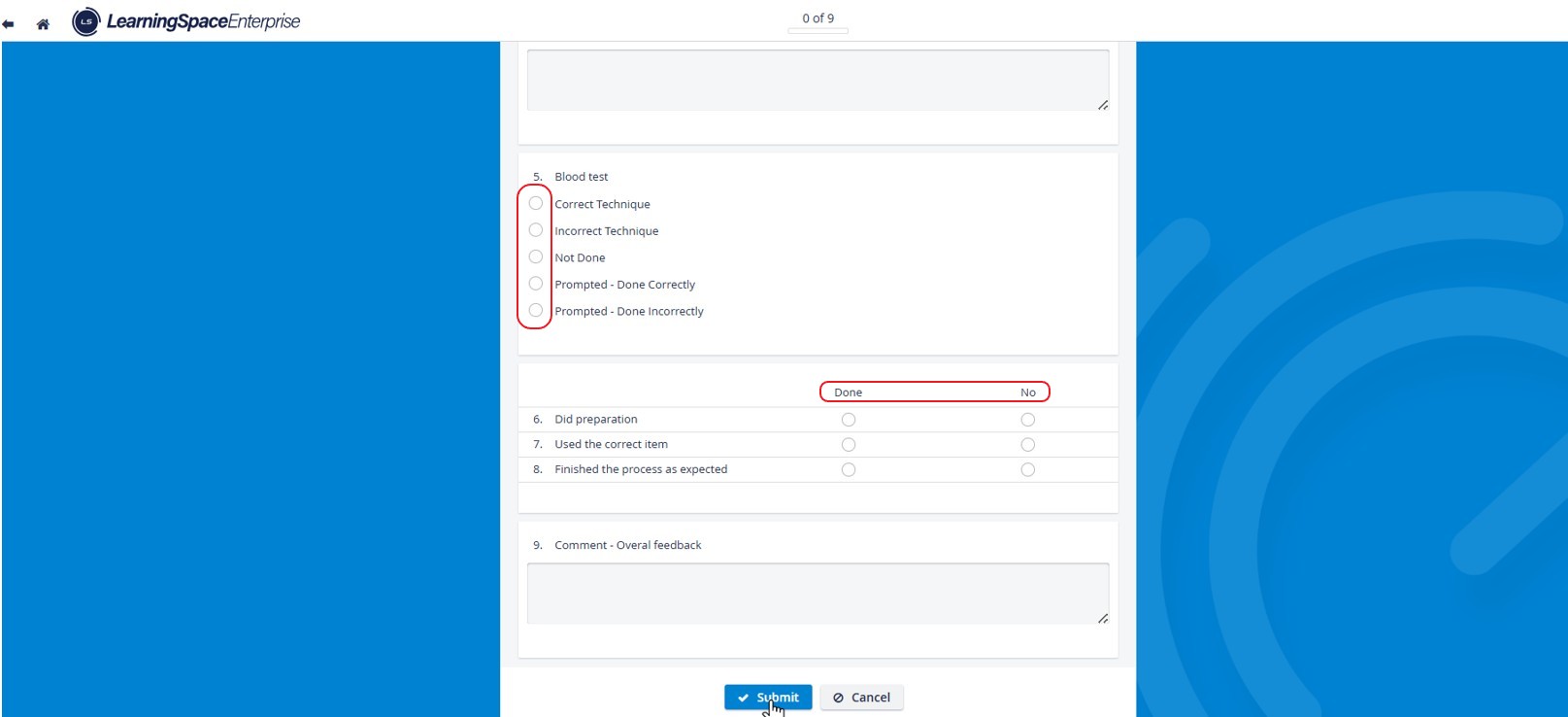
2.3. Fill out the checklist and hit” Submit.