Resource Manager
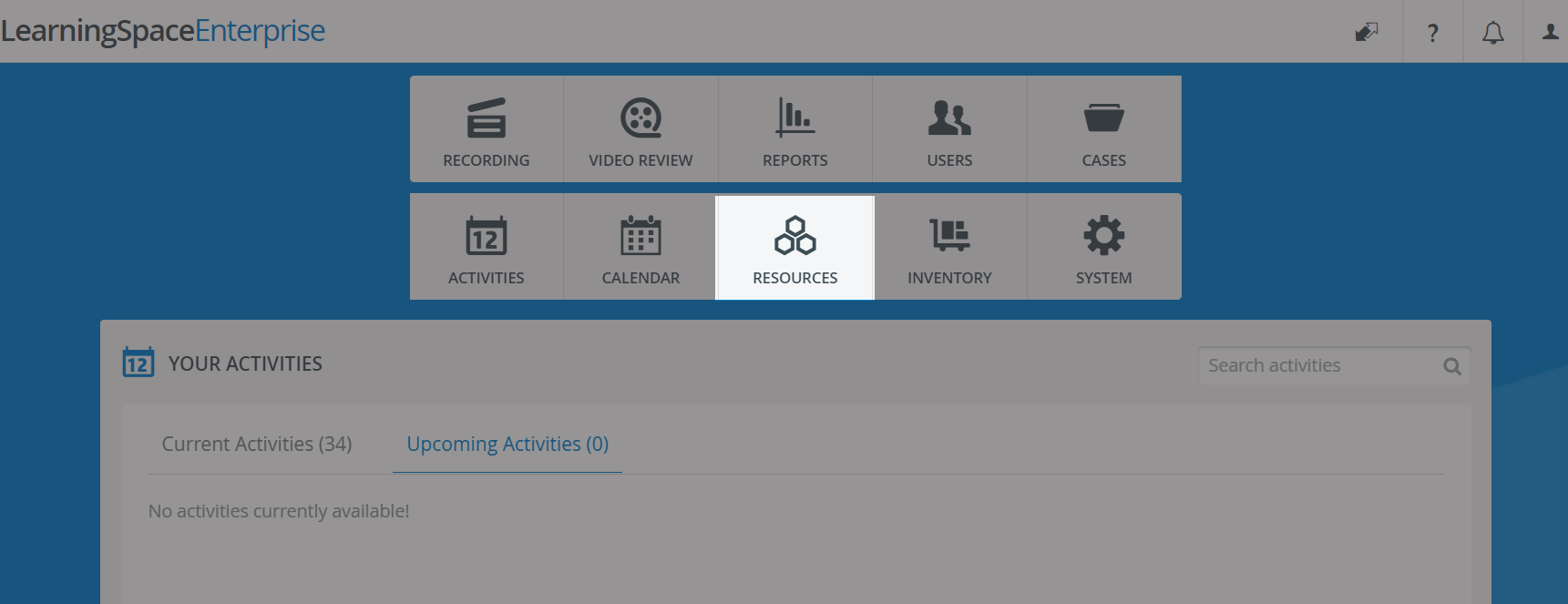
In the Resources module, you can review, manage, and generate reports on the usage of simulators, computers, audiovisual devices, medical equipment, and other resources in your simulation center.
Keep track of how much your departments and external clients use your resources.
How does the system log resource usage?
There are some resources that the system can log automatically—System Resources—and others that you can add to the system manually—User Resources.
System Resources
The Resources module automatically saves usage data for any device or equipment that can be connected to or set up in LearningSpace, and it also logs SPs' work time (in case SPs were assigned to scheduled events).
The system registers the use of these resources as System Resources.
5 types of System Resources are built into the system:
User Resources
The use of resources that do not fall into the 5 categories above can also be logged in the system, but only manually.
Other kinds of equipment may consist of:
Medical supplies (e.g., needles, artificial blood, etc.)
Computer accessories (e.g., wireless mouse)
Room supplies (e.g., hospital beds, IV kits, etc.)
These other kinds of resources can be registered as User Resources in the Resources tab, and their usage can be logged by adding new usage entries in the Resource Register tab.
💡 See How to Add a New Resource.
For more information, visit our Resource Manager and Resources - How to pages.