Record Control Panel in Video Review - Legacy version
In Video Review, the Record Control panel displays information about the recording: whether it is assigned to an Activity, Case or which learners and SP (if any) participated in the recorded simulation event.
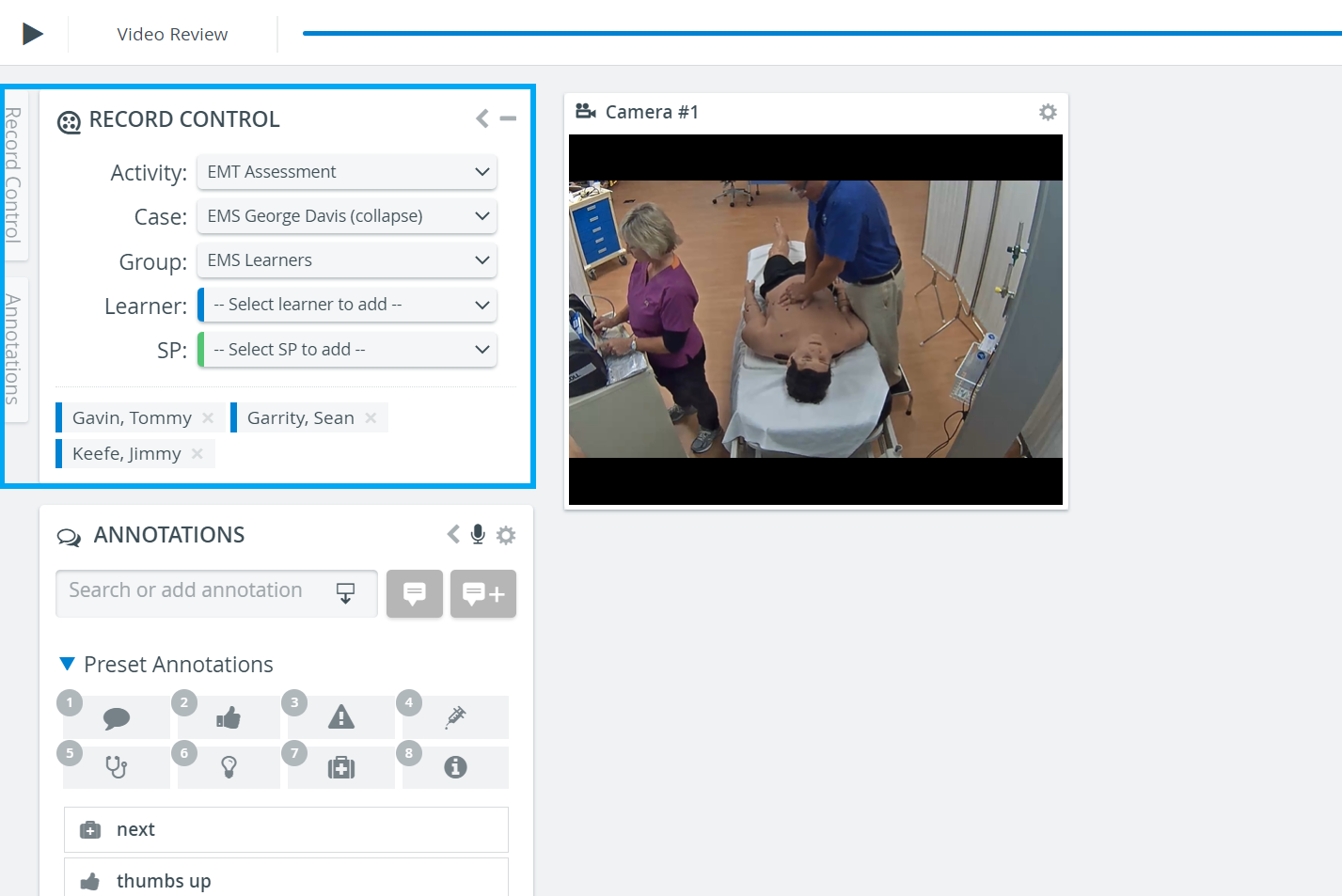
Participants added are displayed color-coded: learners are indicated with blue, while SPs are distinguished with green.
Depending on a user's privilege, these data are only displayed or are editable and thus can be changed as desired.
NOTE: Annotations can only be added for learners assigned via the Record Control panel.
For more information, visit our Video Review or Video Review - How to pages.