Logout
For all users
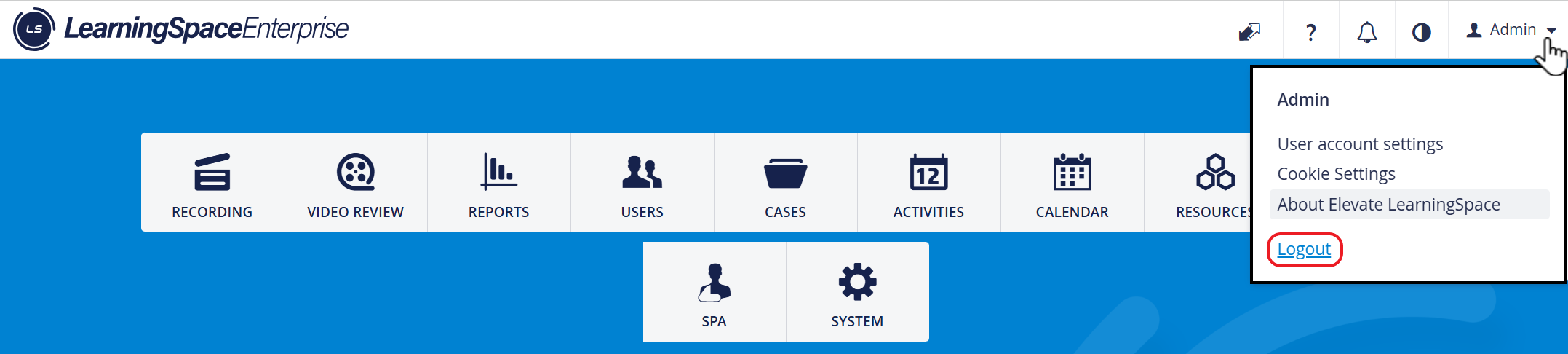
To log out of the system:
Click your name in the right-hand corner
A drop-down menu opens
Select Logout
Afterward, the system will confirm your logout, and you will be redirected to the login page in 5 seconds.
Click the New Login button to go directly to the login page.

Related pages