Locking - Preventing Recordings from Deletion
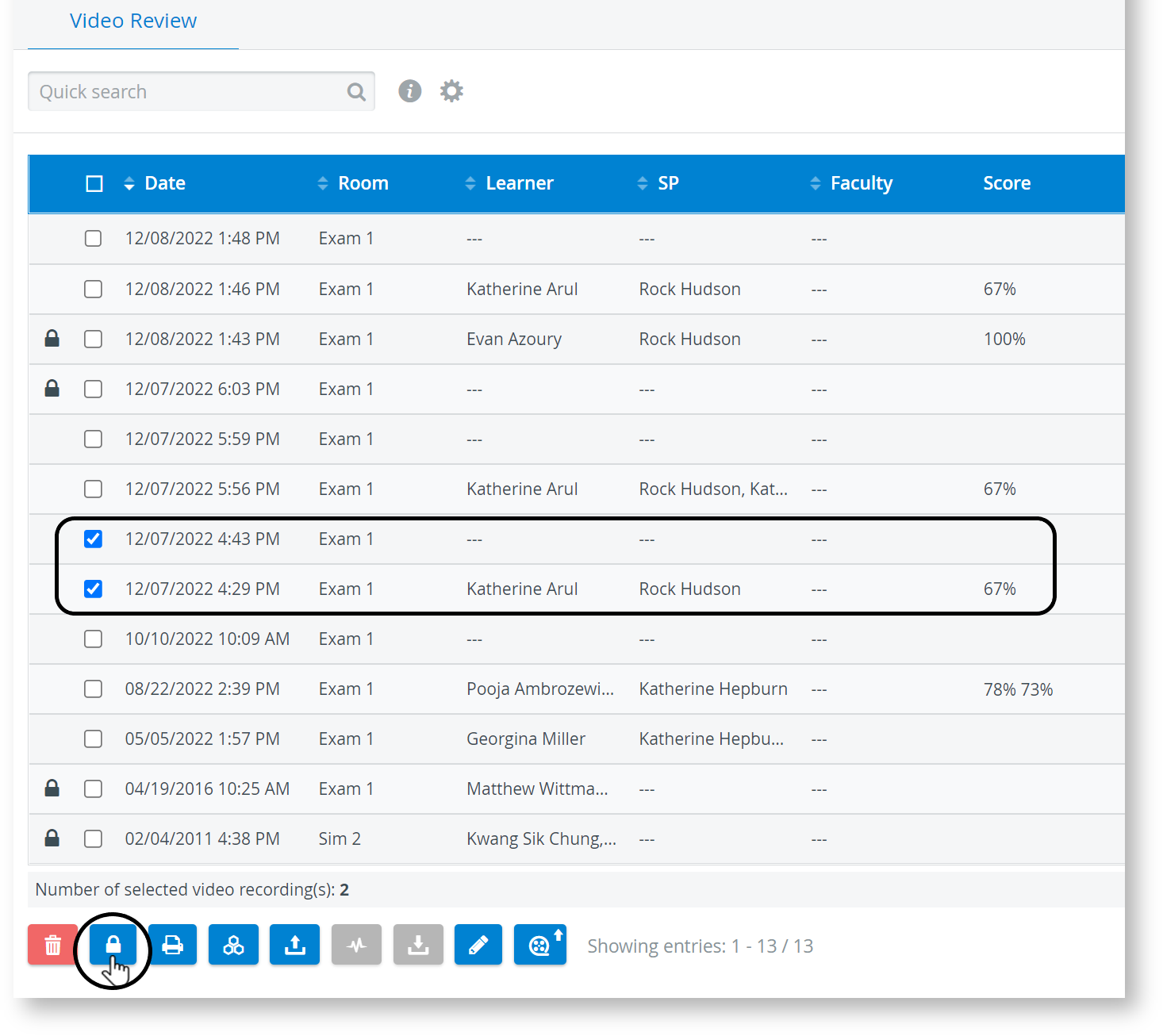
The Video Review module enables users with Admin privilege to lock videos, preventing their deletion.
Locked Videos
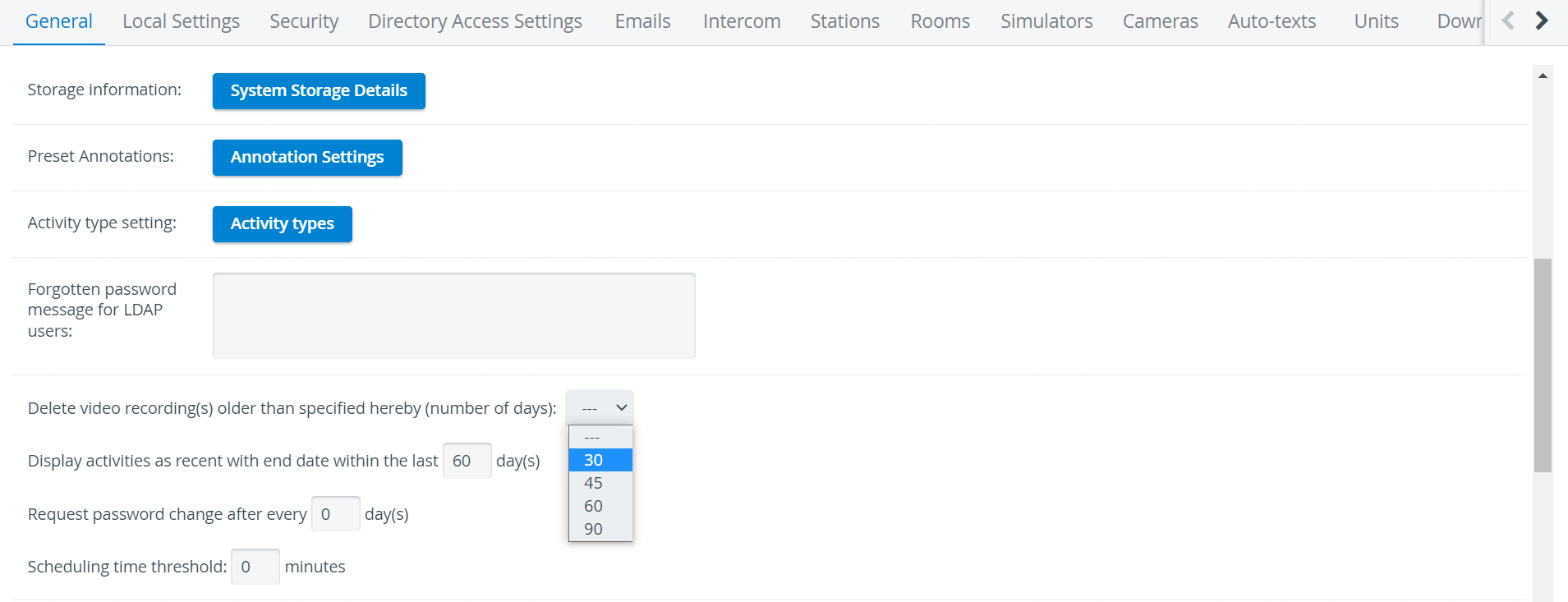
Locked videos cannot be deleted manually or by the system during the automatic video delete process, after 30/60/90 days, as set on the General tab of the System manager:



Withdrawing Locking

If already locked and unlocked recordings are selected simultaneously, only locking will become effective; that is, the locked ones will remain locked.
For further information, visit our Video review - How to pages.