Inventory Manager
Handle Inventorying with a Couple of Clicks Within Your Center Management Tool
The Inventory Module of the LearningSpace system aims to aid the day-to-day logistics of your training center.
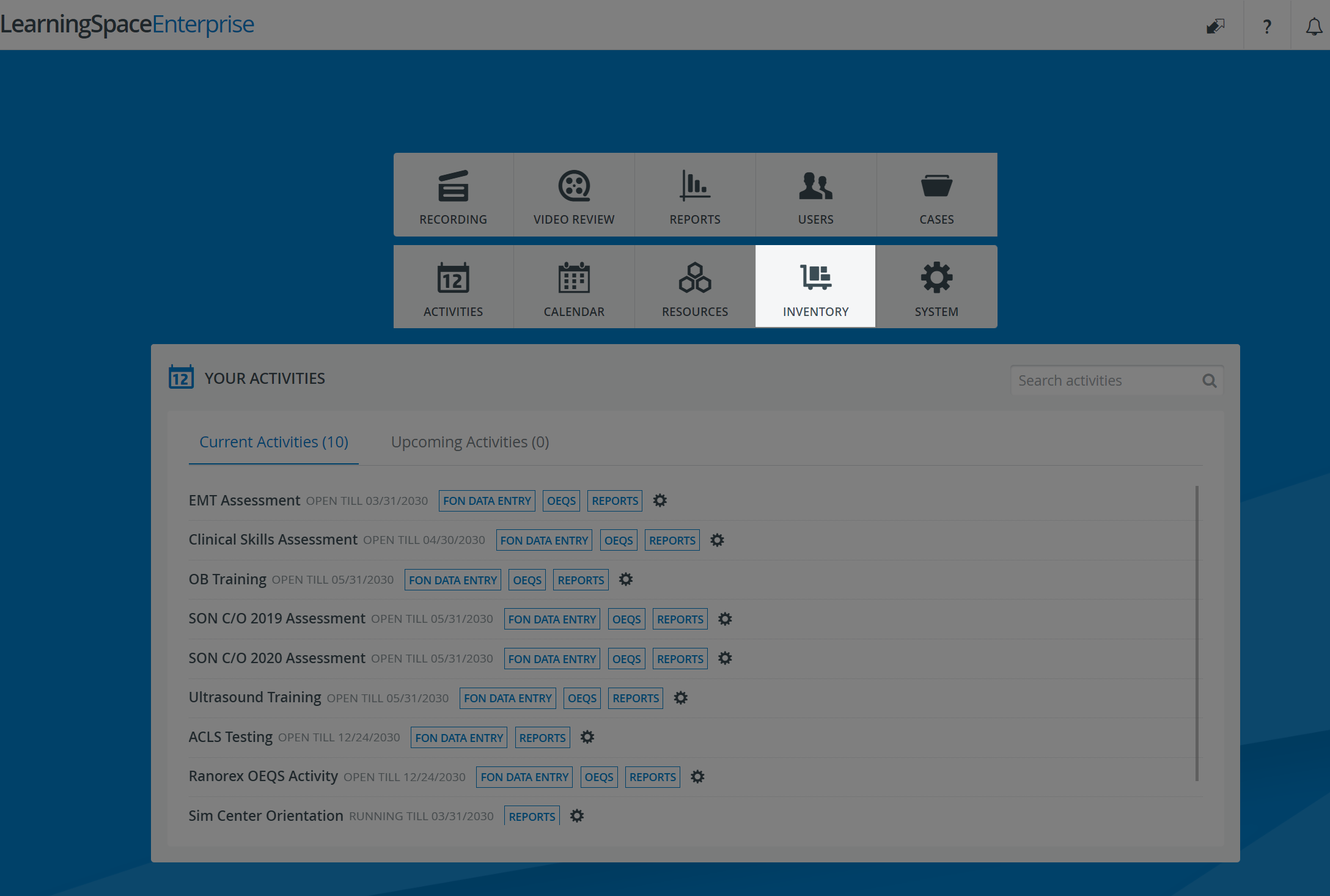
LearningSpace Inventory is a powerful and intuitive tool that helps you track your consumables, assets, and other medical equipment.
Find out about the New Functionalities added to existing modules when enabling the Inventory module in your LearningSpace system.
Learn about the Privileges & User Access Details related to the Inventory module integration.
Learn more about the barcode/QR code scanning solutions recommended for the Inventory module: choose a wireless hand-held scanning device and/or a mobile application solution.
Catalog
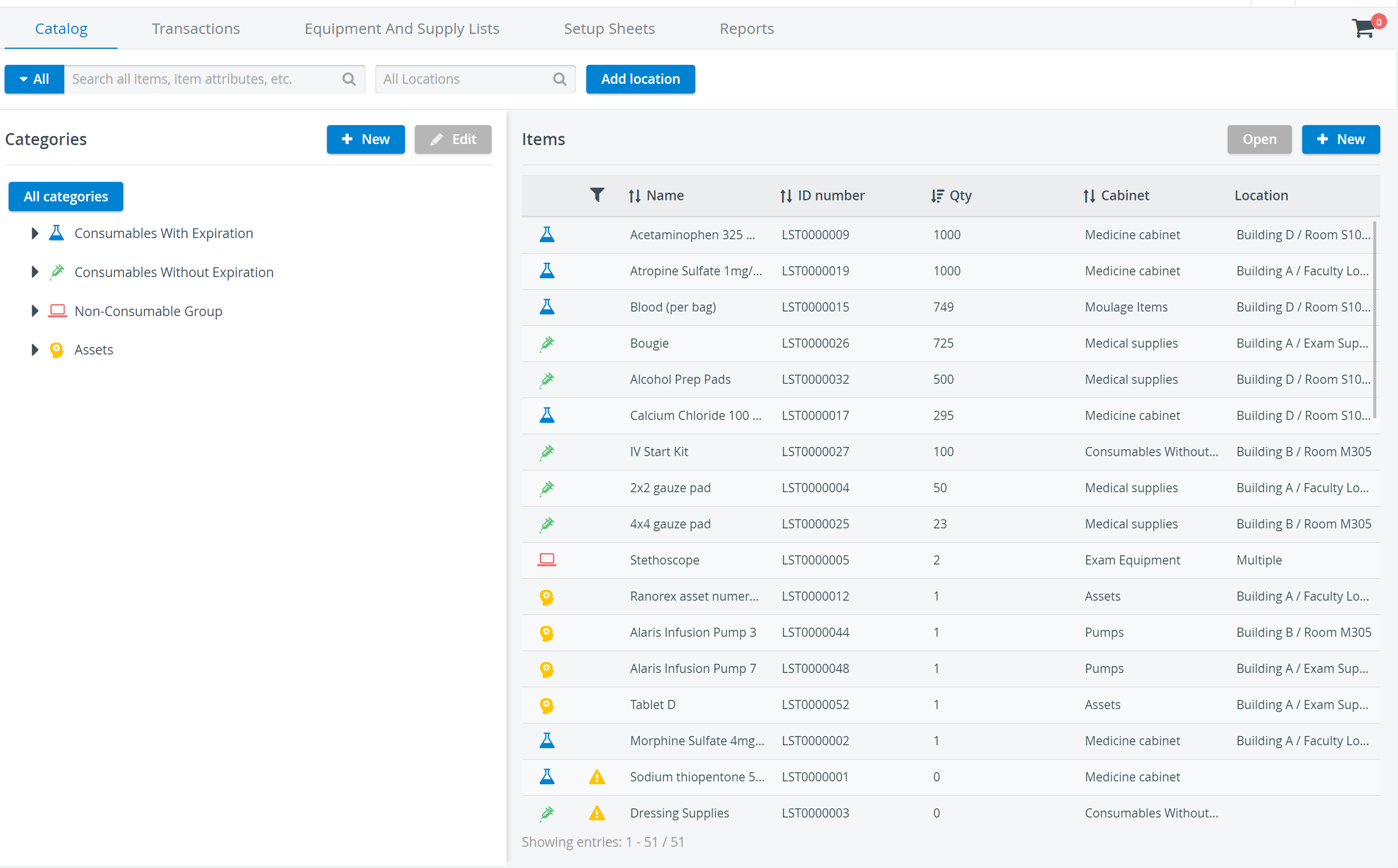
View all of your supplies and equipment in a single pane on the Catalog page, sorted into four categories: Consumables with Expiration, Consumables without Expiration (Disposables), Non-Consumables (Durables), and Assets.
Categorize new items as you add them to the Catalog.
Edit the properties of your items: Add a description, an image, or a barcode to quickly identify each item. You can also label each item with its system-generated QR code.
Search for specific items by filtering by category, cabinet, or, where applicable, expiration date or warranty.
Transactions
Manage the quantities of your catalog items in Transactions. Check in or out multiple items at once, and assign each transaction to the person responsible for the equipment.
The quantity of each item is automatically updated in the Catalog.
Equipment and Supply Lists
Gather the supplies and equipment for your scenarios. In the Equipment and Supply Lists tab, create and save lists of anticipated supply needs for specific cases.
Once you have created a list, you can add it to any Case during curriculum planning.
Setup Sheets
Look up the precise supply and equipment needs for specific events in Setup Sheets. With the help of an event-specific Setup Sheet, check out exactly what you need for the scenario and print the list to reference when you pick up the supplies.
Reports
Generate Inventory Reports for your current stock: assemble your available items into a single report, break them down by category, query the usage or consumption of specific items, or check the whereabouts of specific pieces of your reusable equipment.
Learn more about the Inventory Manager on our Inventory - How to pages, and watch the Inventory Manager Training Videos.