Intercom Panel in SRV - Legacy version
Available to users with Intercom privileges or Admins
The Intercom panel is located on the left in Single Room View (SRV) and is open by default when you enter.
The intercom panel broadcasts live or recorded audio announcements to the authorized hallway (learner) and/or in-room (SP) workstations (computers), speakers, or other intercom endpoints configured in the current room.
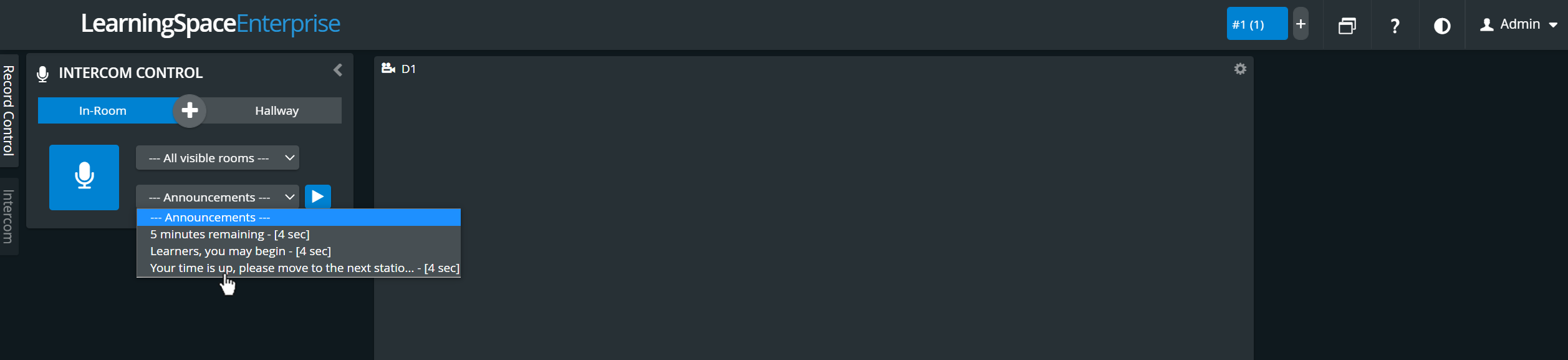
IMPORTANT: The Intercom functionality in LearningSpace requires the web browser to have access to the client PC's microphone, which in turn requires a secure HTTPS connection to the LearningSpace server. That is, the use of the client computer's microphone can only be conducted with a valid SSL certificate. (This restriction stems from the Chrome browser security regulations.)
Authorized workstations, other intercom endpoints, and preset announcements are set up and enabled in System Manager. For more details, see How to Set Up Conditions for Intercom.
Continue to this page and scroll down to read about how to use the Intercom in Single Room View (SRV).