Include Every Learner at Score Review
When reviewing scores in the Scores tab in Reports, you can display learners who have not yet submitted any checklists (SP, PostL, FON) and those who have already submitted.
This way, you can quickly see learners who still need to submit their checklists or are waiting for their SP/FON checklists to be submitted.
On the Scores tab, go to Scores Settings.
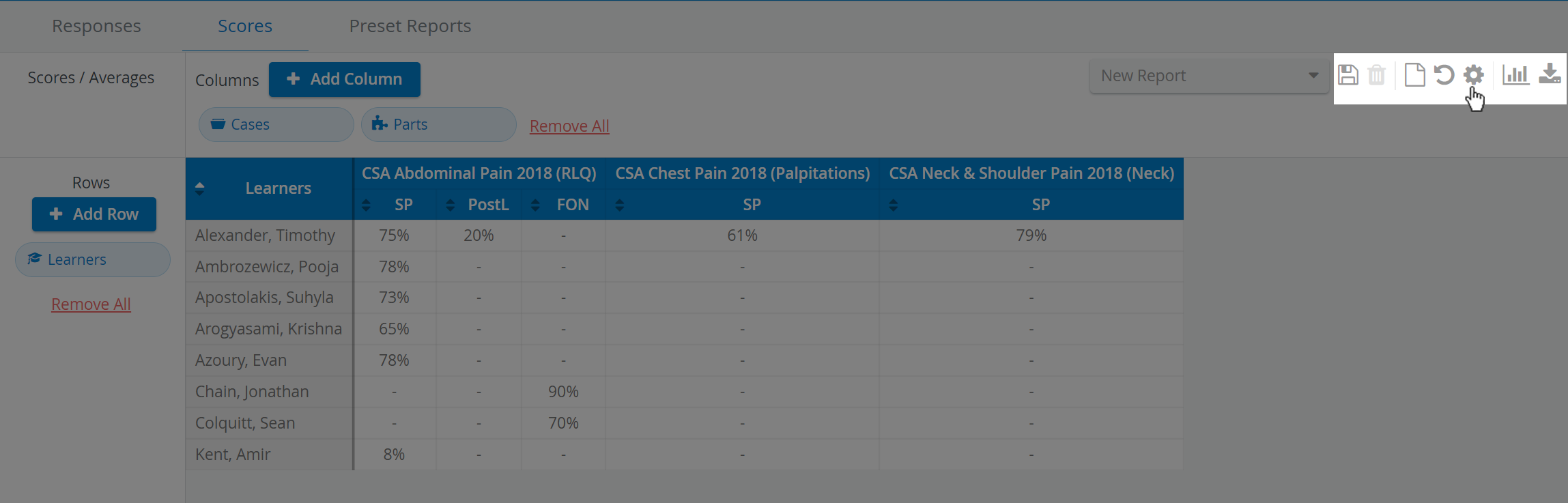
Select the Show all Learners regardless of submits option:

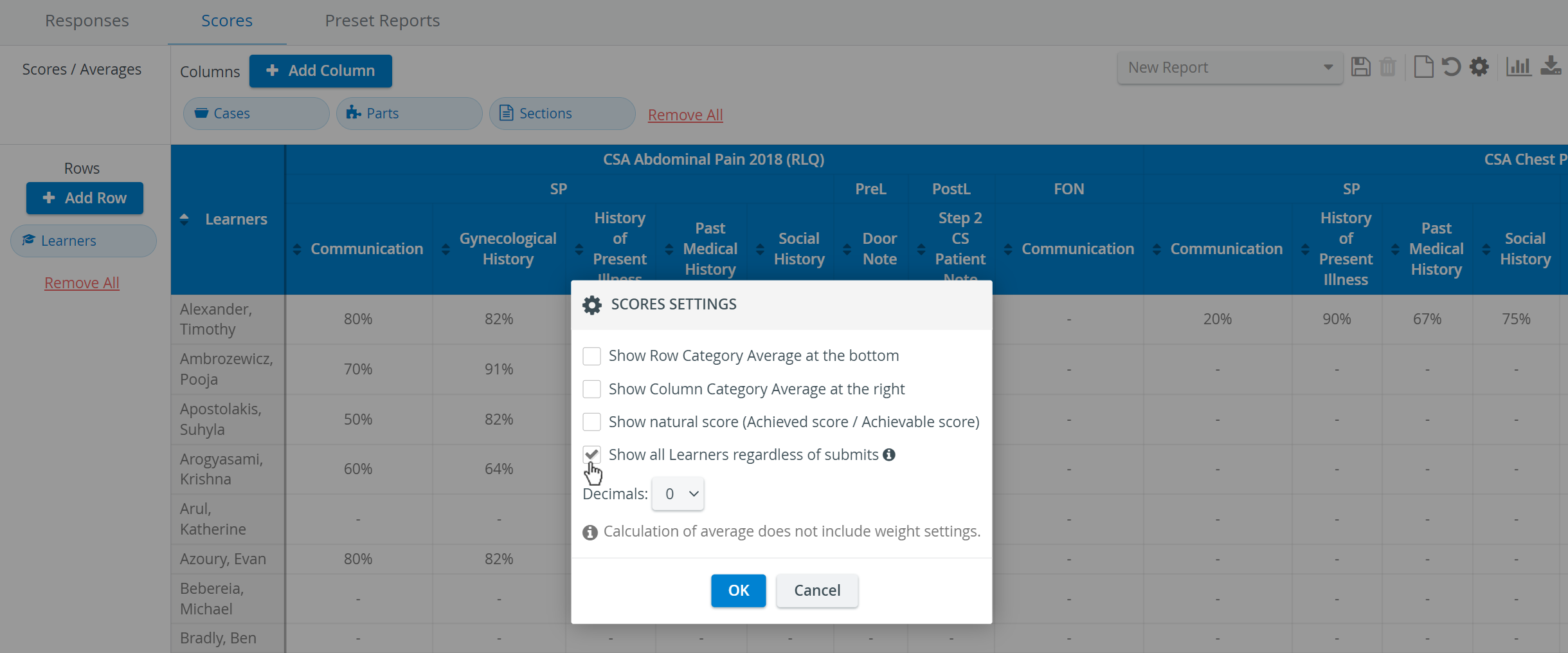
After selecting/activating the "Show all Learners regardless of submits" option, the complete list of Learners will be displayed, including those who have not yet submitted for the respective Activity/Case.

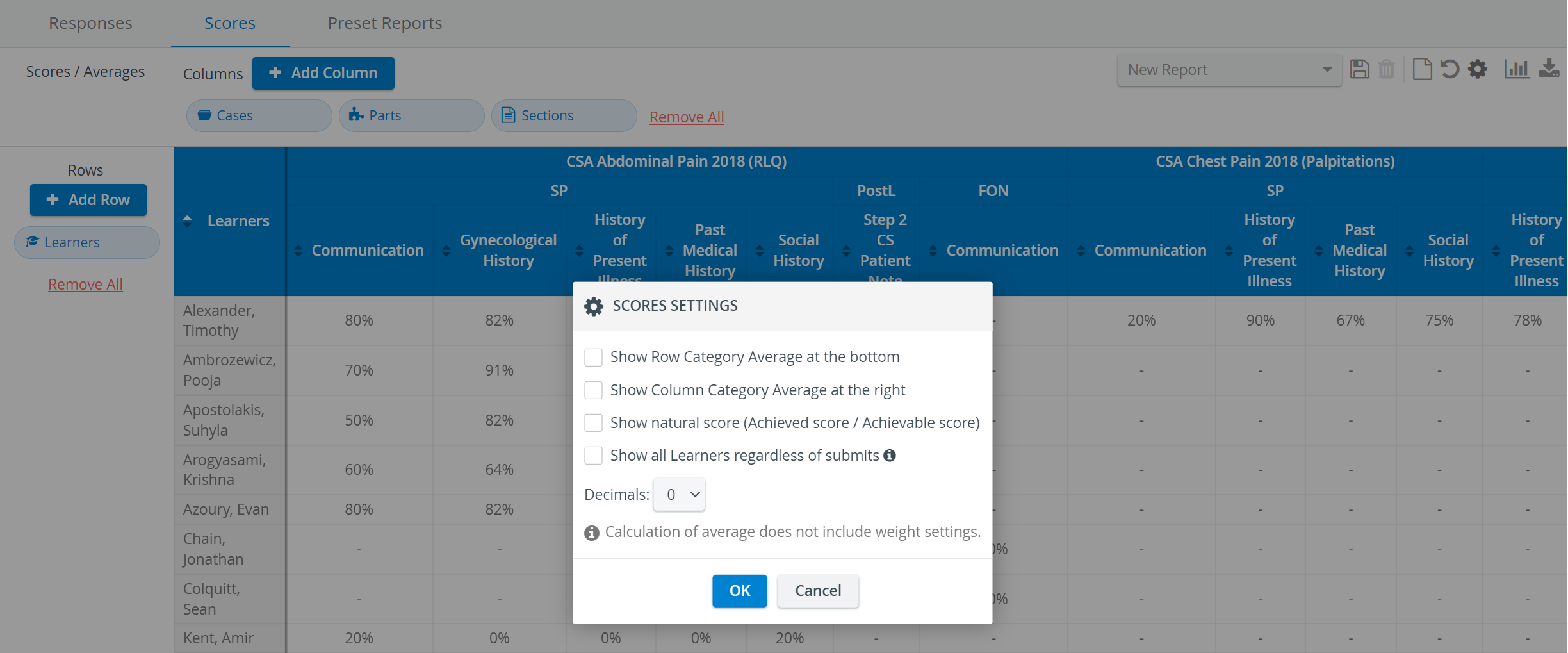
By leaving the Show all Learners regardless of submits option unselected/inactive, only the list of Learners will be displayed, with a submit for at least one Case part for the respective Activity/Case.

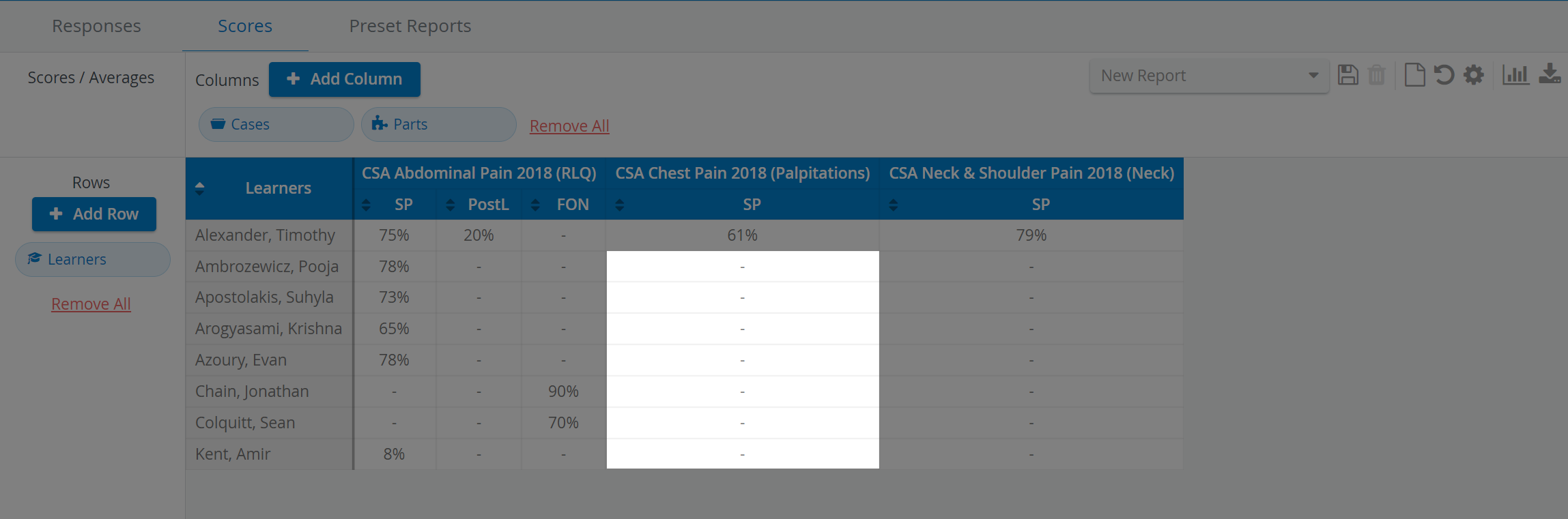
Empty cells marked with an ' - ' indicate that the Learner does not have any data associated with that Activity/Case/Skill area, etc. combination. This means the Learner does not have a submit here or only has a partial one.
Learn more on the Reports Module pages and from our Reports Module Training Videos.