How to Share Activities with Activity Managers and SRP Users
With the help of the Share tab of an Activity's Edit Activity Pop-Up, manage which Activity Manager and/or SRP user - Scheduling and Resource Planner - (basic or full control) has access to a particular Activity.
Activity Managers and/or SRP users can either view and/or edit the Activities that were shared with them:
1. Restrict Activity Managers and/or SRP users to read-only access to the Activity:
Open the Activity of your choice.
Go to the Share tab.
Click in the empty Add... field under 'CAN READ ONLY'.
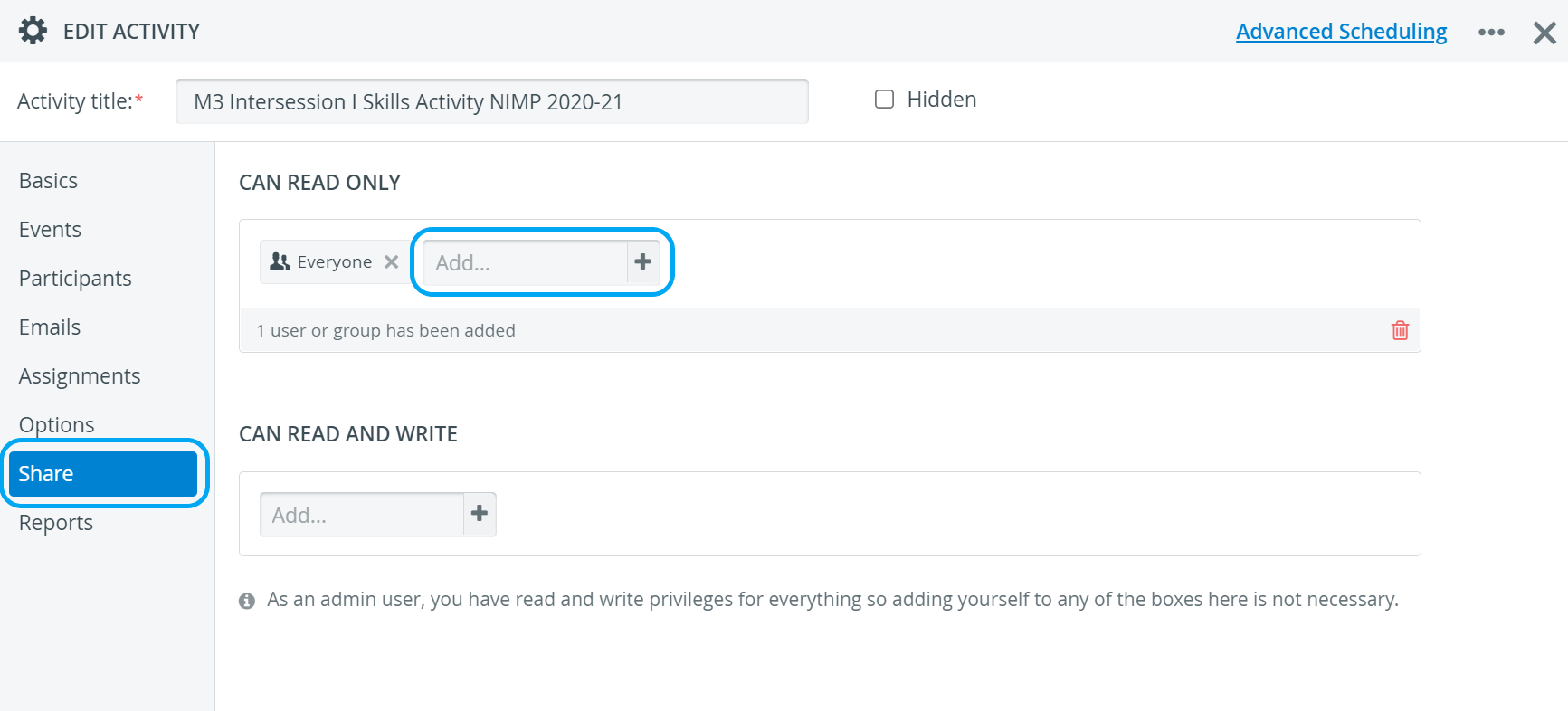
When an Activity is created, 'Everyone' – every user in the system – is added to the CAN READ ONLY field.
This means every user with the Activity Manager and/or SRP users privilege has read-only access to the newly created Activity.Start typing the name of a group or an individual user.
The search results will be listed at the bottom of the field.Select a group or a user.
Your new entity is instantly added.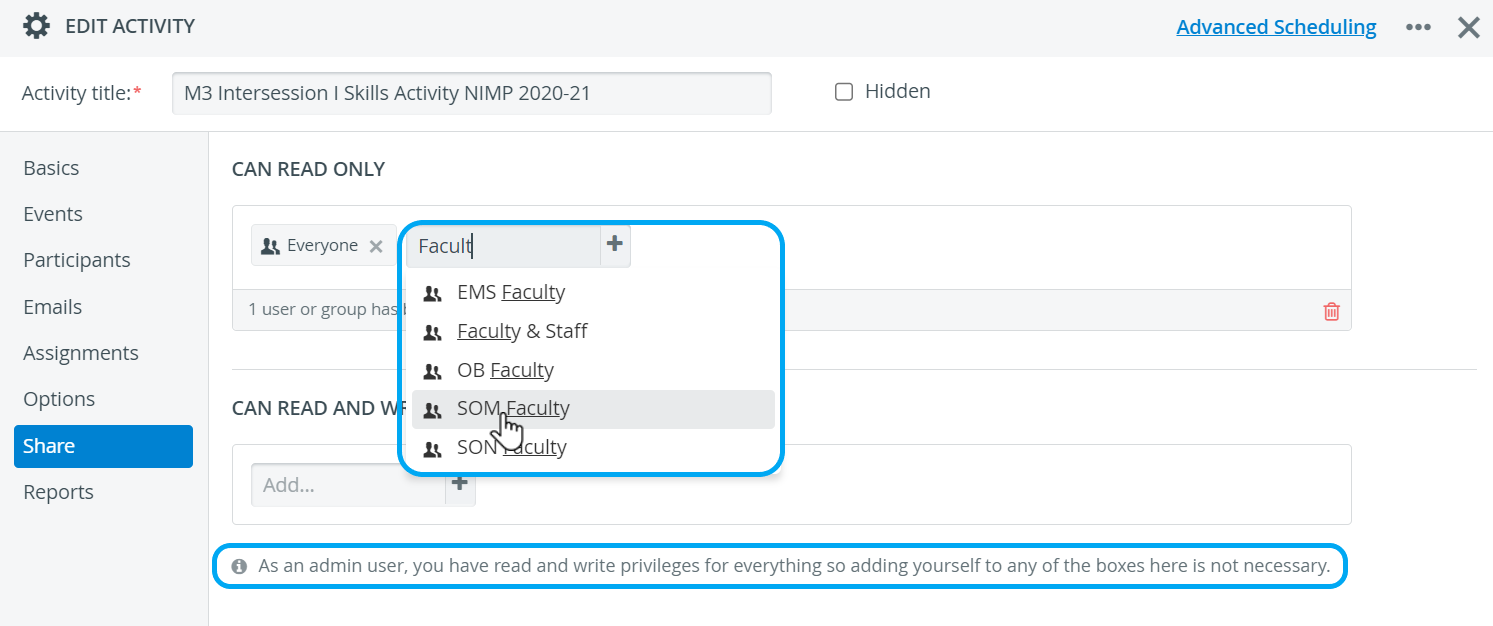
Read-only Activities are labeled with a padlock icon in both cabinet and list views in the Activity Manager and/or SRP users' accounts. Padlock icons do not affect Admin accounts since administrators have full access to every Activity.

2. Grant Activity Managers and/or SRP users editing permission besides read-only access:
Open the Activity of your choice
Go to the Share tab.
Click in the empty Add... field under 'CAN READ AND WRITE'.
Start typing the name of a group or an individual user.
The search results will be listed at the bottom of the field.Select a group or a user.
Your new entity is instantly added.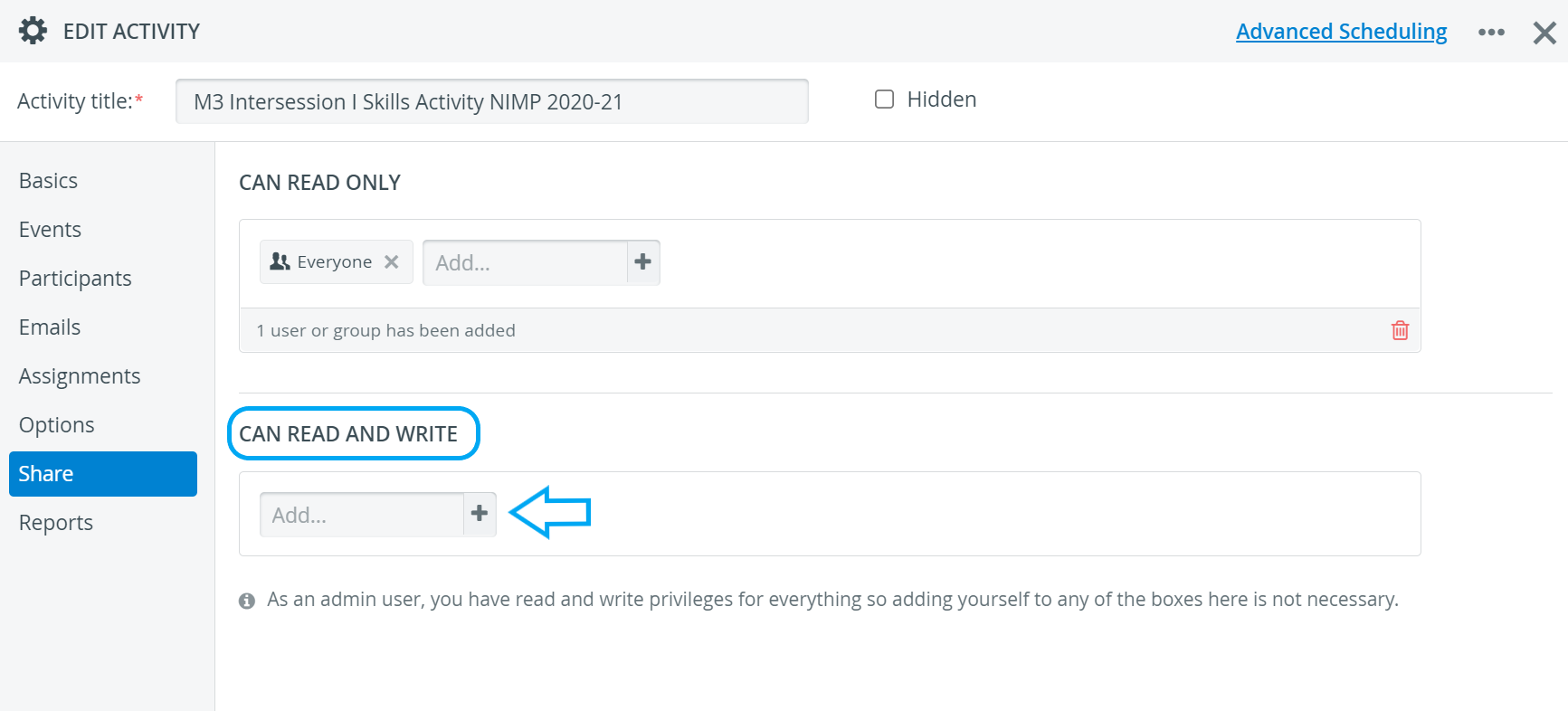
💡 Activity Managers are automatically given read-and-write access to the Activity they have created.
Admins can view and edit Activities at any time.
Withdraw Activity Sharing:
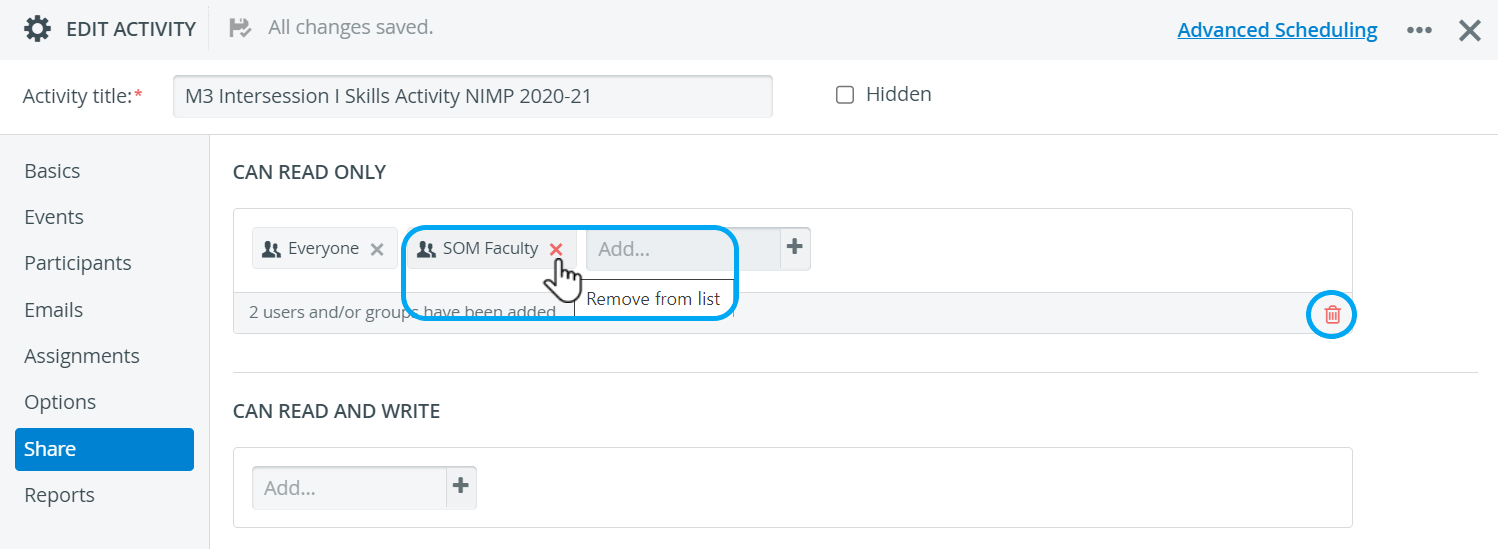
Remove one member: click the red X next to the name of the user or group of users.

Remove all members: click the red trash bin icon in the bottom right corner of the relevant panel.

For further information, visit our Activity Manager, Activity - How to pages and view our Activity Manager Training Videos.