How to Share a Group with a User or Another Group
Highlight the group you wish to share.
Click the Edit Group button at the top of the list. The Edit Group pop-up window appears.
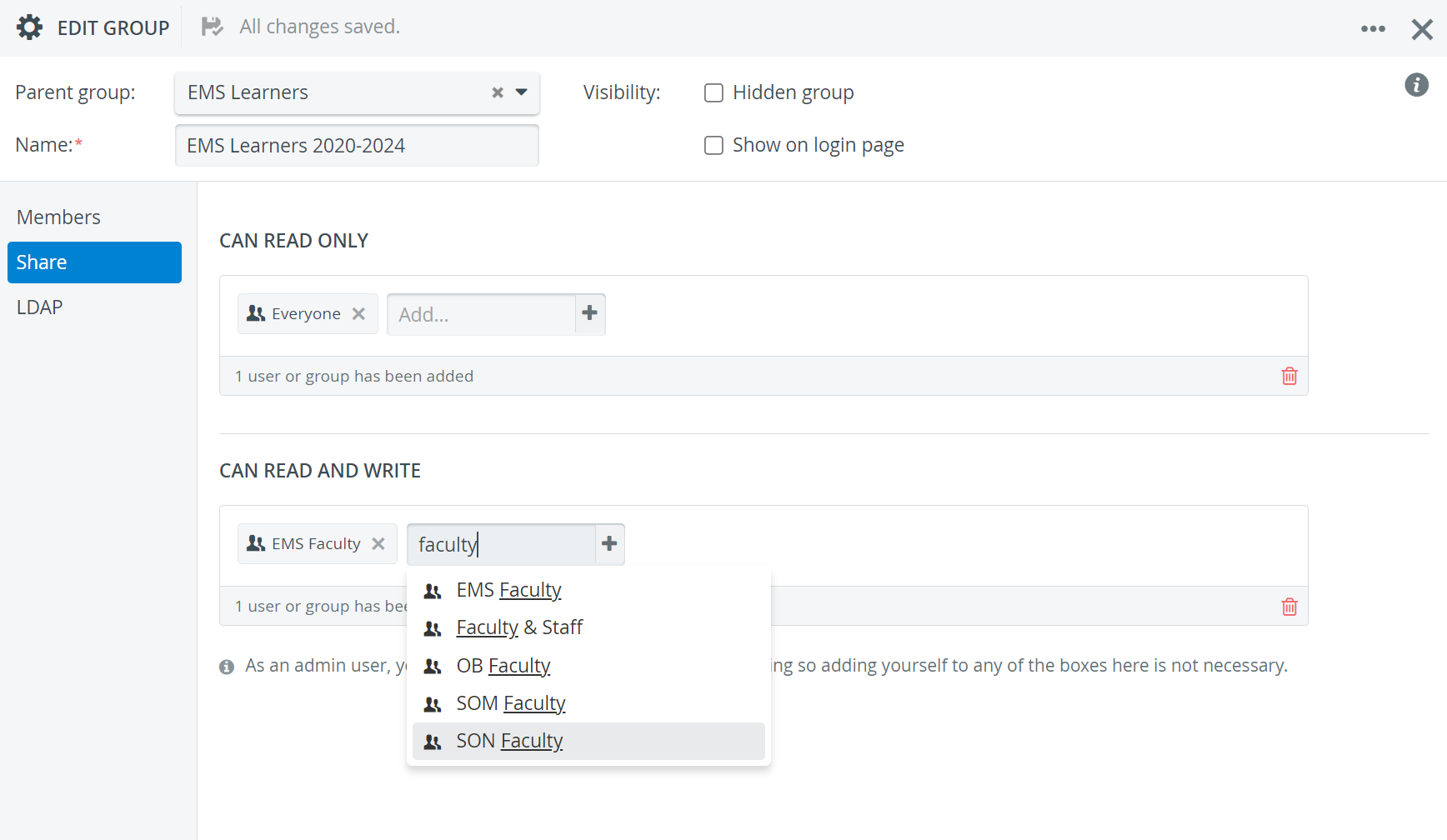
Switch to the Share settings.
Add the desired user or group to the panel granting the intended level of access.
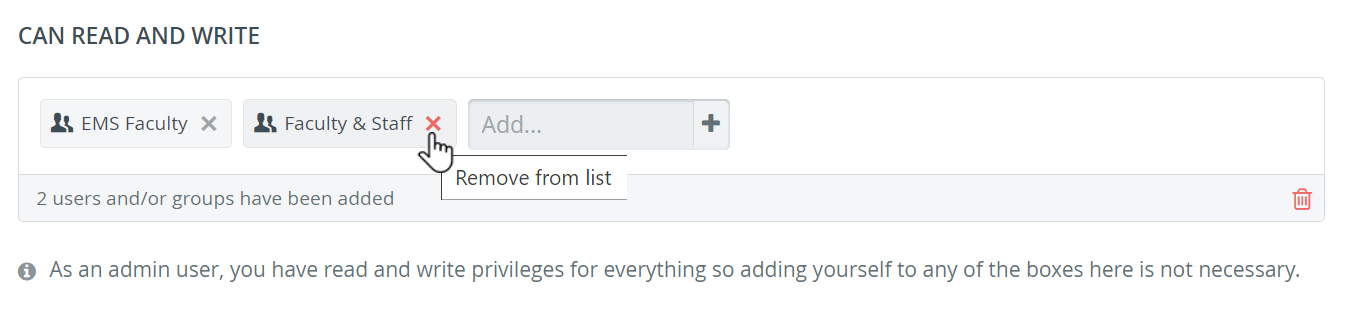
Sharing can be withdrawn by removing a given user or group from either panel by clicking the red X next to the user's or group's name.
The window can be closed when finished as any change is saved automatically.
For further information visit our User Manager pages.