How to Set Up SMTP Connection
NOTE: LearningSpace recommends configuring SMTP server information during initial login to enable email sending from LearningSpace. For your institution's particular server address or details about server requirements, contact your network administrator.
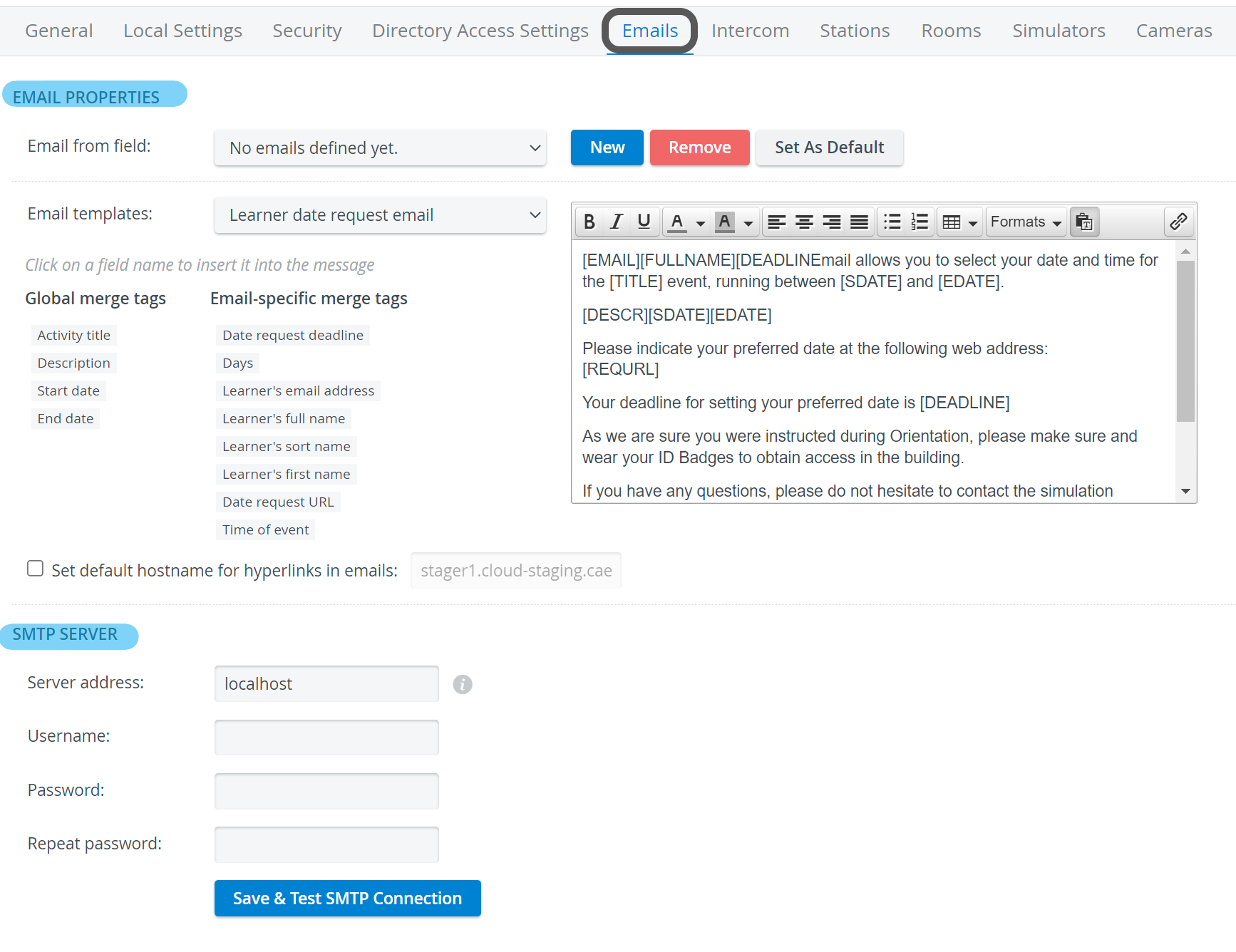
SMTP connection is to be set up on the Emails tab of the System module.
Scroll to the bottom of the tab to see the SMTP server settings.
Enter the SMTP server name in the Server address field.
NOTE: By default, localhost is used as the server address, but it can be configured to point to a custom server.
Elevate Healthcare recommends that the organization’s IT implement outbound firewall rules to prevent the LearningSpace server from initiating connections to unauthorized external ports or addresses.
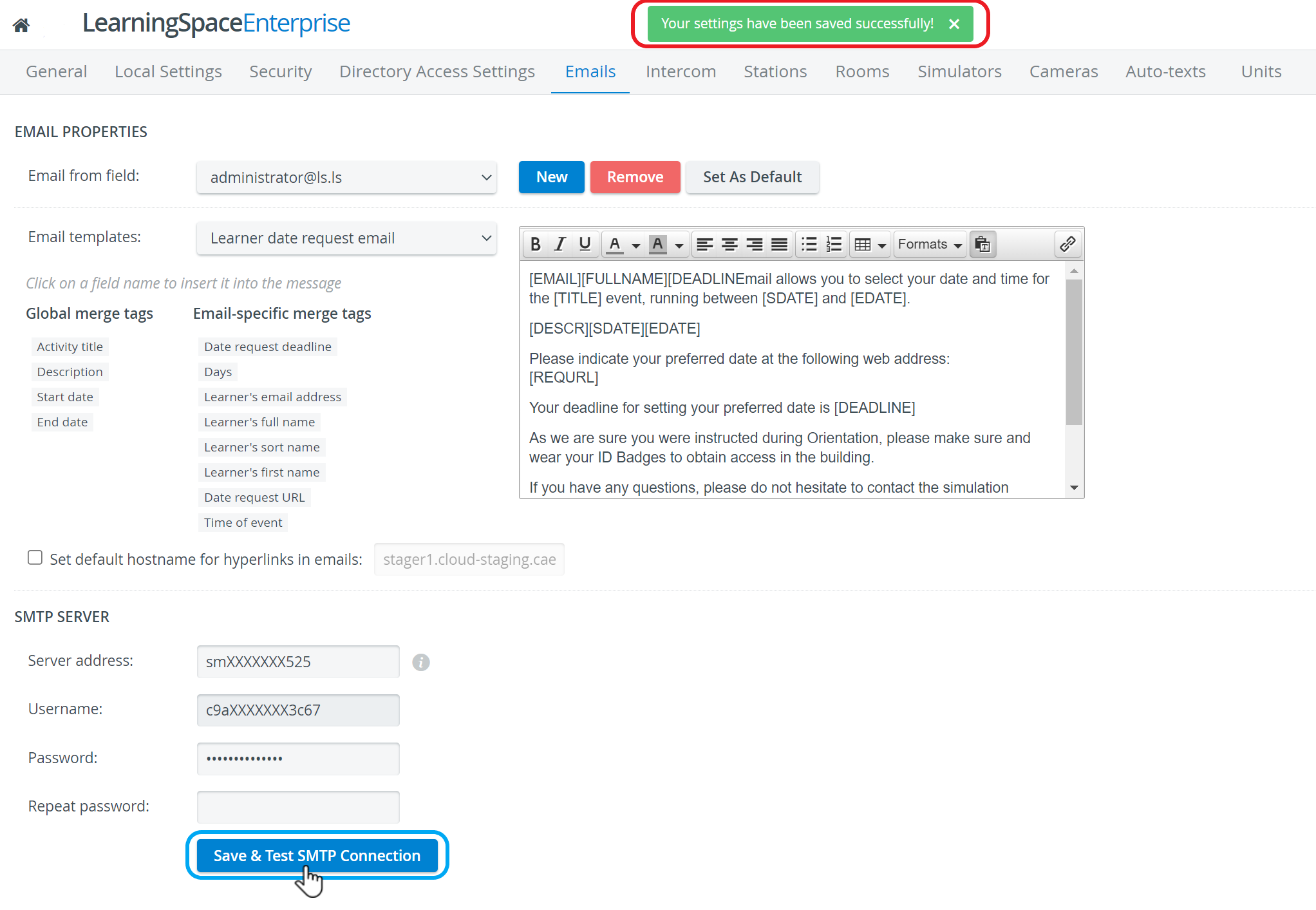
If SMTP authentication is required, specify the user name and password.
Click Save & Test SMTP Connection to complete the setup and test the server settings.
The status of the SMTP connection will be displayed in a message at the top of the screen.
For further information, visit our System Manager pages.