How to Set Up Peer Evaluation
Peer evaluation (or 'Peer feedback') is feedback about a learner provided by a peer, that is, another learner of the learner group assigned to an Activity.
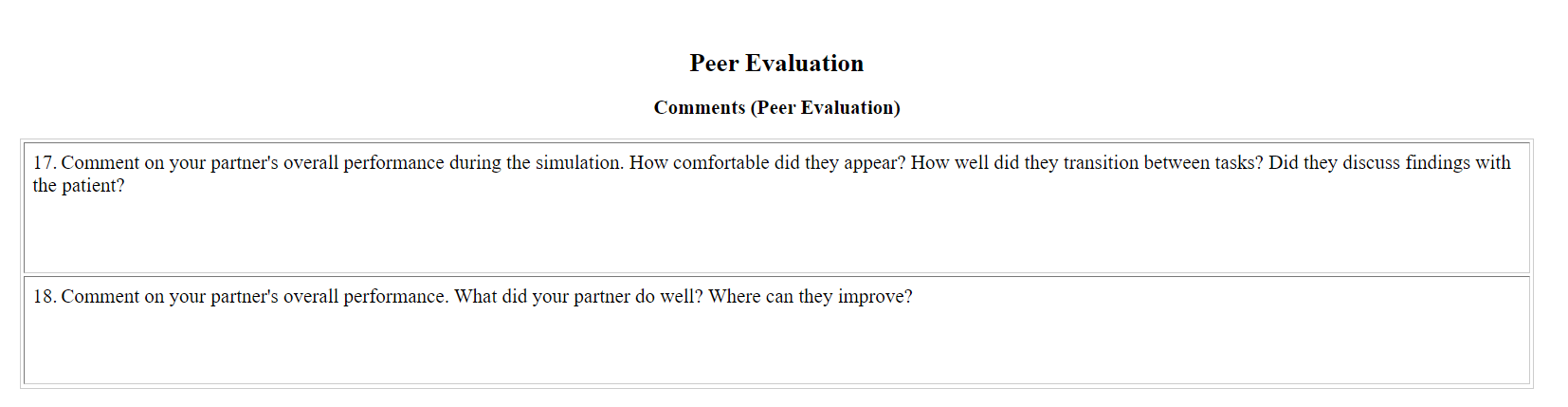
Peer evaluation in LearningSpace can be set up if the following conditions are fulfilled:
Peer Evaluation checklist - the Case(s) assigned to the Activity has/ have a Peer Evaluation checklist prepared.
Assignments created - there are learners assigned to evaluate each other (Learner-Learner direction) on the Assignments tab of the Edit Activity pop-up window.
IMPORTANT: Evaluator-Evaluee membership determines the direction of evaluation. That is, peer evaluation may be set up unidirectionally, meaning that members of the first group may only have the task of evaluating but would not be evaluated.
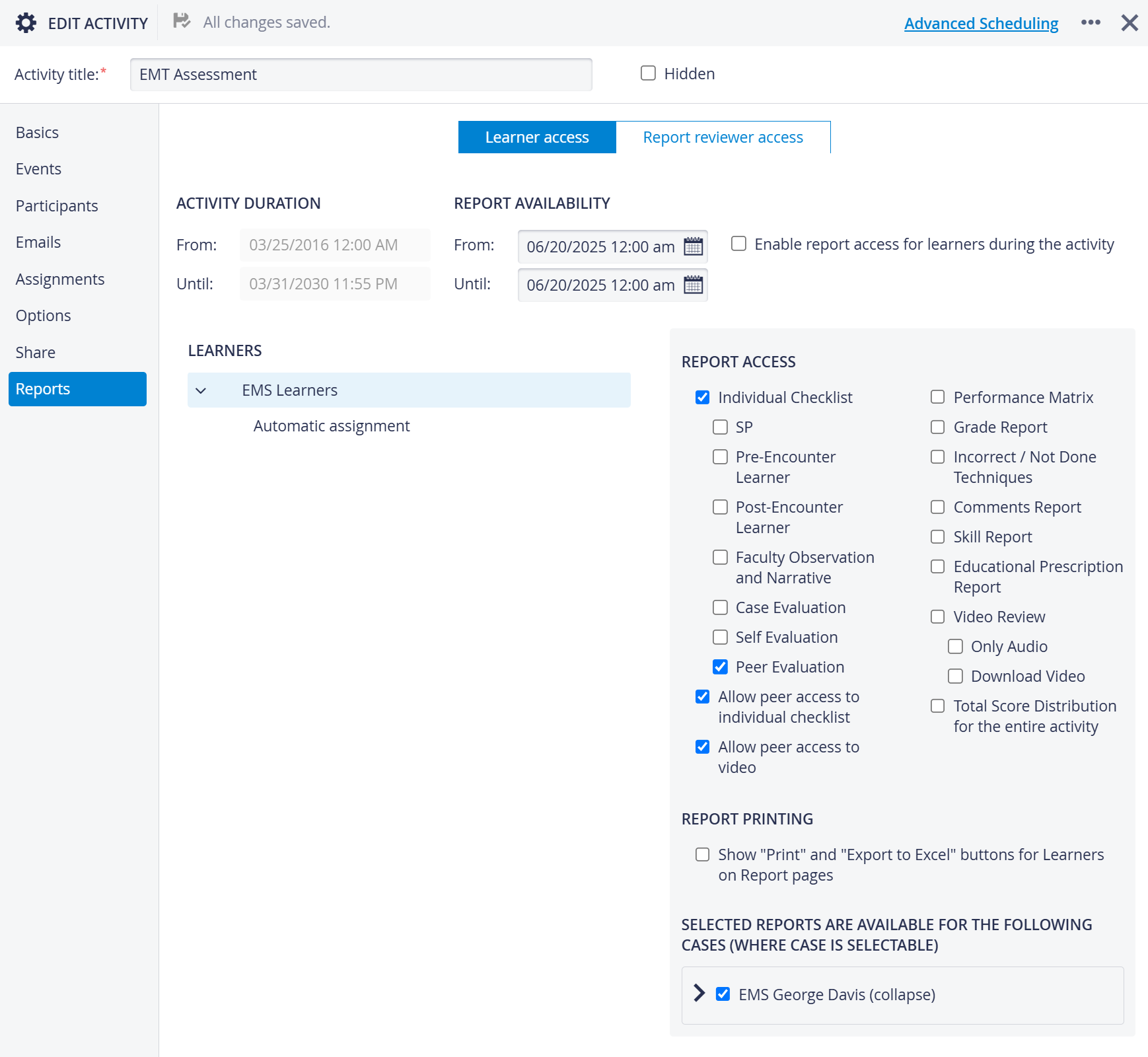
(lightbulb)To set up a "mutual" evaluation, add the same selection of participants to both the Evaluator and the Evaluee group.Report access - the following accesses have to be enabled on the Learner access part of the Reports tab of the Edit Activity pop-up window:
Allow peer access to individual checklist - granting access for evaluator learners to the Peer Evaluation checklist of the evaluee
Allow peer access to video, ensuring access to the evaluees' video recording (different from the evaluating learner's own recording)!
For a further description of setting up Peer Evaluation, see 'How to Establish Peer Evaluation'.
For more information, visit our Activity Manager, Activity - How to pages and view our Activity Manager Training Videos.