How to Set Up Multiple Language Support
LearningSpace can be used in 12 languages:
Chinese
English
French
German
Hungarian
Korean
Polish
Portugese
Russian
Spanish
Traditional Chinese
Welsh
To allow individual users to change the language on their user profile, an Admin user has to enable the Multiple language support on the Local Settings tab of the System Manager.
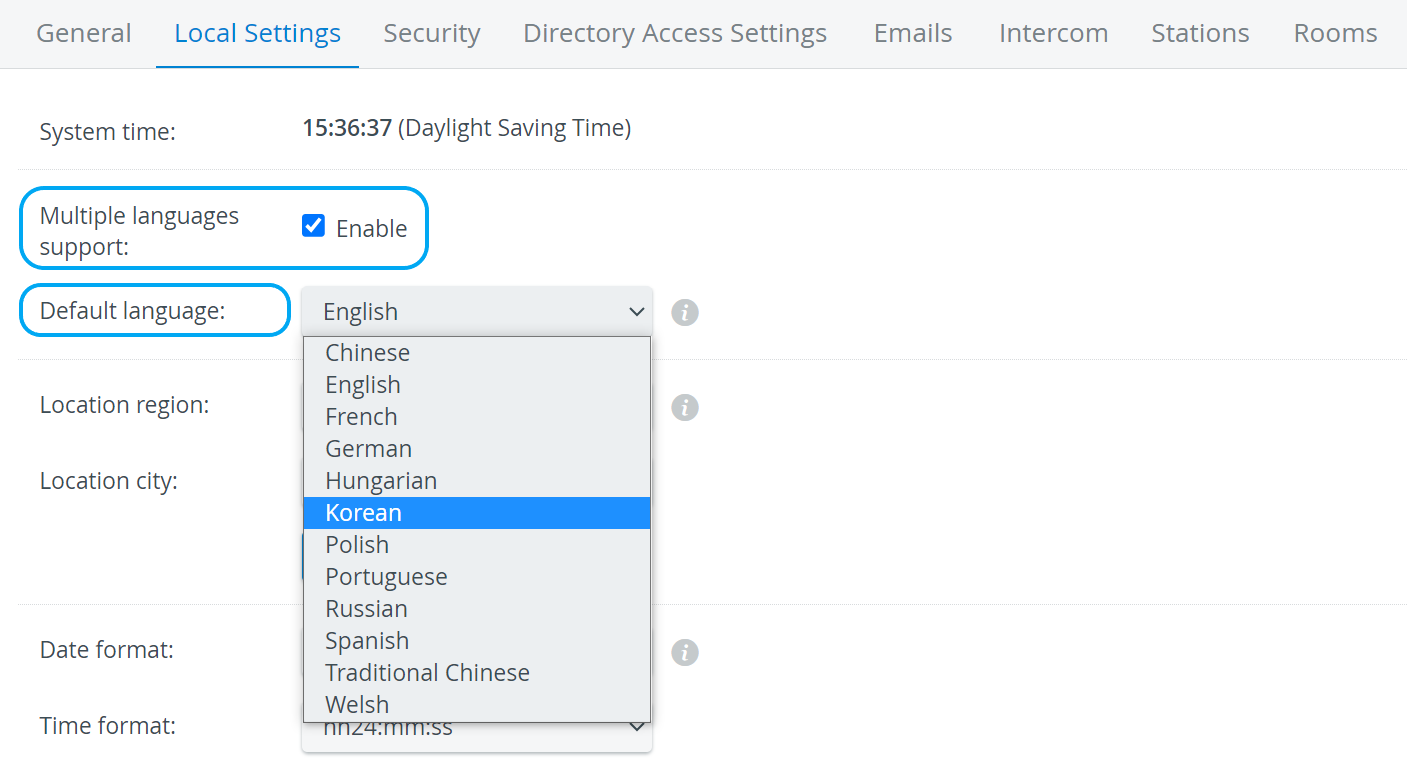
Ticking the checkbox prompts the Default language drop-down menu to appear, where the default language of the institution's users can be set. By default, it is set to English.
If the setting is enabled, each individual user can select their preferred language in the User Account Settings opened via their name in the top right corner of the screen.
For further information, visit our System Manager pages.