How to Search for a Resource
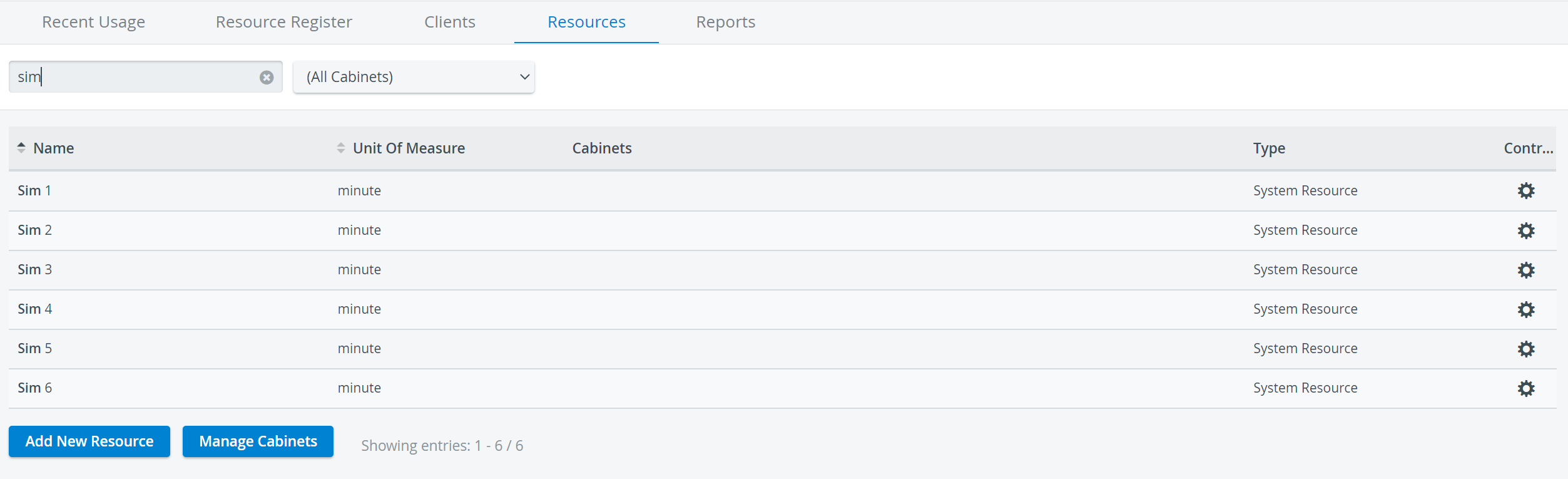
Click the Resources tab.
Click the Name and Unit of Measure column headers to order the list according to either header.
For a targeted search, enter a keyword in the Quick search field.
A keyword can be any word or part of a word related to a resource (for example, Name or Unit of Measure). The more keywords used in the search, the more targeted the search becomes.
The list of resources updates immediately, showing the search results. With every additional character, the list of results narrows.
4. To start a new targeted search, clear the Quick search field by clicking the X in the search field.
5. To see the results for a specific resource cabinet, select the cabinet from the Cabinet drop-down menu.
For more information, visit our Resource Manager and Resources - How to pages.